A
102
Using the Suspend to RAM Function
7. Boot Windows
®®
®®
®
98. In the Windows
®®
®®
®
98 desktop, click the
Start button. Move the cursor to Settings, then click Control
Panel.
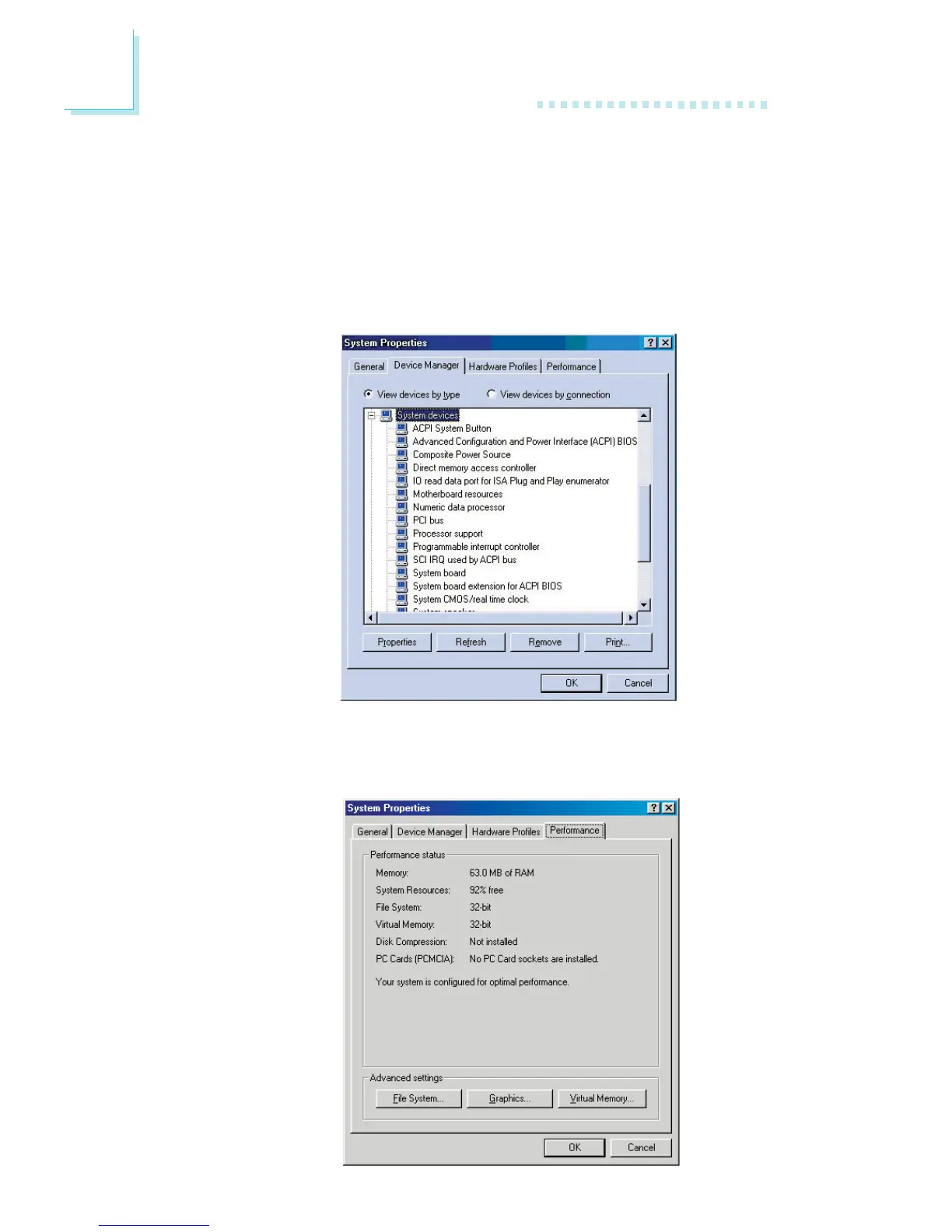
To check whether ACPI was properly installed, double-click the
System icon. In the System Properties dialog box, click the
“Device Manager” tab. In “View devices by type”, click “System
devices”.
8. Double-click the System icon. In the System Properties dialog
box, click the Performance tab.



 To Next Page