A
104
Using the Suspend to RAM Function
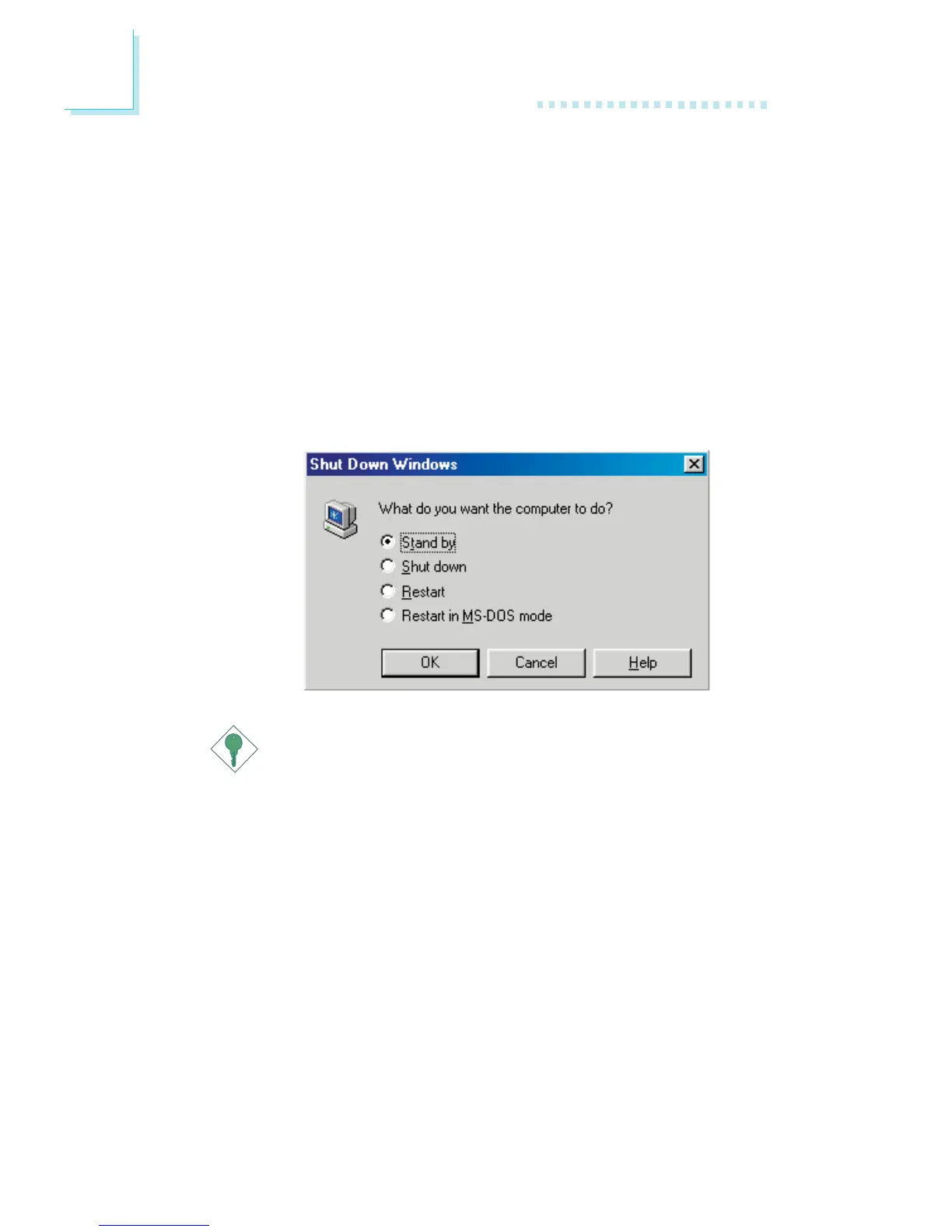
12. After completing the steps above and you want to power-off
the computer, you do not need to go through the process of
closing files, applications and operating system. You can power-
off the computer at once by pressing the power button or
selecting “Standby” when you shut down Windows
®®
®®
®
98.
To power-on the computer, just press the power button. The
operating session where you left off when you power-off the
computer will resume in not more than 8 seconds.
If you have changed the color or resolution (in the Display
Properties dialog box), do not apply the settings without
restarting. You must restart the computer.
Important:
If you are unable to use the Suspend to RAM function (after
performing the steps above in Windows
®®
®®
®
98 or when you are
in Windows
®®
®®
®
2000/ME/XP), please check whether your add-in
cards or devices support this function. If this function is not
supported, you need to download the appropriate driver from
their respective website.



 To Next Page