15
Operating Instructions
EQ (Electronic Preset Equalizer, on
remote control only)
The preset equalizer allows you to adjust the
sound characteristic for the most popular types
of music.
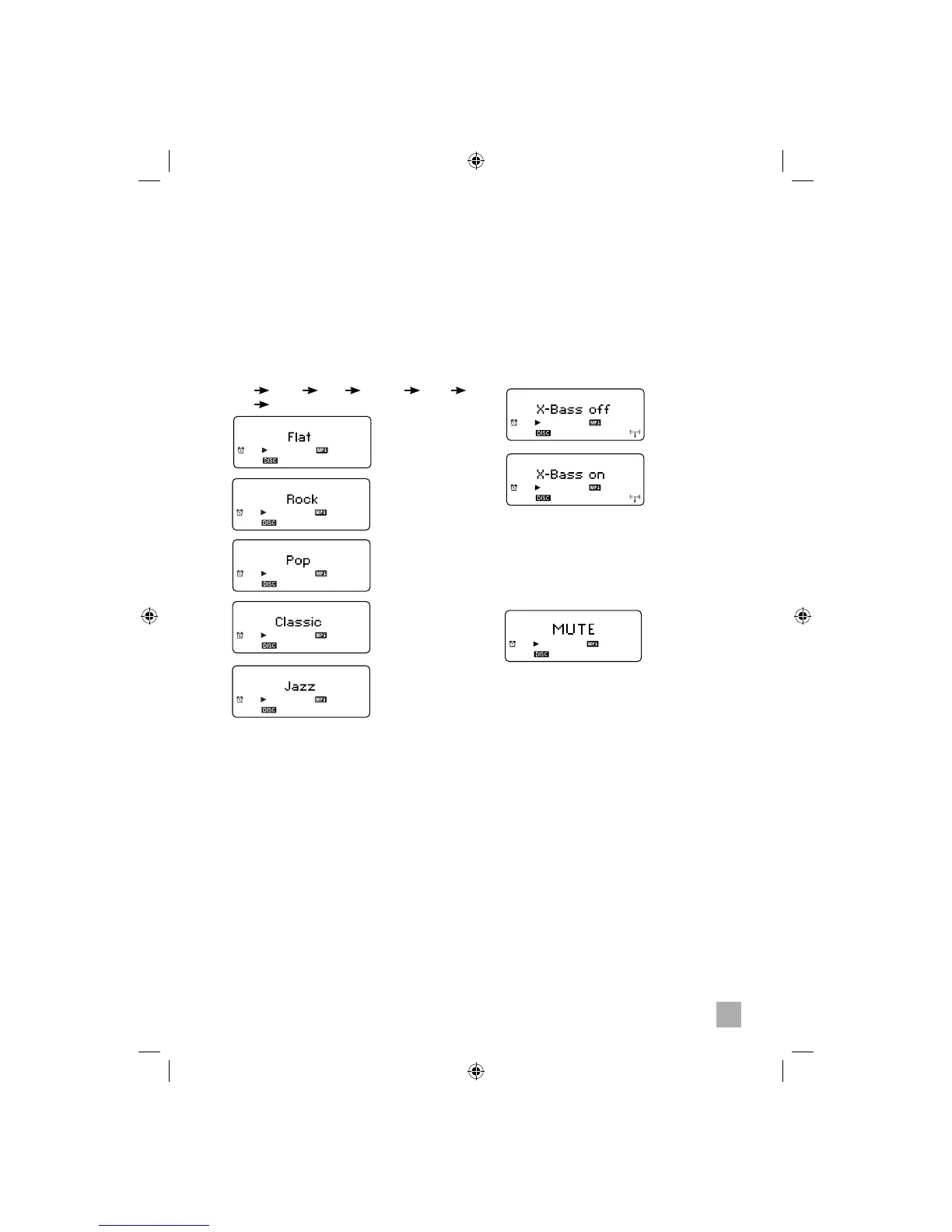
• Press the EQ button on the remote control to
cycle through the following equalizer settings:
Flat
Rock Pop Classic Jazz
Flat ...
• The corresponding EQ indicator briefl y
appears on the display to confi rm your
selection.
• The system remembers the EQ setting when
the power is switched off and returns to the
same setting when the power is switched on
again.
DBBS (Dynamic Bass Boost, remote
control only)
• Press the DBBS button on the remote control
to increase the bass response. “X-bass on”
appears briefl y on the display.
• Press again to cancel the Bass Boost
function.
MUTE Button (on remote control
only)
• Press the MUTE button on the remote control
to shut of the speakers temporarily. The
sound stops and the display shows “MUTE”.
• Press the MUTE button again and the sound
returns to the previous volume.


 To Next Page