24
Playing MP3 & WMA CDs
Most of the normal CD operations described
in this manual also apply to MP3/WMA CDs.
However there are a few differences in MP3
WMA CD playback functions, and these are
described on the following pages.
To read the MP3/WMA CD and display
information:
• After you load an MP3/WMA CD the player
will read each of the directories or albums
on the disc, one at a time, and display the
number of directories and the cumulative
number of tracks.
• Because MP3/WMA CDs contain so much
more information than normal CDs this CD
player will take longer to read the table of
contents information on an MP3/WMA disc.
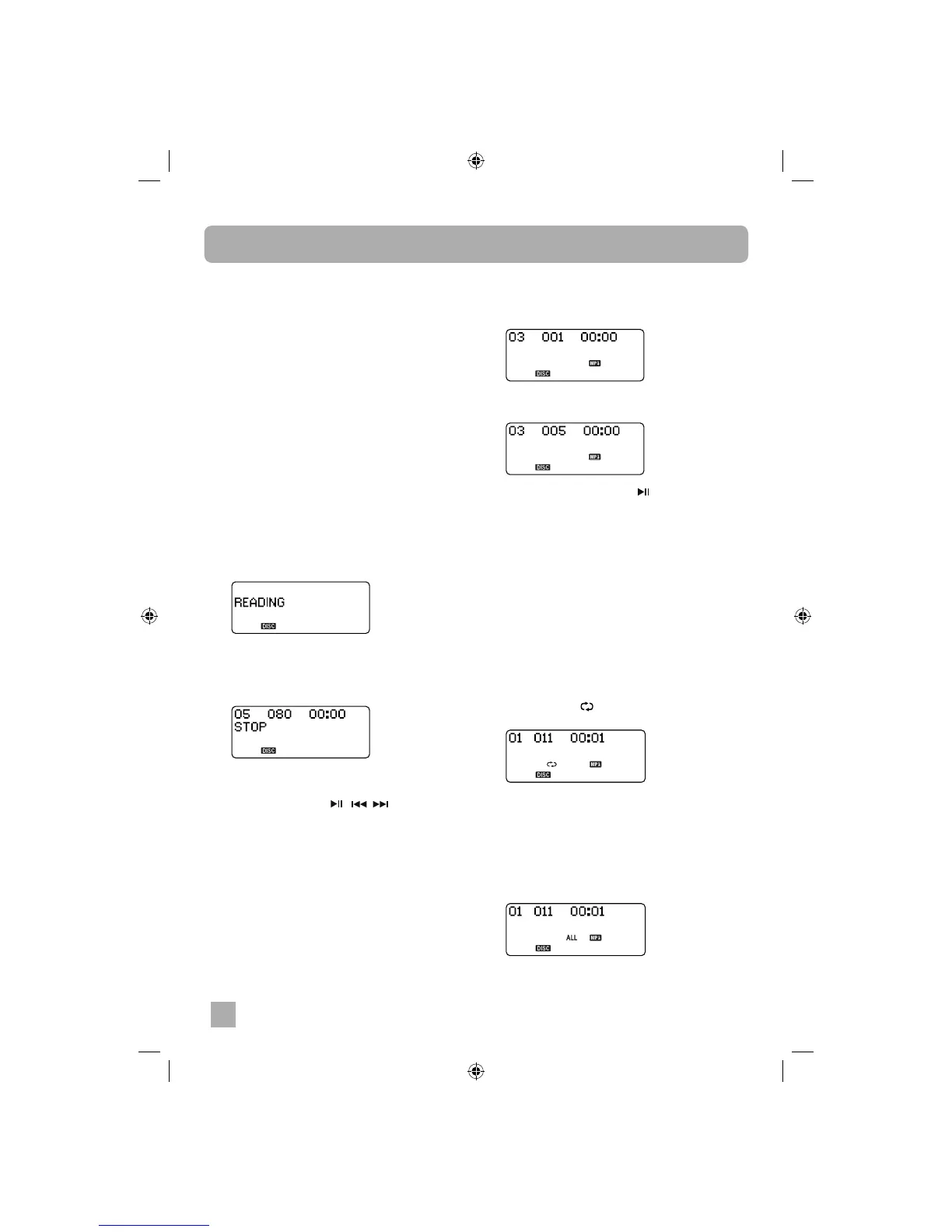
• You may see the fl ashing “READING”
indicator for a minute or more before
playback begins. This is normal and not an
indication of any problem with your player.
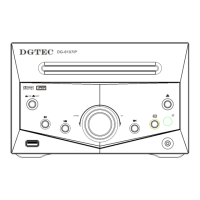
• For example if we insert an MP3/WMA CD
containing “05” Directories or Albums and
a total of “80” fi les or tracks, the display will
shows as below.
To play a MP3/WMA CD:
• The PLAY/PAUSE , , and STOP/
BAND controls have the same functions for
MP3/WMA CDs as they do for normal CDs.
To skip quickly from a track in one directory
to a track in another directory:
1. Load an MP3/WMA CD into the player. Wait
until the reading process is completed.
• Example: Let’s assume that you want to skip
to Directory # 03/Track # 005.
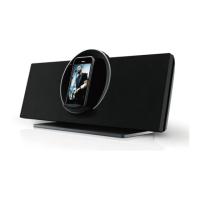
2. Press the FOLDER UP / DN button
repeatedly to select album “03”. The track will
show “001”.
3. Press the button fi ve times and the display
shows Track “005”.
4. Press the PLAY/PAUSE button to start
playback.
MP3/WMA CD Repeat Playback
There are 3 Repeat Playback options with MP3/
WMA CDs. In addition to the Repeat 1 Track and
Repeat All Tracks options which are the same
for normal CDs, you may also select Directory
Repeat Mode to repeat all the tracks contained in
a single Directory.
To repeat a single track on an MP3/WMA CD:
1. Select the track to be repeated and start
playback as usual.
2. Press the REPEAT button once.
• The indicator “ ” appears and the selected
track will be repeated continuously.
To repeat all the tracks on an MP3/WMA CD:
1. Select the directory to be repeat playback as
usual.
2. Press the REPEAT button 2 times.
• The “ALL” indicators appear on the display
and all the tracks on the disc will be repeated
continuously.


 To Next Page