After Sales Support TEL:1800 189 941 17
INSTRUCTIONS
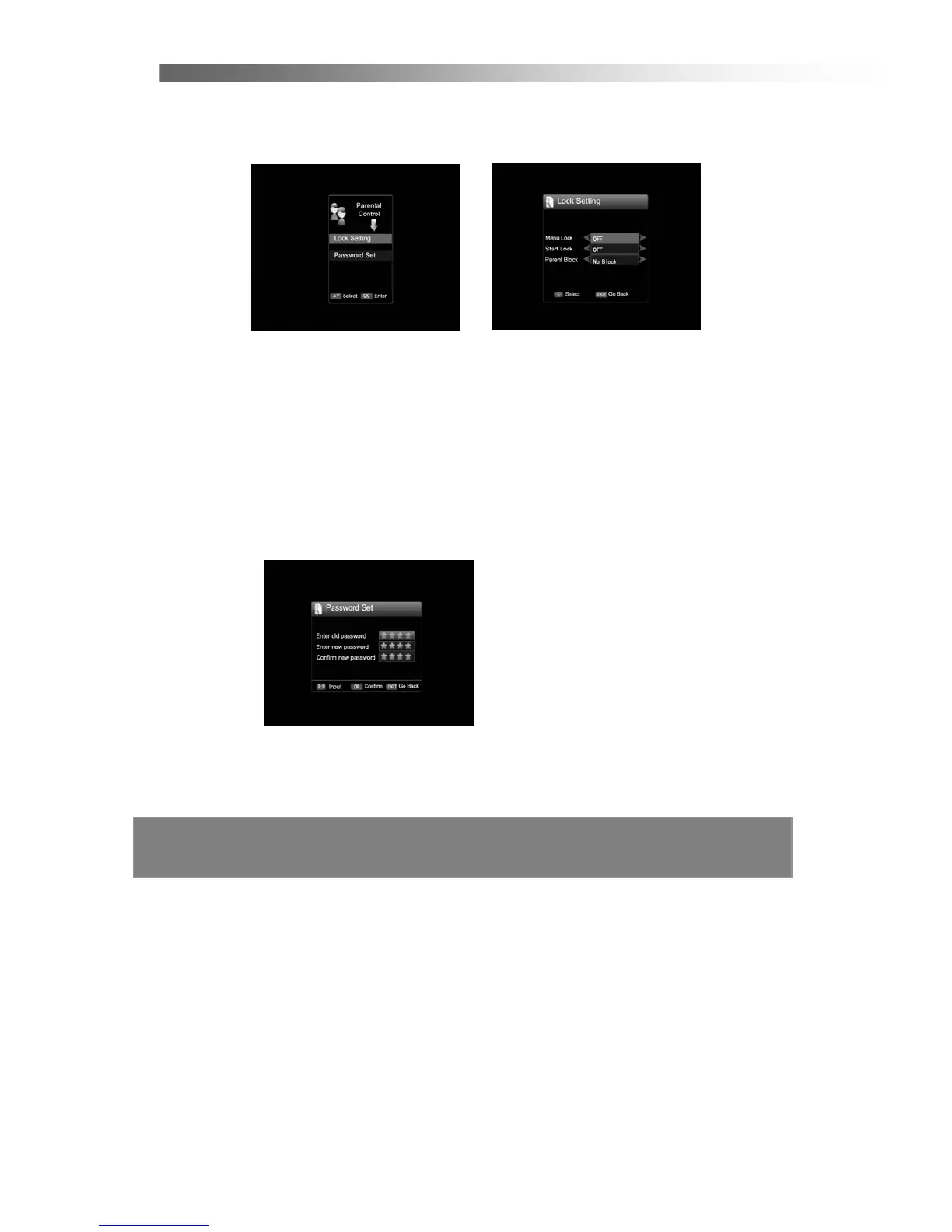
2.5 Parental Control
In this menu, you can use the Left/Right button to change the settings, Up/Down to
select the item or press EXIT to cancel. (The default password is 0000.)
< Lock Setting >
Menu Lock
Setting “Menu Lock” to Open will require you to input a correct PIN code to enter the
main menu.
Start Lock
Setting “Start Lock” to Open will require you to input a correct PIN code to watch
programs that you have locked.
Parent Block
Setting “Parent Block” to Open will require you to input a correct PIN code to watch
programs that you have locked. (No Block, Block ALL, G and Above, etc)
< Password Set > (The default password is 0000)
To change the current PIN code, input the current PIN code then input the new PIN
code you want to use. You must confirm this new PIN code again.



 To Next Page