After Sales Support TEL:1800 189 941 4
ASSEMBLY AND PARTS LIST
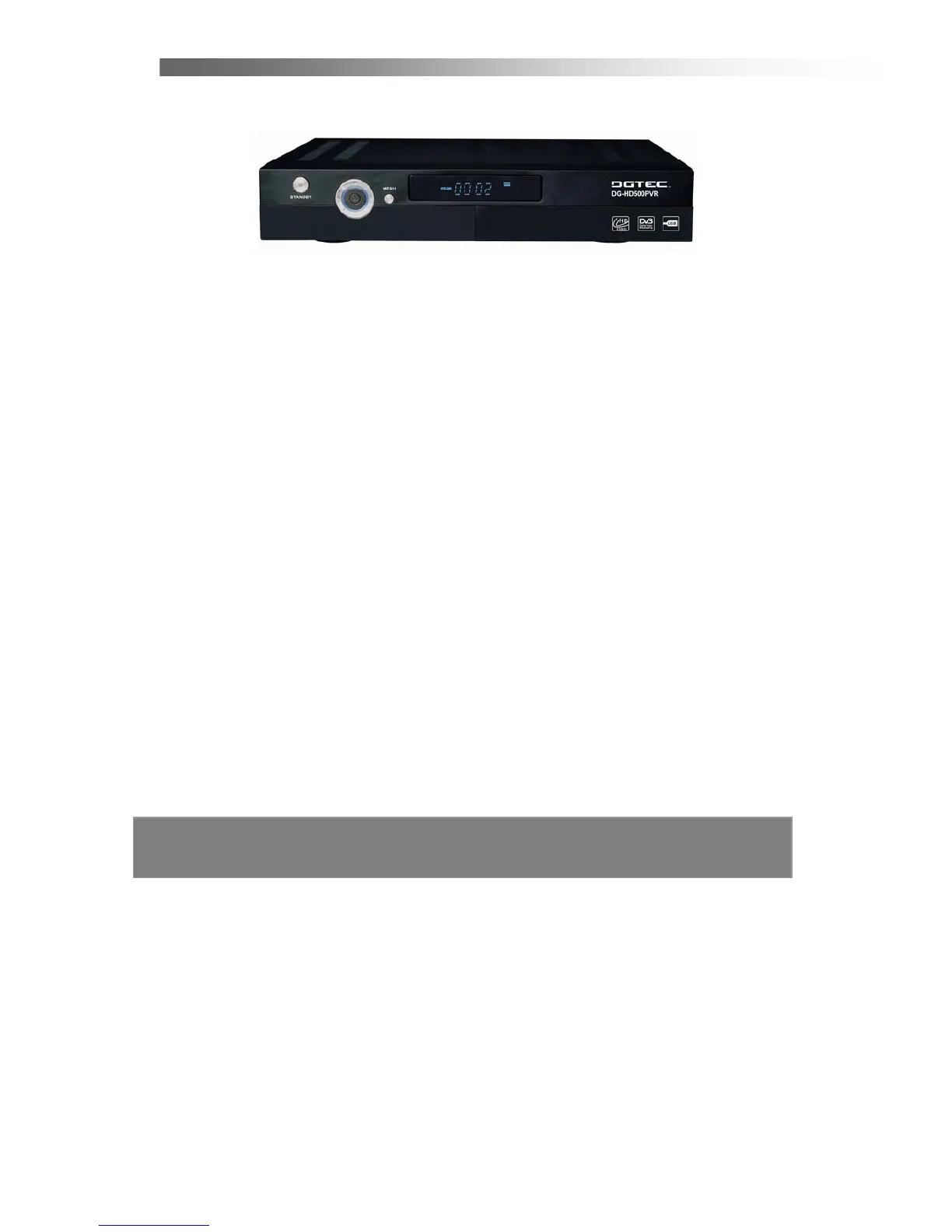
1.2 Front Panel
1. Standby Button
Press to switch between operation and standby mode. The orange LED lights up
when in the standby mode.
2. Volume Left/Right Button (
◄/►)
Moves the cursor left/right when in the menu or adjusts the volume level in the
normal state.
3. CH Up/Down Button (
▲/▼)
Moves the cursor up/down when in the menu or changes the current program to the
previous/next channel in the normal state.
4. OK Button (OK)
Press to select the item in the menu or to list the TV/Radio channels.
5. Menu Button (MENU)
Press to display the Main Menu or to exit from the menu.
6. Front Panel Display
Front panel window displays information concerning current operation such as TIME,
CH number and so on.
7. Infrared Remote Sensor (IR)
A hidden sensor senses infrared signal from the remote control.



 To Next Page