After Sales Support TEL:1800 189 941 18
INSTRUCTIONS
2.6 File Manager
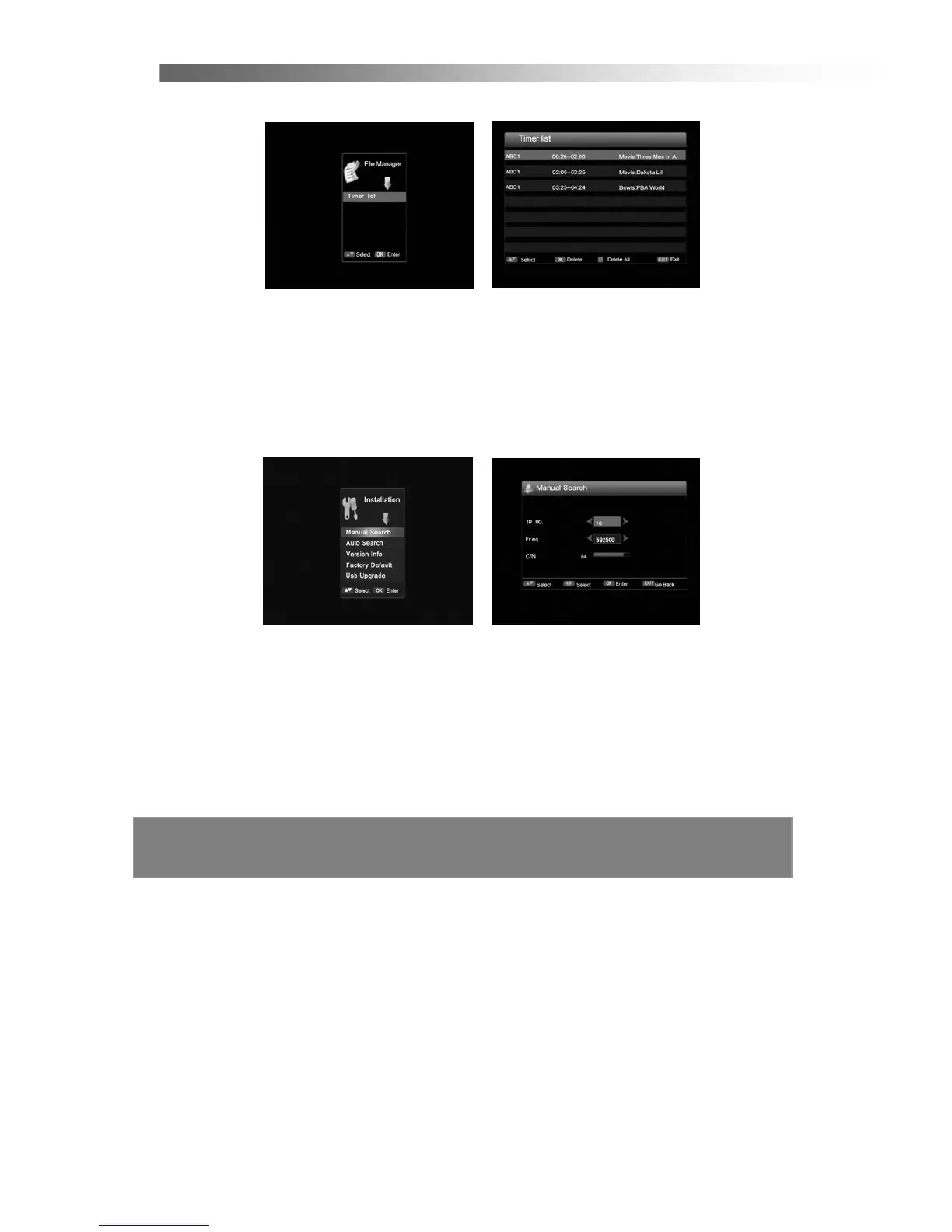
< Timer List >
This is a preview page of the all timer recordings set, using the Timer and EPG.
2.7 Installation
Use Left/Right button to select the Installation Menu, press OK and the following
screen will appear.
< Manual Search >
1. If you press OK in Manual Search of the Installation Menu, the following screen
will appear.
2. Use the Up/Down button to select the item, and change the settings with the
Left/Right and number (0~9) buttons. (used to change input frequency)
3. Once the settings have been entered then press the OK button to scan current
channel or press EXIT button to go back.



 To Next Page