13
INSTRUCTIONS
2.1 Instructions
< Starting up for the First Time >
1. Turn on your TV and STB.
2. If it is the first time using the STB, below is an explanation of the menu settings.
Press the MENU button to bring up the following screen.
< Menu Information >
2.2 Timer setting
You can program the STB to perform a certain event at a specified time using the
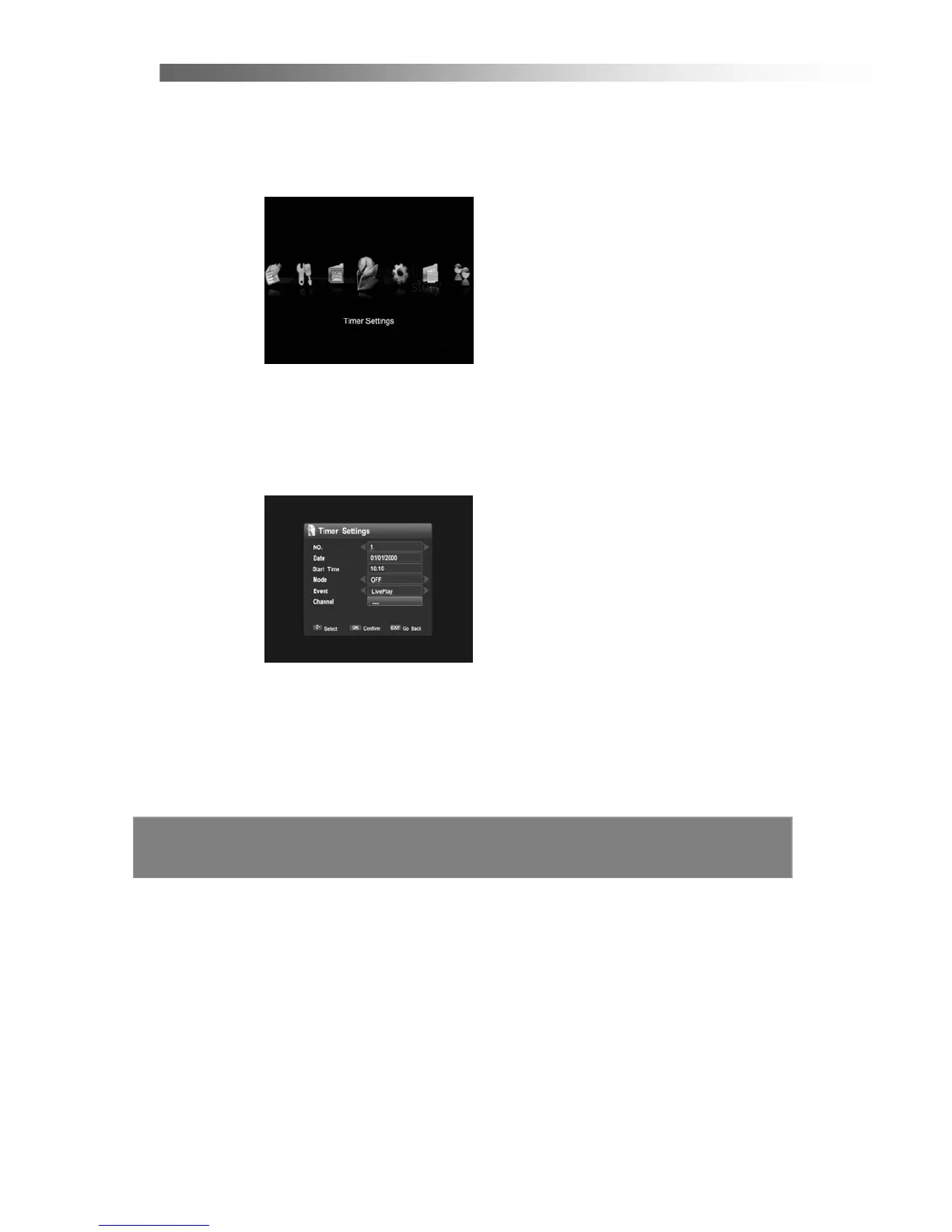
Timer Settings. Entering Timer Settings will show the following screen.
Use the UP/Down button to select the item, and change the parameters using
Left/Right button.
NO.
You can select up to 25 timer entries.
Date / Start Time
You can set the date and start time of the program you intend to record.
Mode
Choose “ON” activates the timer.



 To Next Page