4
ASSEMBLY AND PARTS LIST
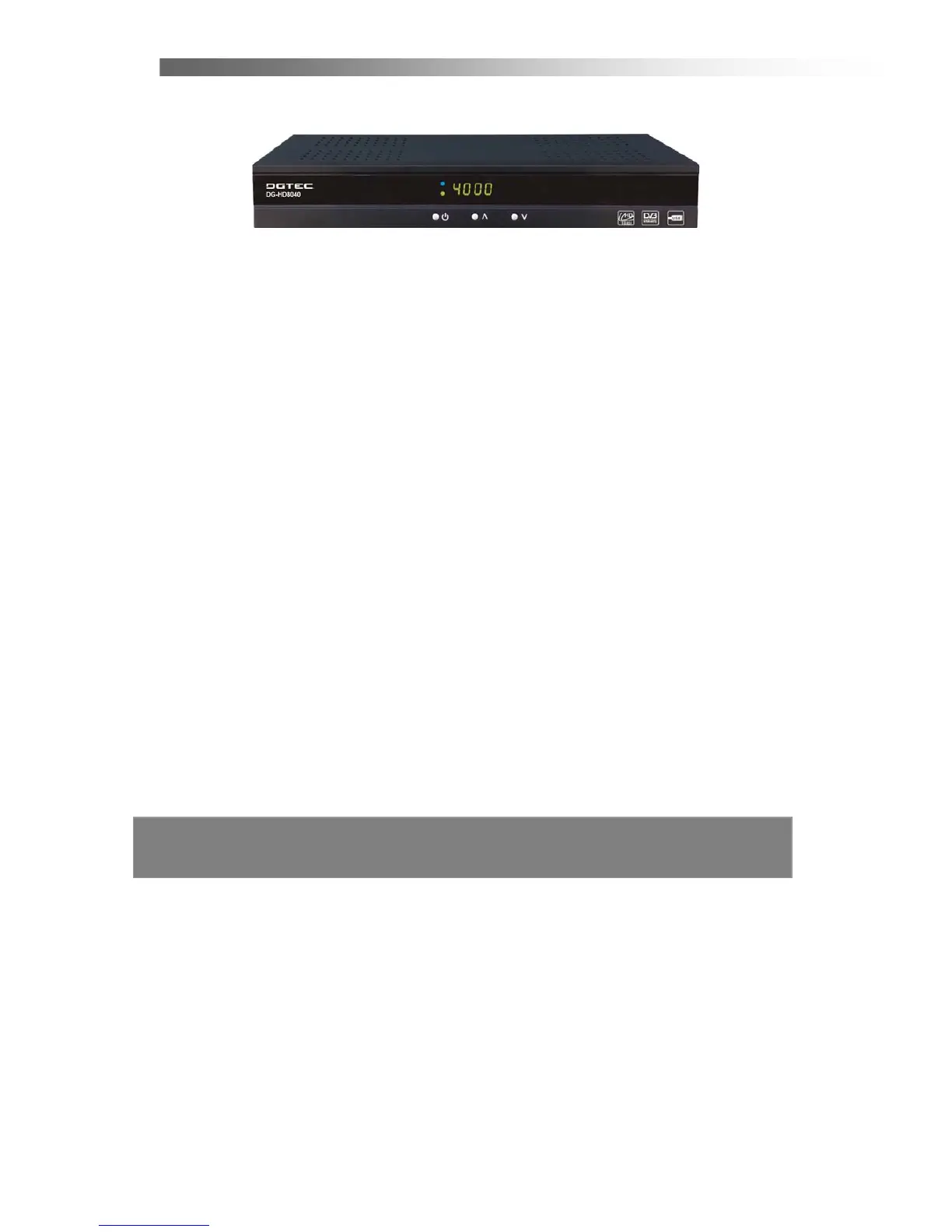
1.2 Front Panel
1. POWER Button
Turn the STB’s power on or off.
2. Front Panel Display
Front panel window displays information concerning current operation such as TIME,
CH number. The blue LED lights up when power on, the green LED lights up when
the channel is locked in.
3. CH Up/Down Button (
j/i)
Moves the cursor up/down when in the menu or changes the current program to the
previous/next channel in the normal state.



 To Next Page