20
INSTRUCTIONS
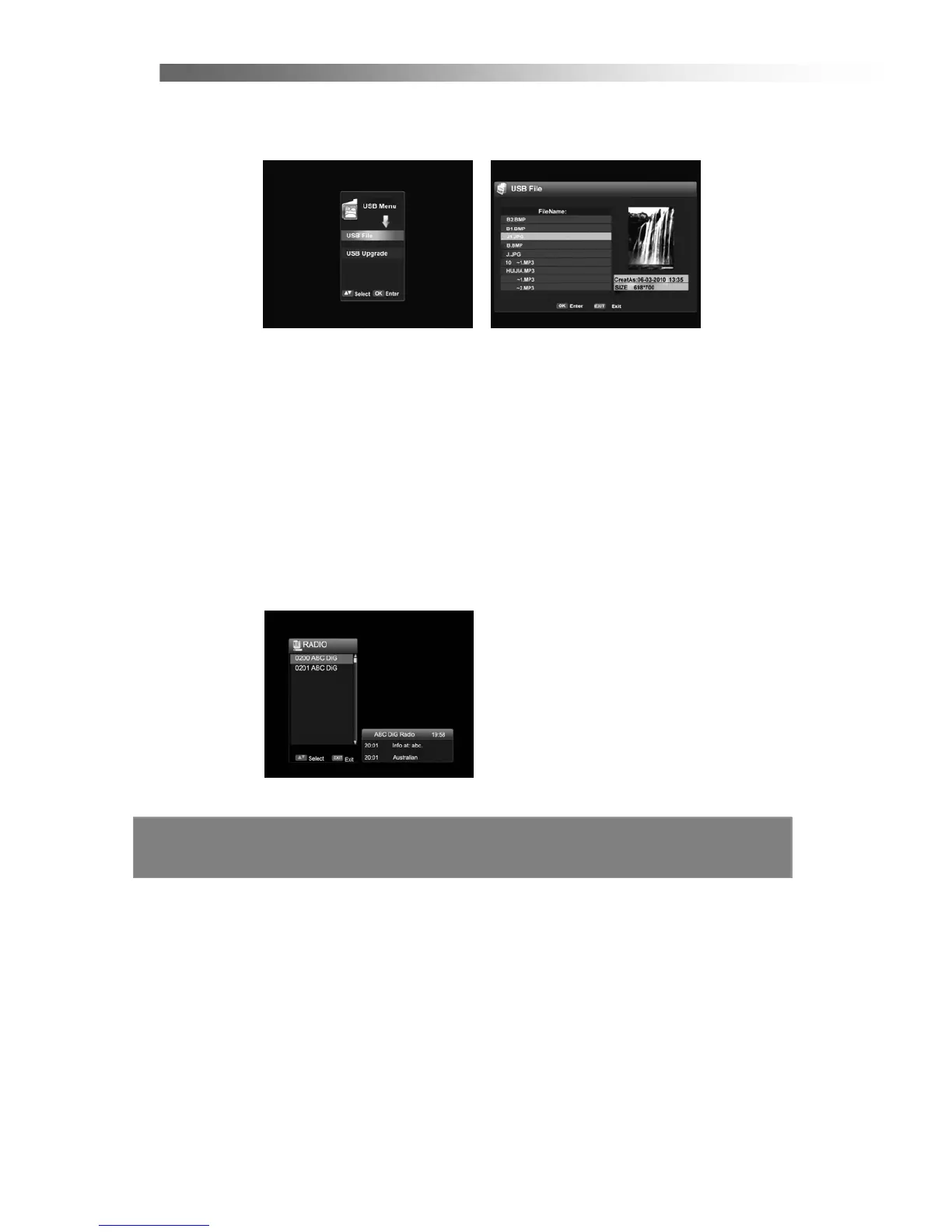
2.8 USB Menu
Use
Left/Right
button to select the USB Menu, press
OK
and the following screen
will appear.
< USB File >
< USB Upgrade >
2.9 TeleText
If you have selected a channel that contains teletext data, you can press TEXT
button to open the OSD Teletext (available on ch7)
< TV/Radio and Favorite List in Simple Mode >
If you press OK on the remote controller at normal state, the channel list is displayed.
You can switch between TV and Radio list by pressing
TV/RADIO
button.
You can select one item from favorite list by pressing FAV button.
You can fast preview the channel by pressing the Up/Down button.
You can see the files in a USB storage device (might not be compatible with all devices)
An upgrade can be performed using the USB port (only to be advised by DGTEC technician)



 To Next Page