19
INSTRUCTIONS
3. Once the settings have been entered then press the OK button to scan current
channel or press EXIT button to go back.
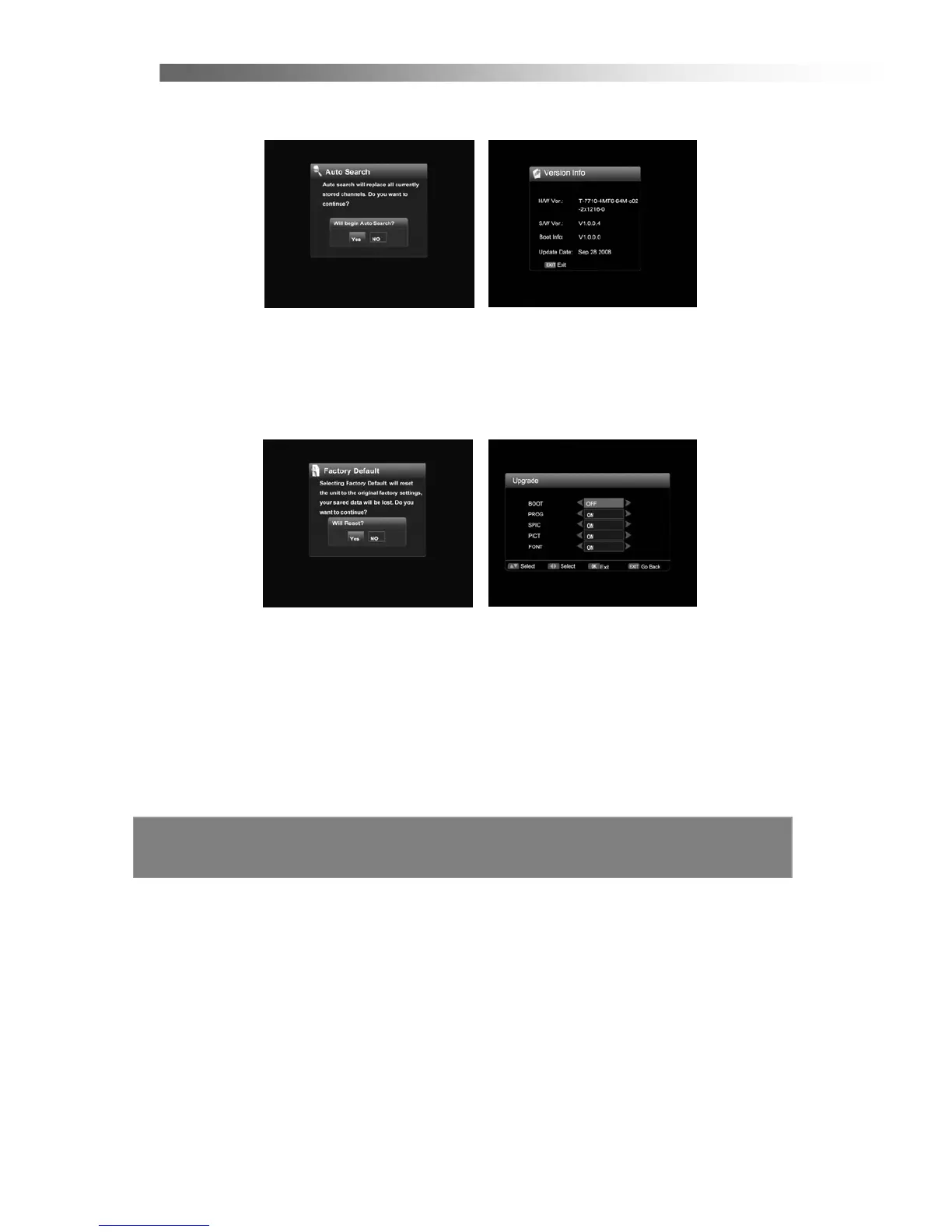
< Auto Search >
If you press OK in Automatic Search of Installation Menu, the STB will scan TV and
RADIO programs automatically. (The default password is 0000)
< Version Info >
Show the hardware and software version.
< Factory Default >
Deletes all the data and settings currently saved and brings the system to the initial
status.
< Upgrade >
Upgrade the software. (The default password is 0000, this function only be used
by qualified technician)



 To Next Page