Version 1.8.0 - 16.06.2008
15
Connecting the Device to a PC
Änderungen vorbehalten / Subject to change without notice.
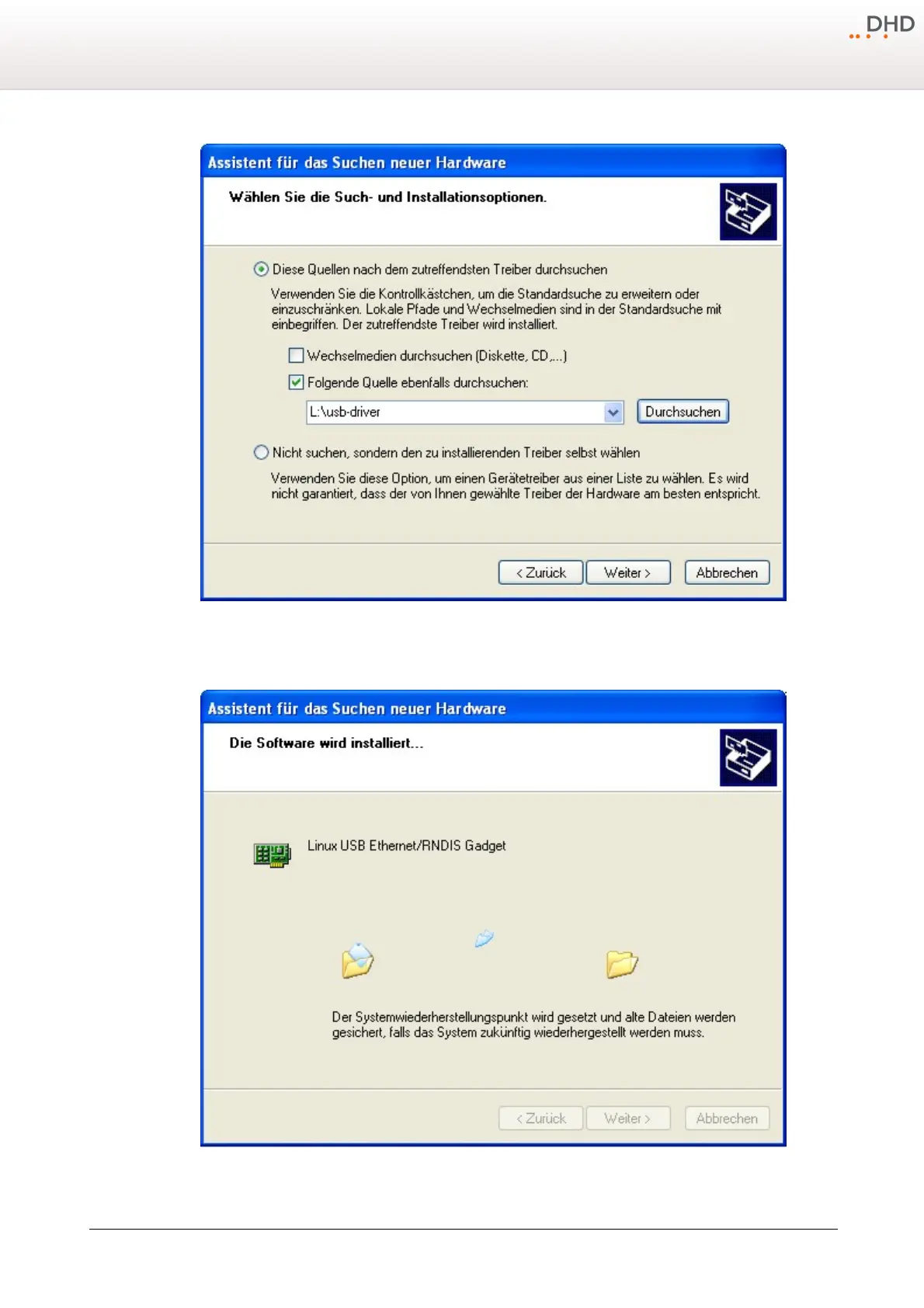
Step 2: Setting the path.
Enter the drive and if necessary the folders, to define the path to the file
MX-XR_usb-install.inf
and click
Next
.
Step 3: Installing the driver.



 To Next Page