© 2008 DHD Deubner Hoffmann Digital GmbH
16
Series 52 - 52/XR MADI Router Manual
Änderungen vorbehalten / Subject to change without notice.
The driver now gets installed.
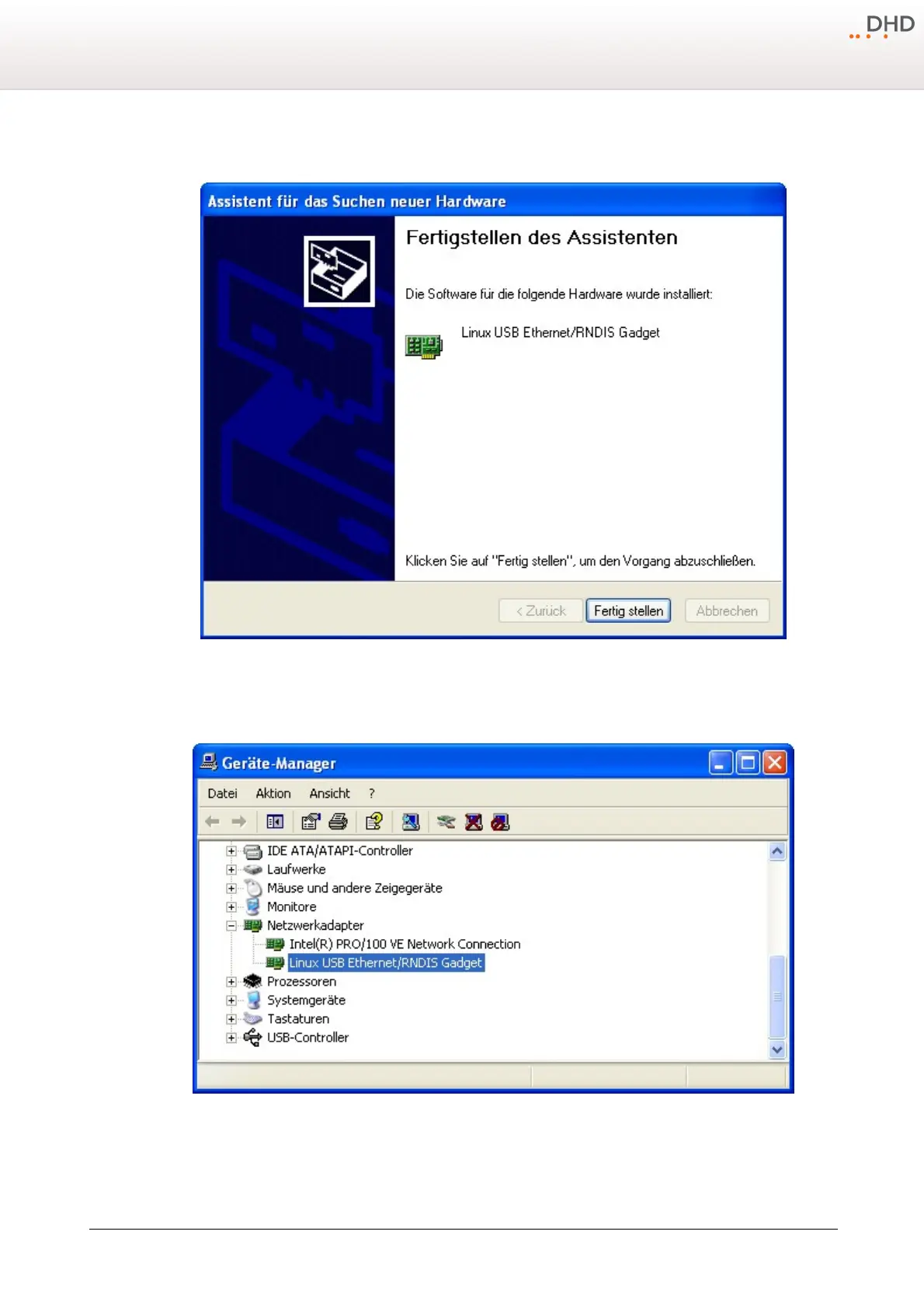
Step 4: Finish the installation.
Finally the "Found New Hardware Wizard" will tell you that it has finished the installation and you can end the process by
clicking the
Finish
button. From now on you can communicate with the device via the USB interface.
The device manager of the Windows (TM) control panel.
After the driver has been installed properly, the connection to the USB interface is simulated as a network connection.
Therefore, you don't need to choose the USB connection in any DHD software application, because it is seen as a network
connection.



 To Next Page