Diamond Shield Professional
Instruction Manual
„Standard“ menu
Under Standard you find the pre-installed sequences the Diamond
Shield Zapper Professional is supplied with by default.
These program sequences cannot be changed or deleted.
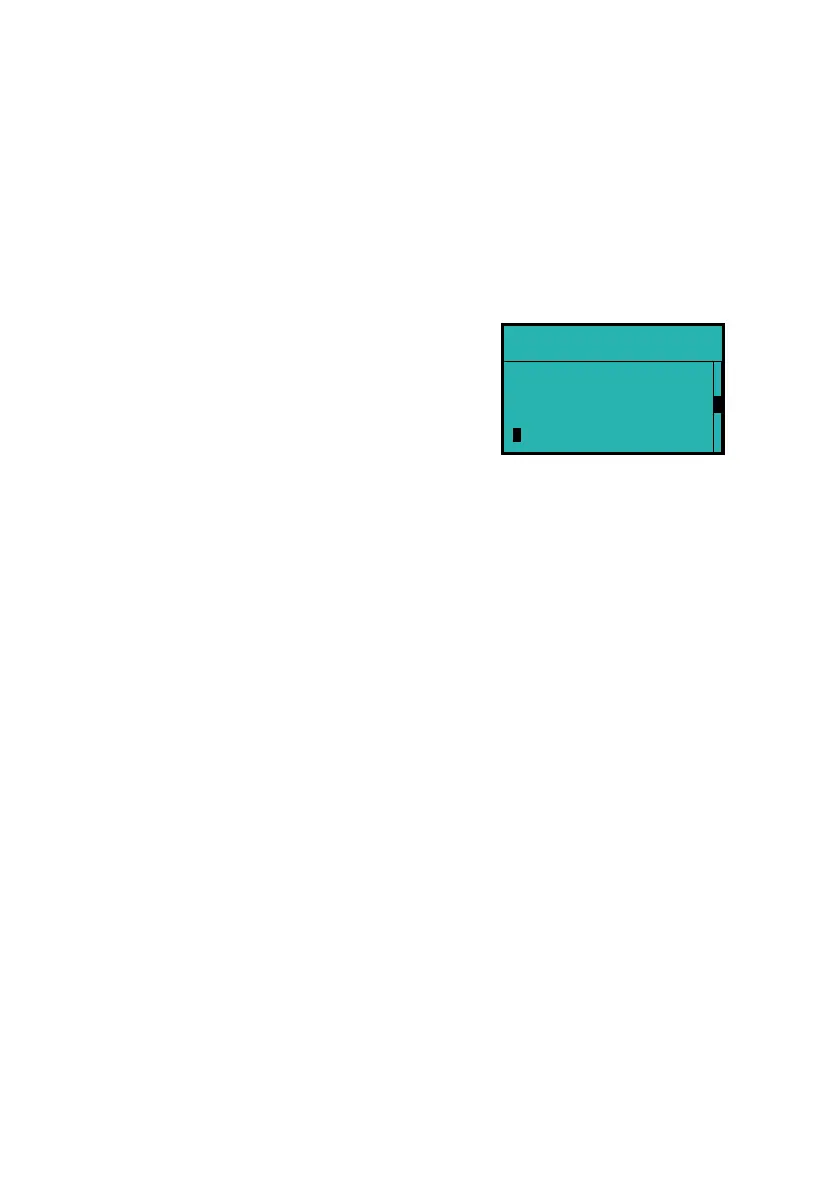
The first level of the menu shows the available sequences. When a
sequence is selected and the OK button is pressed, a list of the
frequency programs of the selected sequence will be shown.
Executing a sequence
Select the desired sequence with the + and - button. Then press the
Start button. All individual programs of this sequence will be
performed now.
The device first checks the electrical contact (see "Contact Control").
After that all the individual programs of the selected sequence are
executed successively.
Contact Control
Before a sequence or a single program will be executed, the device
checks whether the required electrical contact exists.
If the contact is not good enough, the unit will beep every 3 seconds.
By pressing the "OK" button, the frequency program can be
executed. However, this is only useful for testing purposes.
If the required contact is made, the unit will display for a short time
the resistance in Kiloohm (kΩ) and then automatically start the
execution of the frequency program.
Diamond Shield
DS 9
DS 10
DS 11


 To Next Page