12
5. FUNCTIONING / MANIPULATION
a) Installation / Assembly:
- Place the equipment on a stable and horizontal surface.
- Position the accessories
- A distance of 10 cm from the partition or the wall is considered enough.
- Never place the device near a wall or near a partition made of combustible
materials even if it is very well isolated.
- Caution: the display cooling must not be exposed at the sun.
b) First starting:
First cleaning
Clean the device before the first use. (See 6 Cleaning)
Connection of the device
- Make sure that the voltage and frequency of the electrical system comply with
the values indicated on the nameplate.
- Always check that the electric power supply cable or plug are free of damage.
- Make sure that every control knob is positioned on 0.
- Connect the electric power supply cable to a socket with a protection wire.
- The display is now connected.
NB: To connect the display to a socket without any protection wire, or to connect
directly to the electrical system, ask for a qualified electrician to make the
connection.
c) Use of device :
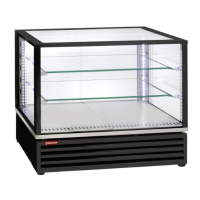
Elements of command and display
Electronic thermostat (n°2 on picture)
Switch 0/I (n°1 on picture)
Switch 0/I (n°3 on picture)




 To Next Page