4
8 0 0 S E R I E S O W N E R ’ S M A N U A L
5
8 0 0 S E R I E S O W N E R ’ S M A N U A L
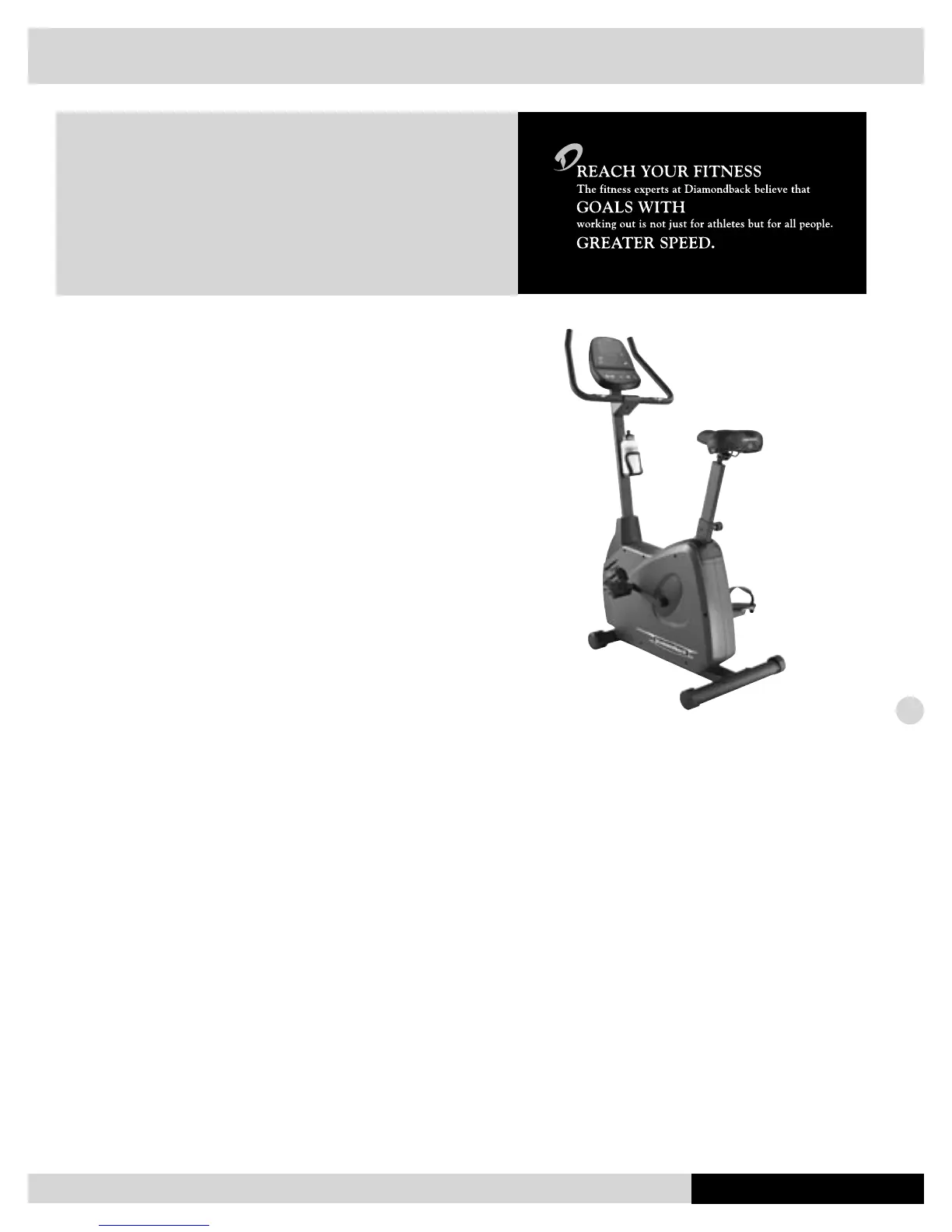
800Ub Assembly Instructions
Frame Assembly
1. Unscrew two M8 x 20mm bolts from the rear stabilizer bar.
2. Place rear stabilizer bar under rear main frame body and
align screw holes.
3. Insert and tighten these two M8 x 20mm screws using a
5mm Allen wrench.
4. Loosen the seat pin by turning it counter-clockwise 1-2
turns. Install seatpost by sliding it into seatpost receptor,
pulling the seat pin out until a suitable hole is found.
Console Mast Assembly
1. Install console mast adapter/cover onto console mast.
2. Insert the main wire harness into the bottom opening of
the console mast tube. Push the harness up the tube until
the connector of the harness appears in the opening at
the top of the tube.
WIRING HARNESS INSTALLATION TIP: Straighten the
loops of the wiring harness so that it can slide smoothly
into the console mast. Hold the bottom of the console
mast next to the console mast receptor and point the top
of the console mast downward.
3. Install the console mast by sliding it into the console mast
receptor while pulling the wiring harness. This will keep the
slack out of the harness so the wires will not get pinched
and short out. Insert and tighten two M8 x 40mm screws
and washers using a 5mm Allen wrench. Be sure not to
pinch wire harness while tightening these two screws.
4. Snap console mast adapter/cover into top of sidecase.
Handlebar Assembly
1. Insert the hand pulse harness through the opening of the con-
sole mast and out the top of the console mounting plate.
2. Assemble the handlebar onto the mount and insert and
tighten the three M8 x 12mm screws using a 5mm Allen
wrench. Be sure not to pinch the hand pulse harness dur-
ing this procedure as this will damage the electronic con-
sole.
3. Insert and install handlebar cover onto handlebar and
tighten one M8 x 12mm screw on the bottom of the han-
dlebar cover.
Console Assembly
1. Connect both plugs, from the main wiring harness and
hand pulse wiring harness, to the plug receptors on the
backside of the console taking care to install correctly (see
plug alignment marks).
WIRING HARNESS INSTALLATION HINT: Any excess
wiring must be carefully inserted (“stored”) back into
the console before installing the console onto the console
mounting plate.
2. Fasten the console to the console mounting plate with
the four M5 x 12mm screws and washers using a Phillips
screwdriver.
Saddle Assembly
1. Assemble saddle onto seatpost.
2. Tighten the afxing nut and washer using a 17mm open-
end wrench.
SADDLE ANGLE ADJUSTMENT HINT: Hold the rear of
saddle in the optimum comfort position and tighten the
nut at the same time.
Pedal Assembly
1. Use a 15mm open-end wrench to rmly afx the pedals to
the cranks.
2. The left and right pedals are different and are denoted as
right or left (R or L) on the top & bottom of each pedal.
NOTE: Left pedal threads counterclockwise.
3. Retighten cranks after approximately 10 hours of use.
Waterbottle Assembly
1. Place the bottle holder on the console mast. Insert and
tighten the two M5 x 12mm screws using a screwdriver.
2. Snap the waterbottle into the bottle holder.
Transformer Assembly
1. Plug transformer into plug receptor located on the rear/
bottom side of main frame.
2. Plug the transformer into power outlet. NOTE: Be sure to use
the right transformer for your power outlet, 110V or 220V.


 To Next Page