mini GAC®
11001-1437-200701
SETTINGS / 8
OPERATOR’S MANUAL
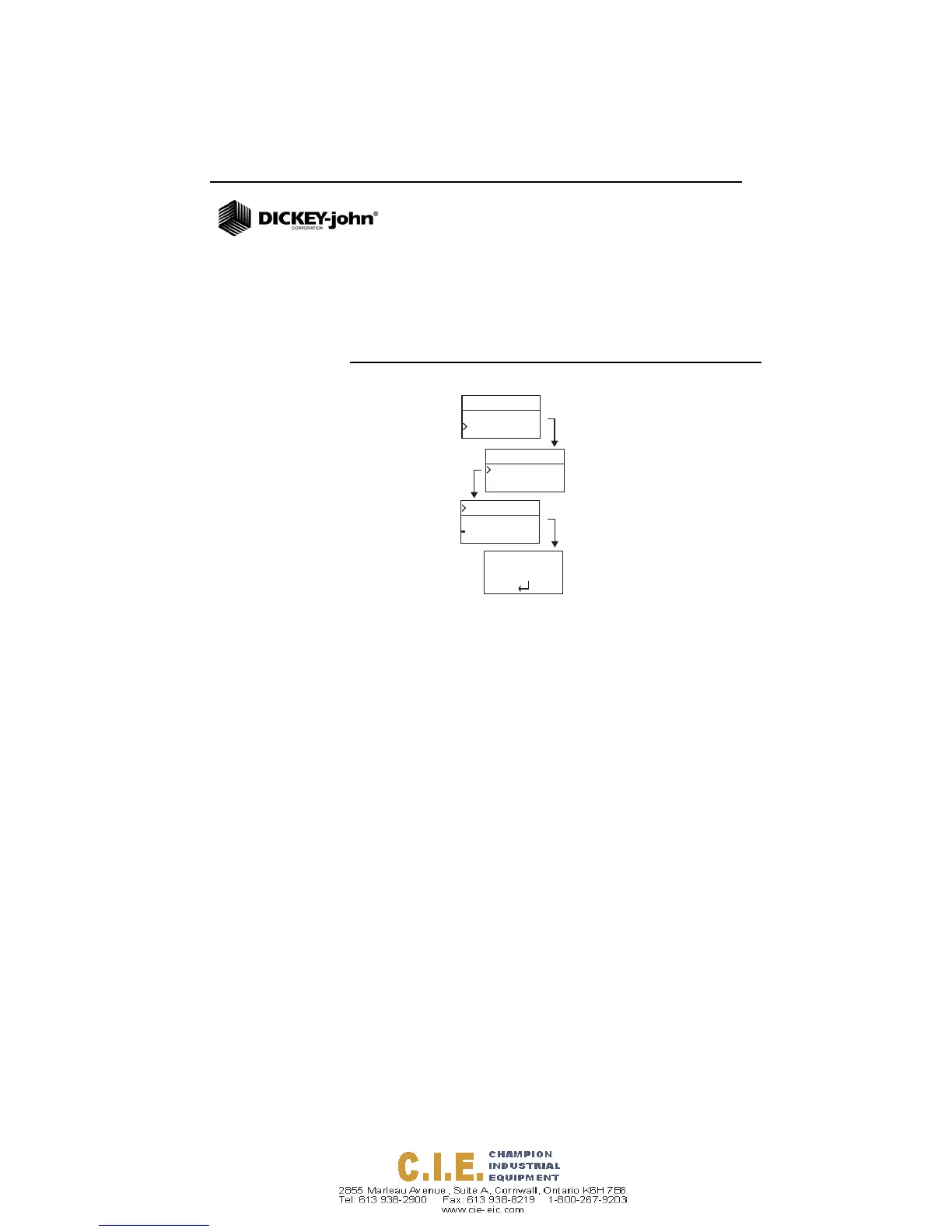
4. Press Enter to accept the desired language.
5. Any Averages and History stored will be cleared when the
language setting is changed. Press the Enter button to
acknowledge or the On/Off/Home button to escape and
retain averages and history.
Figure 5
Modifying Language Settings
History
Setup
Corn
Language
Results
Setup
English US
English UK
French
Italian
German
Language
Averages and
History will be
cleared.
Continue?





 To Next Page