mini GAC®
11001-1437-200701
NORMAL OPERATION / 16
OPERATOR’S MANUAL
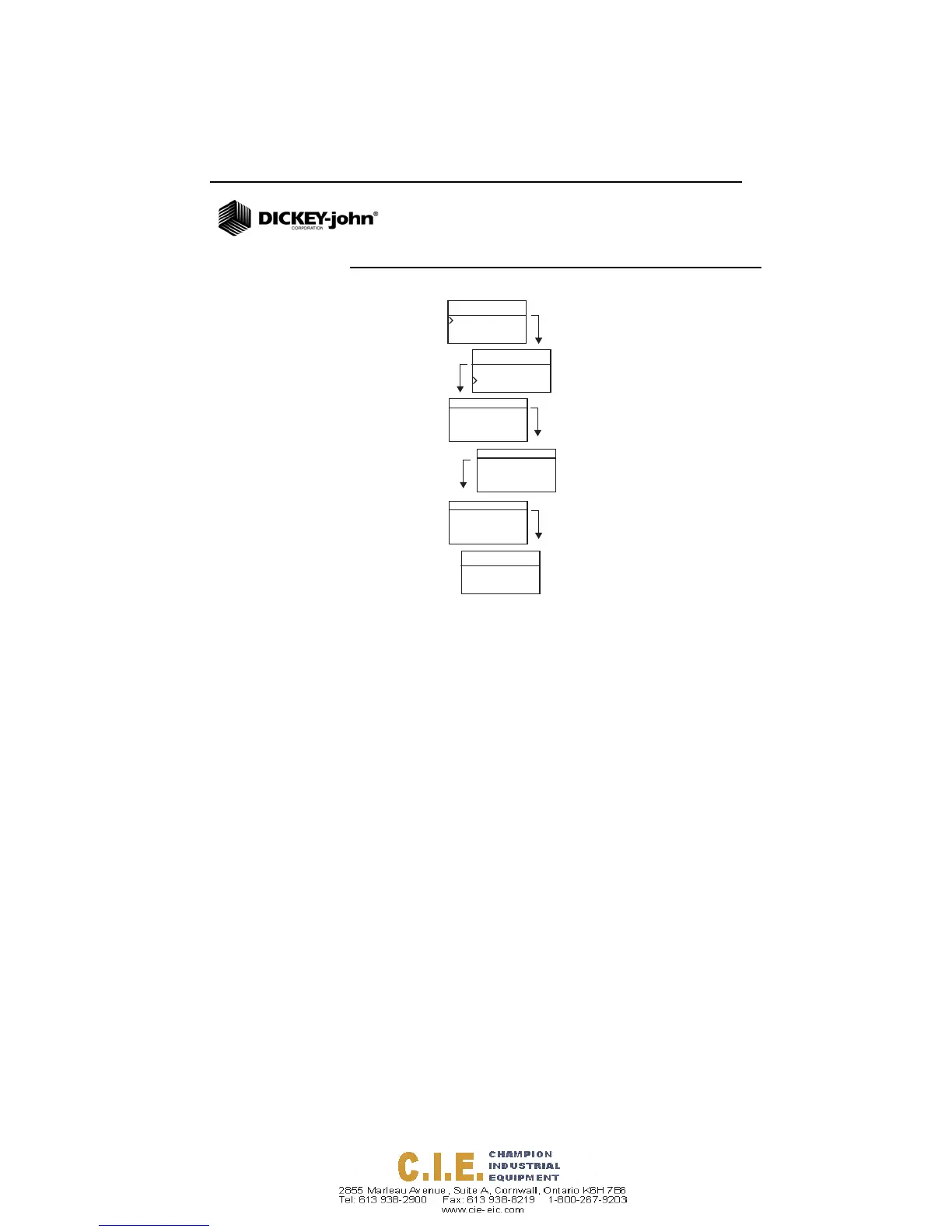
Figure 12
Grain Selection Menus
GRAIN SAMPLE TESTING
To begin Grain Test:
1. Ensure Loader is removed from the top of the unit.
2. With the product name selected at the top of the display,
press the Enter button.
3. The cell must be empty, upright, and still to perform an empty
cell test. When the Empty Cell menu displays, press the
Enter button.
IMPORTANT: The empty cell reference measurement is used
for all product testing until the unit is powered
off. It is critical that the cell be clean and
completely empty when the unit is on. Keep
the measurement cell opening clear of hands
or other objects during this period.
4. After the empty cell test completes, the Fill Cell menu
displays.
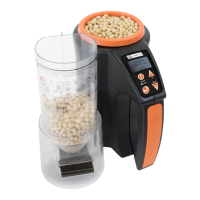
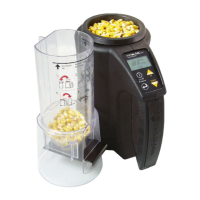
5. With the slide closed, scoop or pour grain into the Loader
over the minimum fill line as shown in (Figure 13).
6. Place the Loader on top of the unit.
Product
Average
Corn
Corn
Soybeans
Product
Product
Average
Soybeans
Soybeans
050208N
K1 = 1783
K2 = 7205
K3 = 1488
K4 = 8155 1/3
Soybeans
TWBias = x.x
MBias = x.x
3/3
Home
Menu
Remain
on product
for 3 seconds
Calibration
Constants
Bias
Soybeans
K5 = 2455
K6 = 2074
K7 = 2606
K8 = 9916
K9 = 1087 2/3



 To Next Page