OPERATOR’S MANUAL
mini GAC®
11001-1437-200701
SETTINGS / 13
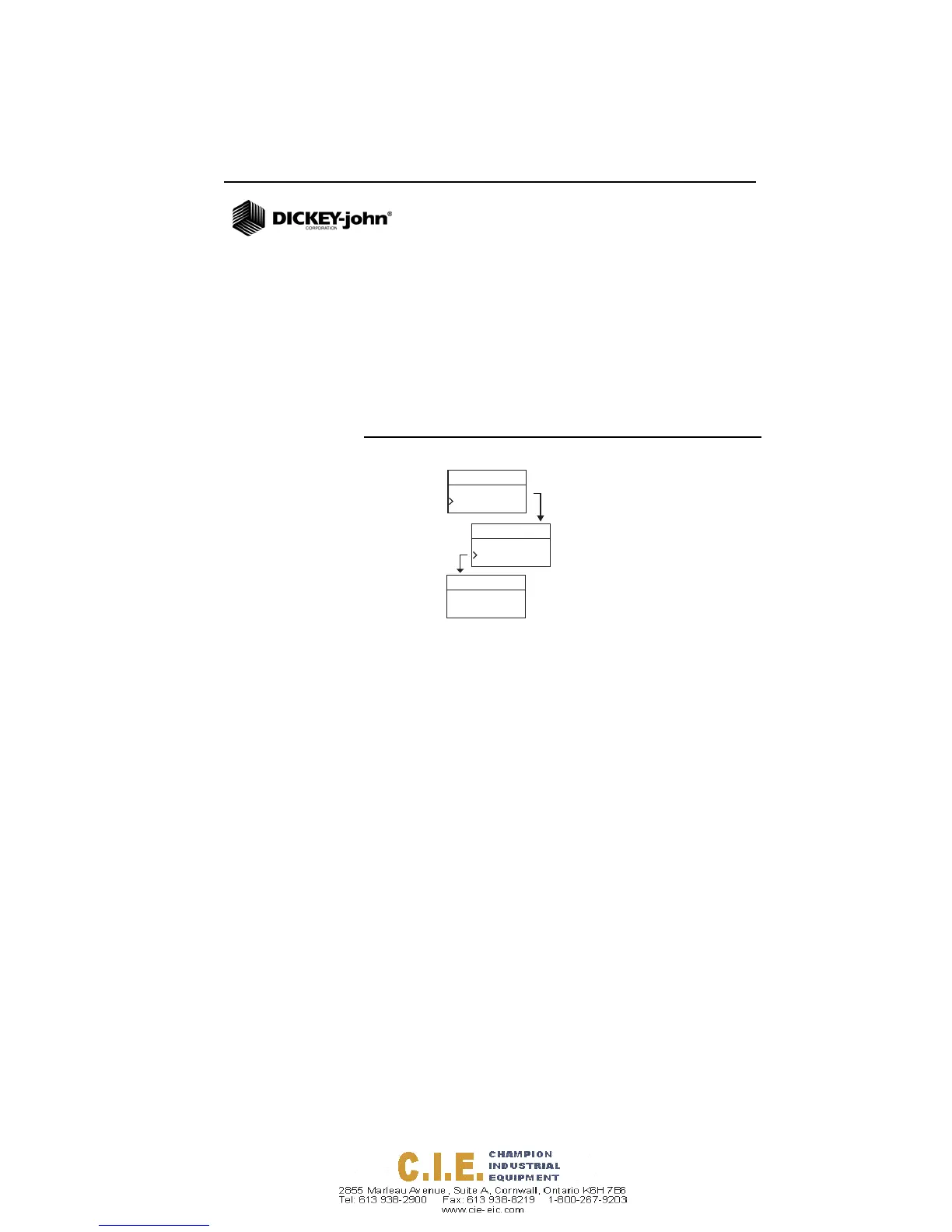
To change the Power setting:
1. From the Home menu, press the Down Arrow button and
scroll to Setup and press Enter.
2. Scroll and press Enter to select the Power menu.
3. Press the Up or Down Arrow button to select a power
down time.
4. Press the Enter button to save the changed setting or the
On/Off/Home button to escape and retain the previous
setting.
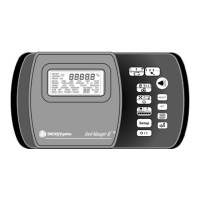
Figure 11
Modifying the Power Down Settings
History
Setup
Corn
Units
Power
Setup
Power
Off After
90
Seconds







 To Next Page