• 16 •
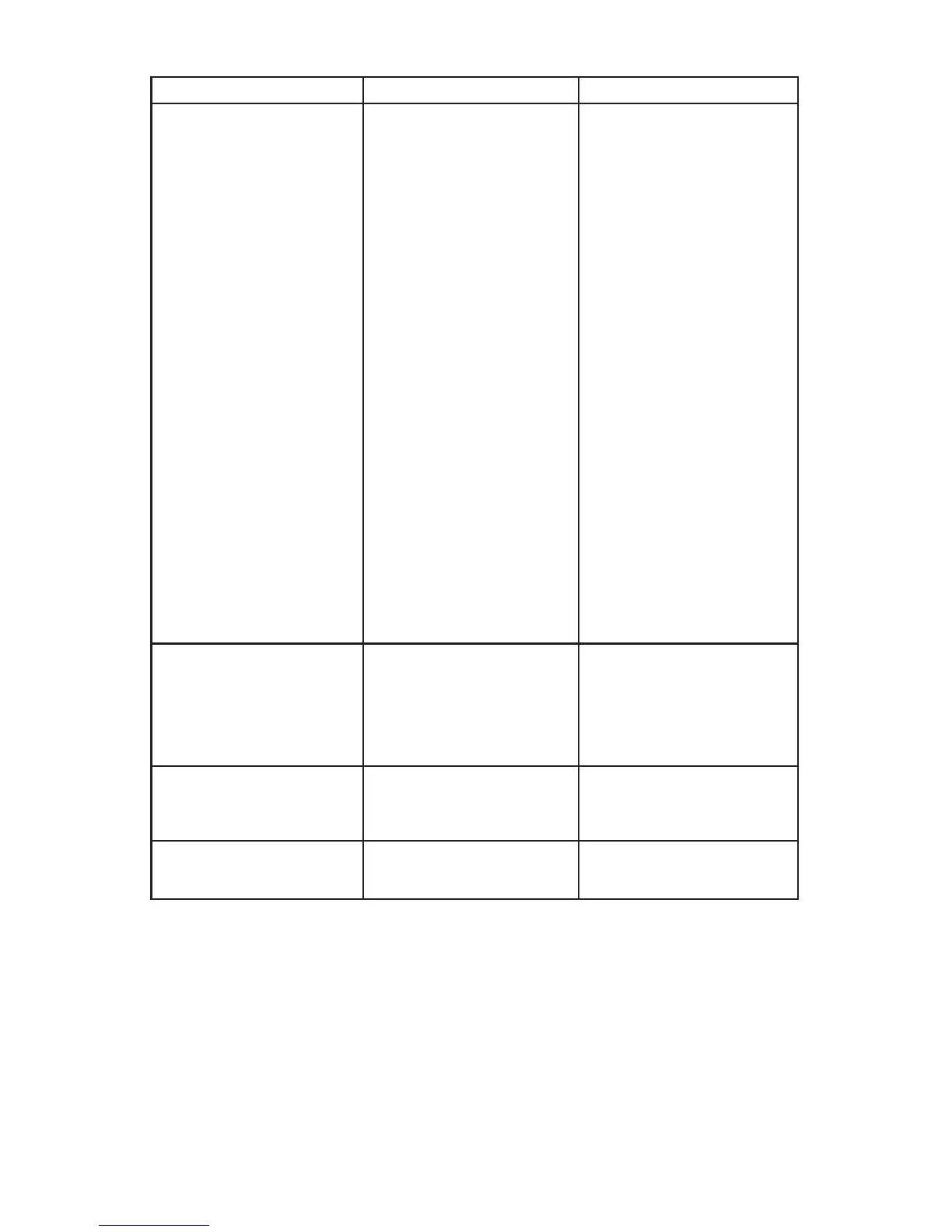
PROBLEM POSSIBLE CAUSE REASON/SOLUTION
Short or no start cycle
when cranking engine.
Drawing more than the
engine start rate.
Failure to wait 3 minutes
between cranks.
Clips are not making a good
connection.
AC cord and/or extension
cord is loose.
No power at receptacle.
The charger may be
overheated.
Battery may be severely
discharged.
Crank time varies with the
amount of current drawn. If
cranking draws more than
the engine start rate, crank
time may be less than 5
seconds.
Wait 3 minutes of rest time
before the next crank.
Check for poor connection
at battery and frame.
Check power cord and
extension cord for loose
tting plug.
Check for open fuse or
circuit breaker supplying AC
outlet.
The thermal protector may
have tripped and needs a
little longer to reset. Make
sure the charger vents are
not blocked. Wait and try
again.
On a severely discharged
battery, charge for 10 to
15 minutes with a manual
charger to help assist in
cranking.
Charger will not turn on
when properly connected.
AC outlet is dead.
Poor electrical connection.
Check for open fuse or
circuit breaker supplying AC
outlet.
Check power cord and
extension cord for loose
tting plug.
The battery is connected
and the charger is on, but
is not charging.
The charger is in tester
mode, not charge mode.
Press the CHARGE RATE
button to activate the charge
mode and select a charge
rate.
The measured current is
much lower than what was
selected.
The charger reached the
maximum voltage and is
reducing the current.
No problem, this is a normal
condition.


 To Next Page