• 13 •
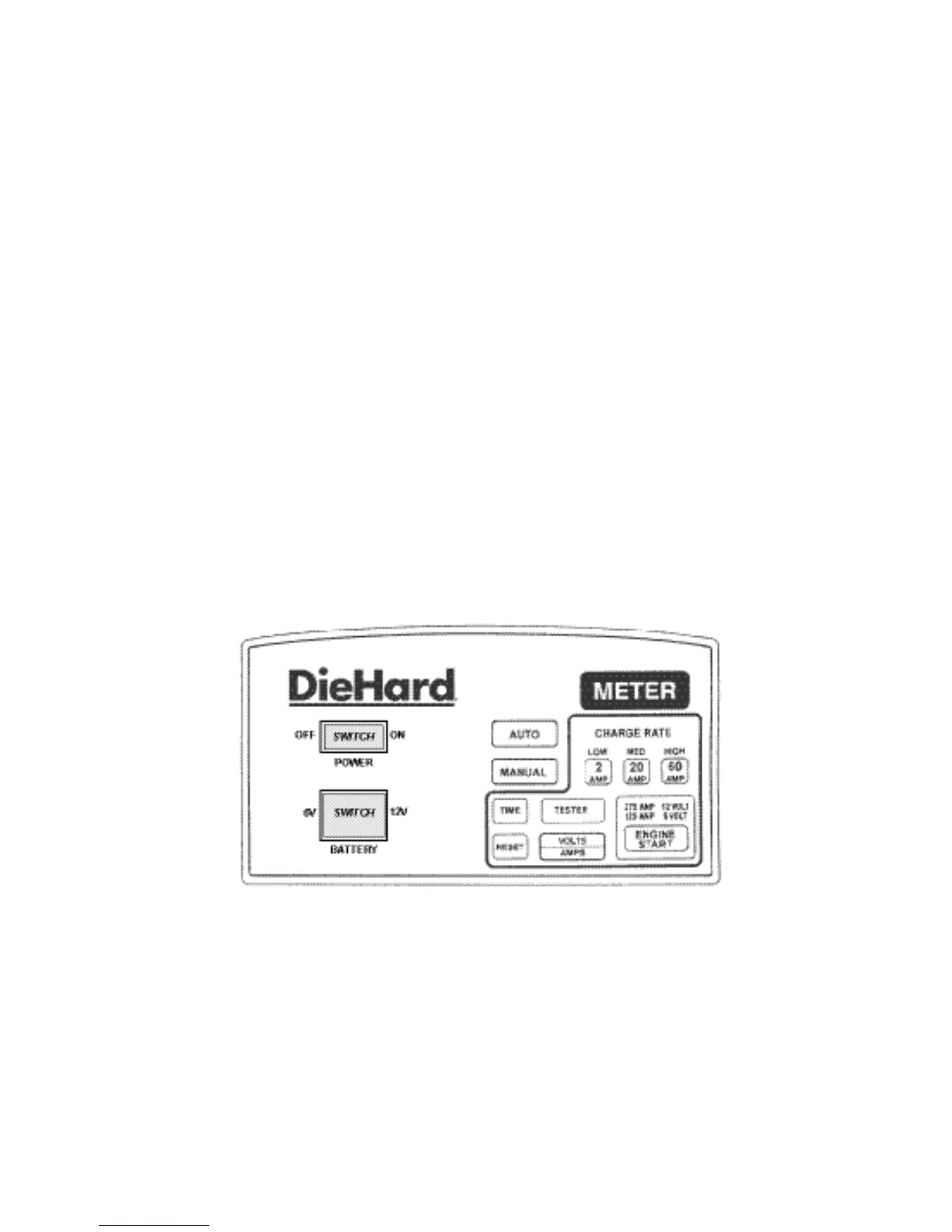
If you do not set a time, the charger will run for the maximum time. After
selecting the charge rate and proper time, the charger will start charging
after a short delay. To see how much time remains during the charging
process, touch the TIME pad.
RESET:• To stop charging or to change settings once charging has begun,
touch the RESET pad. Then proceed as if you’ve just turned on the
charger.
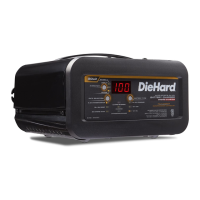
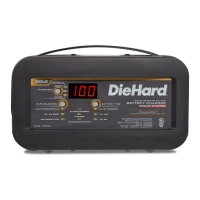
VOLT/AMP:• When the charger is turned on the METER will display bat-
tery voltage. Touch the VOLTS/AMPS pad to display the charge rate in
amps.
TESTER:• To check the battery’s state-of-charge during charging, touch
the RESET pad and then the TESTER pad. The METER will show the
voltage of the battery. Wait about 5 minutes before taking a reading. To
continue charging, proceed as if you’ve just turned the charger ON.
ENGINE START:• To use the starter feature to help crank the engine of
your vehicle, touch RESET, MANUAL, and ENGINE START - in that
order. Wait for the display to show RDY. The ENGINE START feature
will deliver 275 amps to help crank a 12-volt system or 125 amps to help
crank a 6-volt system. Crank the engine for no more than 5 seconds.
If it does not start, wait three minutes before cranking again. During
extremely cold weather, or if the battery is severely exhausted, charge
the battery for about 5 minutes in the 60 AMP setting before cranking the
engine.
CAUTION: DO NOT try to crank an engine without a battery installed. You
may damage the vehicle’s electrical system.
METER:• The meter displays the following information:
—A— Charge Rate in amps
—V— Voltage
MAN Charger is in Manual mode
AUTO Charger is in Automatic mode
RDY Charger is ready for cranking


 To Next Page