EasyManua.ls Logo

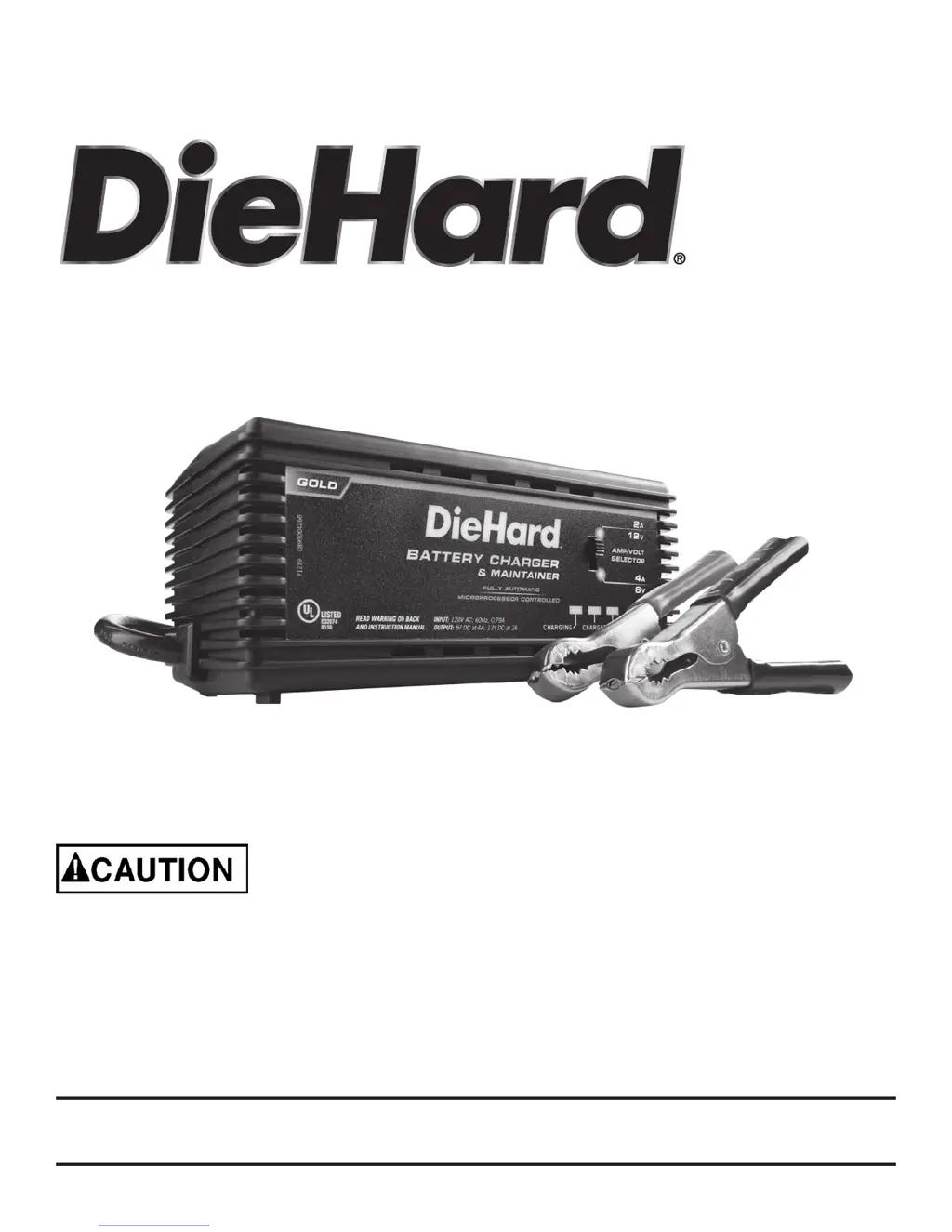
DieHard 28.71219 - User Manual

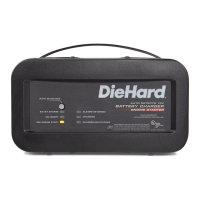
DieHard 28.71219
20 pages
Print Icon
To Next Page IconTo Next Page
Loading...
00-99-000999/01
Model No.
28.71219
OPERATOR’S MANUAL
Battery Charger
Read and follow all Safety
Rules and Operating Instructions
before Every Use of this Product.
SAVE THESE INSTRUCTIONS.
Sears Brands Management Corporation,
Hoffman Estates, IL 60179 U.S.A.

Questions and Answers

  • J
    Jeremy LaneJul 31, 2025
    How to troubleshoot a DieHard Battery Charger that won't turn on?
    • Z
      Zachary AndrewsJul 31, 2025
      If your DieHard Battery Charger will not turn on, and no LEDs are lit, the AC outlet might be dead or there could be a poor electrical connection. Check for an open fuse or circuit breaker supplying the AC outlet. Also, inspect the power cord and any extension cords for loose-fitting plugs.
  • T
    Tyler MurphyAug 9, 2025
    Why don't the battery clips spark on my DieHard 28.71219 Battery Charger when I touch them together?
    • T
      Tina ColeAug 10, 2025
      The DieHard Battery Charger is equipped with an auto-start feature. It won't supply current to the battery clips unless a battery is properly connected. Therefore, the clips will not spark if touched together; this is normal.
  • L
    Luke NguyenAug 20, 2025
    What to do if the CHECK BATTERY (red) LED is lit on my DieHard 28.71219?
    • S
      Susan HansenAug 20, 2025
      If the CHECK BATTERY (red) LED is lit on your DieHard Battery Charger, it could be due to reverse connections at the battery or because the battery voltage is too low. Unplug the charger and correct the lead connections. This charger has an automatic start feature. If the battery voltage is under 0.2 Volts, the charger will not detect it and will not start the charging process. Have the battery checked/ replaced. Another possible cause is that the battery is not properly connected to the charger. Ensure that all connections from the battery connector cable to the battery and to the charger are tight.

Summary

Important Safety Instructions

Personal Precautions

Preparing to Charge

Charger Location

DC Connection Precautions

Charging With Battery Installed In Vehicle

Charging With Battery Outside Vehicle

Grounding and AC Power Cord Connections

Assembly Instructions

Features and Control Panel Overview

Amp;Volt Selector Switch

Details the function and settings of the Amp/Volt selector switch.

LED Display Indicators

Explains the meaning of the different LED indicators on the charger.

Operating Instructions

Battery Charge Times and Percentages

Maintenance Instructions

Moving and Storage Instructions

Troubleshooting Common Problems

Before Returning for Repairs

DieHard 28.71219 Specifications

General IconGeneral
BrandDieHard
Model28.71219
TypeBattery Charger
Automatic OperationYes
Battery ReconditioningYes
Charge Rate2/10A
Battery TypeAGM, Gel, Standard
Engine StartYes

Related product manuals