EasyManua.ls Logo

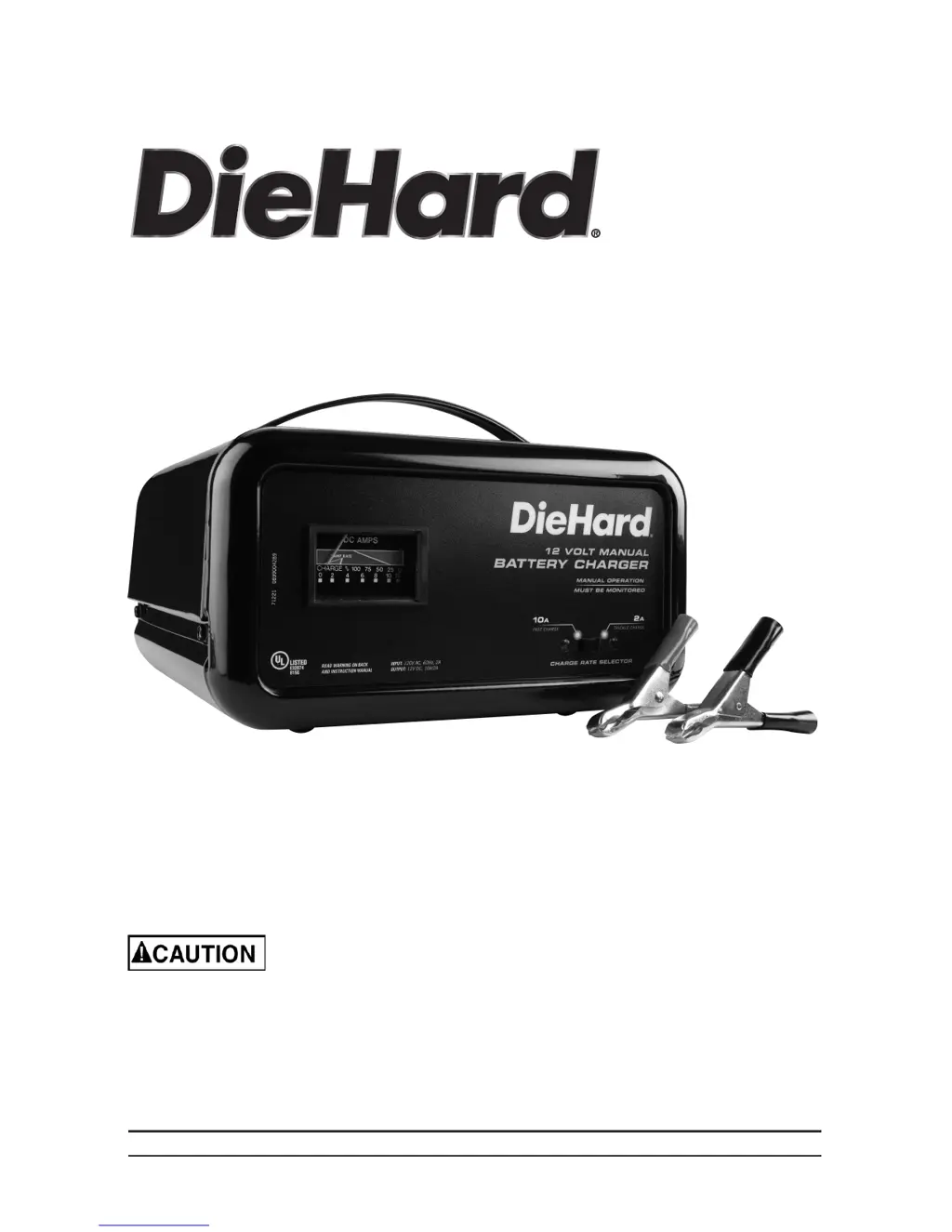
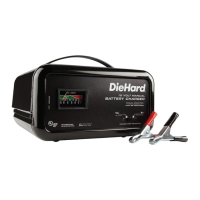
DieHard 28.71221 - User Manual

DieHard 28.71221
11 pages
Print Icon
To Next Page IconTo Next Page
Loading...
OPERATOR’S MANUAL
Model No.
28.71221
00-99-001008/01
12V Manual Battery Charger
Read and follow all Safety
Rules and Operating Instructions
before Every Use of this Product.
SAVE THESE INSTRUCTIONS.
Sears Brands Management Corporation, Hoffman Estates, IL 60179 U.S.A.

Questions and Answers

  • F
    fernando30Aug 1, 2025
    What to do if DieHard 28.71221 is not charging?
    • M
      Morgan MasonAug 1, 2025
      If your DieHard Battery Charger won't turn on, shows no reading on the ammeter, or isn't charging the battery, start by ensuring it's properly plugged into a working AC outlet. Check the outlet's fuse or circuit breaker. Inspect the power cord and any extension cords for loose connections. Verify the clips are making good contact with clean connection points on the battery and frame, rocking them for a better connection. Ensure the connections are not reversed by unplugging the charger and reversing the clips if needed. If using the 2 amp charge rate, note that the ammeter might not show activity. If these steps don't resolve the issue, the battery might be defective and should be checked.
  • J
    Jose PearsonAug 7, 2025
    Why does the ammeter reading stay high on my DieHard Battery Charger?
    • S
      Sean GomezAug 8, 2025
      If the ammeter reading on your DieHard Battery Charger stays high, it could be because the battery is severely discharged. Try continuing to charge the battery for an additional two hours. Another cause could be an incorrect battery voltage setting. Double-check and verify that the voltage settings on the charger are correct for your battery.
  • J
    Jack GrayAug 16, 2025
    Why does my DieHard 28.71221 ammeter read low?
    • B
      Brian LoganAug 16, 2025
      If the ammeter on your DieHard Battery Charger reads less than the selected charge rate when charging a discharged battery, the extension cord may be too long or the wire gauge too small. Try using a shorter or heavier gauge extension cord. Alternatively, the battery may have a weak cell or sulfated plate, in which case you should have it checked if it won't take a charge. It's also possible that the battery is only partially discharged, so continue to charge it.
  • E
    erikaedwardsAug 23, 2025
    Why is my DieHard 28.71221 clicking?
    • A
      andrewlewisAug 25, 2025
      If your DieHard Battery Charger is making an audible clicking sound, the circuit breaker might be cycling. Check the charger settings. The battery may be defective and need to be checked. Shorted battery cables or clips can also cause this; inspect and replace if necessary. If you're charging a severely discharged battery, allow charging to continue until the battery recovers sufficiently, but if it continues for more than 20 minutes, stop and have the battery checked. Also, ensure the connections at the battery are correct; if reversed, shut off the charger and correct the lead connections.

Summary

Important Safety Instructions

General Safety Precautions

Covers child safety, environmental exposure, and proper cord/extension cord usage.

Personal Precautions

Risk of Explosive Gases

Highlights dangers of explosive gases generated by lead-acid batteries.

Preparing to Charge

Battery Acid Precautions

Safety measures when handling battery acid, including ventilation and cleaning terminals.

Charger Location

Preventing Explosion and Acid Damage

Instructions on placing the charger away from the battery and ensuring ventilation.

DC Connection Precautions

Connecting Battery in Vehicle

Negative Grounded System Connection

Procedure for connecting clips to a vehicle with a negative-grounded battery system.

Positive Grounded System Connection

Procedure for connecting clips to a vehicle with a positive-grounded battery system.

Connecting Battery Outside Vehicle

Spark Prevention and Polarity Check

Safety measures to prevent sparks and identify battery terminal polarity.

Grounding and AC Power Cord Connections

Avoiding Shock and Electrocution

Warnings against altering the AC plug or using improper connections to prevent shock.

Features and Control Panel

Operating Instructions

Charging Process

Troubleshooting

Charger Not Turning On

Addresses issues like not plugged in, no power, poor connections, or reversed clips.

DieHard 28.71221 Specifications

General IconGeneral
BrandDieHard
Model28.71221
CategoryBattery Charger
LanguageEnglish

Related product manuals