EasyManua.ls Logo

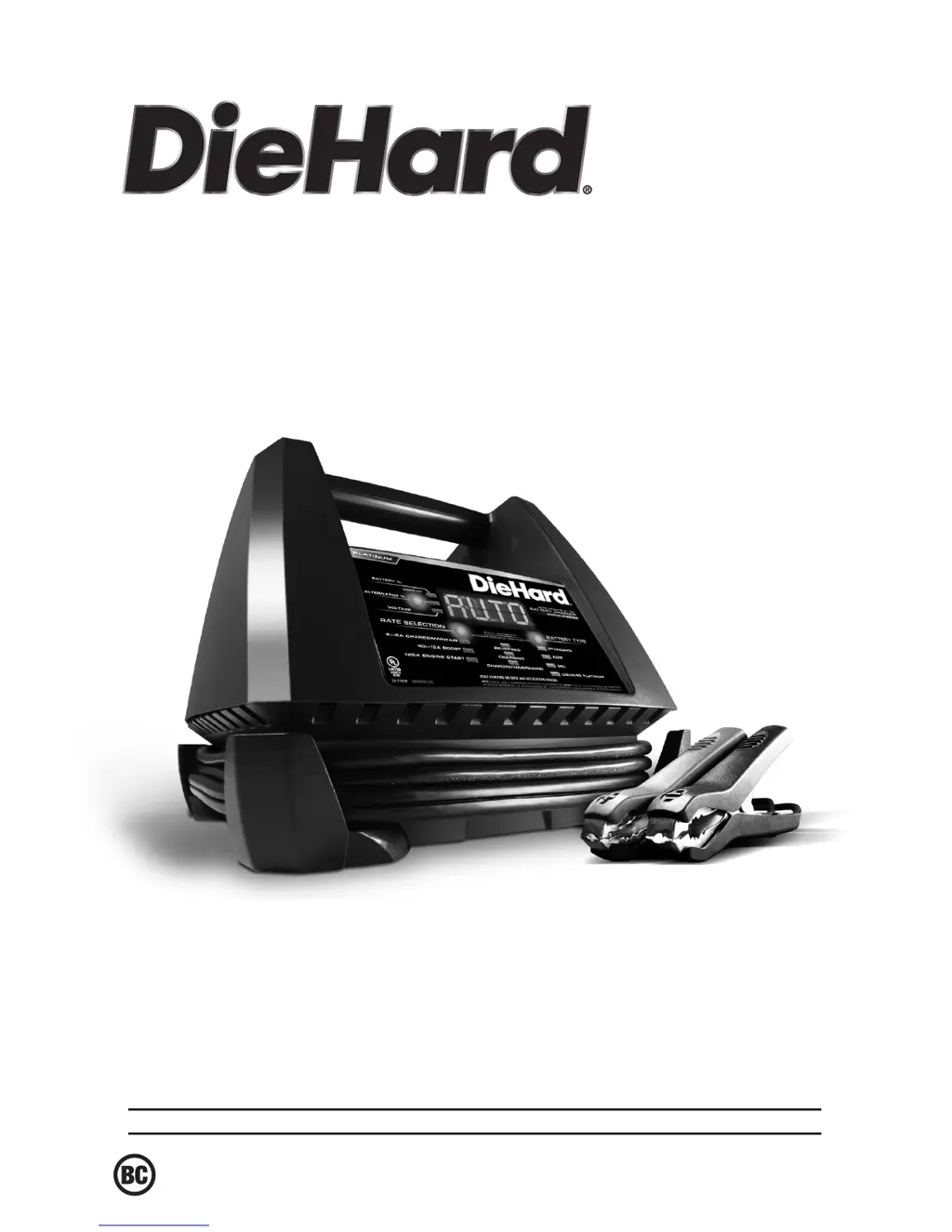
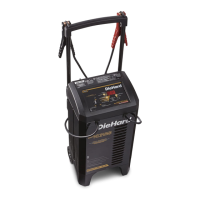
DieHard 28.71328 - User Manual

DieHard 28.71328
24 pages
Print Icon
To Next Page IconTo Next Page
Loading...
0099001445-01
Model / Modelo:
28.71328
Sears Brands Management Corporation, Hoffman Estates, IL 60179 U.S.A.
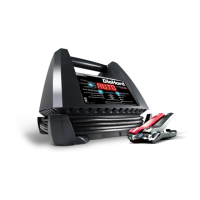
6V/12V Battery Charger
& Engine Starter
Cargador de baterías
6V / 12V y arrancador
OPERATOR’S MANUAL /
MANUAL DEL USUARIO
CAUTION:
Read and follow all safety
rules and operating instructions
before every use of this product.
SAVE THESE INSTRUCTIONS.
ATENCIÓN:
Lea y siga todas las reglas
de seguridad e instrucciones de uso
antes de cada uso de este producto.
GUARDE ESTAS INSTRUCCIONES.

Questions and Answers

  • S
    Sean GarciaAug 17, 2025
    Why is my DieHard Battery Charger on but not charging?
    • L
      lisa61Aug 17, 2025
      If your DieHard Battery Charger is on but not charging the battery, it might be in tester mode instead of charge mode. To fix this, press the RATE SELECTION button to activate the charge mode and select a rate.
  • J
    Jennifer BellAug 20, 2025
    What does 'CONNECT CLAMPS' mean on my DieHard Battery Charger?
    • G
      Gary AllenAug 20, 2025
      If the display of your DieHard Battery Charger shows 'CONNECT CLAMPS', it means the clamps are not making a good connection. To resolve this, check for poor connections at the battery and the frame.
  • S
    Steven BrownAug 22, 2025
    What to do if my DieHard 28.71328 has a short or no start cycle when cranking engine?
    • S
      Shelly MartinezAug 22, 2025
      If your DieHard Battery Charger experiences a short or no start cycle when cranking the engine, several factors could be at play. First, ensure there is power at the receptacle by checking the fuse or circuit breaker. A loose AC or extension cord can also cause this, so verify they are properly connected. Also, check the clamps are firmly connected to both the battery and the frame. Allow for a 3-minute rest period between cranking attempts. If the battery is severely discharged, using the 40/15A Boost setting for a short time might help. Note that crank time varies with the current drawn; if it exceeds the engine start rate, crank time may be less than 5 seconds. Finally, the thermal protector might have tripped; ensure the charger vents are not blocked, wait, and then try again.
  • W
    William FuentesAug 26, 2025
    Why won't my DieHard 28.71328 Battery Charger turn on when properly connected?
    • S
      sherry76Aug 26, 2025
      If your DieHard Battery Charger doesn't turn on even when properly connected, the issue might stem from a dead AC outlet. Check the fuse or circuit breaker. Another potential cause is a poor electrical connection, so inspect the power and extension cords for any loose plugs. Finally, the battery itself could be defective, requiring a check.
  • S
    Scott CurryAug 27, 2025
    What to do if my DieHard 28.71328 Battery Charger displays 'CHARGE ABORTED BAD BATTERY'?
    • M
      Margaret LambertAug 28, 2025
      If the yellow/orange CHARGING LED is flashing and the display of your DieHard Battery Charger shows 'CHARGE ABORTED BAD BATTERY', it could be due to a sulfated battery or a battery that's too large for the charger. Try resetting the charger by briefly unplugging it. If the problem persists, you may need a charger with a higher amp rate.
  • T
    trichardsonAug 30, 2025
    What does 'LOW' mean on my DieHard 28.71328 Battery Charger when testing the alternator?
    • M
      Megan EsparzaAug 30, 2025
      If the digital display of your DieHard Battery Charger reads 'LOW' when testing the alternator, it indicates that the alternator output is 13.2 volts or less. It is suggested to have the electrical system checked by a qualified technician.
  • K
    Katherine AdamsSep 1, 2025
    What does 'HIGH' mean on my DieHard 28.71328 when testing the alternator?
    • K
      Kevin WilsonSep 1, 2025
      If the digital display of your DieHard Battery Charger reads 'HIGH' when testing the alternator, it indicates that the alternator output is 14.6 volts or more. It is suggested to have the electrical system checked by a qualified technician.
  • T
    Tiffany VanceSep 4, 2025
    Why is the Boost LED flashing on my DieHard Battery Charger?
    • S
      Spencer ClarkSep 4, 2025
      If the Boost LED on your DieHard Battery Charger is flashing, it means the charger was left in Boost mode for too long. The Boost LED will flash for 30 minutes, then turn off, and the Charging LED will light up, indicating that the charger has switched to Charging mode.
  • M
    Micheal HerreraSep 6, 2025
    Why did the Boost LED shut off on my DieHard 28.71328 Battery Charger?
    • J
      john16Sep 6, 2025
      When the Boost LED on your DieHard Battery Charger shuts off, it signifies that the Boost mode is complete. This is normal. The charger will automatically switch to charging mode to fully charge the battery. Alternatively, you can press the Rate Selection button to select either the 6/2A CHARGE/MAINTAIN rate or ENGINE START.
  • A
    Alexander BergSep 9, 2025
    What does it mean when my DieHard 28.71328 Battery Charger displays 'ANALYZING BATTERY'?
    • R
      Rachel JohnsonSep 9, 2025
      If the yellow/orange CHARGING LED is solid and the display of your DieHard Battery Charger shows 'ANALYZING BATTERY', it means the charger has not completed the checking process. This process can last for up to 10 hours.

Summary

Important Safety Instructions

General Safety Guidelines

Essential safety rules for operating the charger and avoiding hazards like shock and fire.

Explosive Gas Warning

Warning about the risk of explosive gases when working near lead-acid batteries.

DC Connection Precautions

Connecting and Disconnecting Clips

Procedures for safely connecting and disconnecting DC output clips, avoiding shorts.

Connecting Battery When Installed in Vehicle

Vehicle Connection Safety and Polarity

Safety tips and identifying battery posts and grounding for vehicle connections.

Connecting Battery When Outside Vehicle

Outdoor Battery Connection and Disconnection

Safety, connecting clips to battery posts, and safe disconnection procedures.

Grounding and AC Power Cord Connections

AC Power and Grounding Requirements

Requirements for proper grounding and warnings about altering the AC cord.

Operating Instructions

Charging a Battery in the Vehicle

Step-by-step guide for charging a battery while it is installed in the vehicle.

Charging a Battery Outside the Vehicle

Step-by-step guide for charging a battery that has been removed from the vehicle.

Battery Charging Times

Using the Engine Start Setting

Instructions and precautions for using the engine start function to jump-start a vehicle.

Display Messages

Troubleshooting

Common Problems and Solutions

Table detailing common issues, possible causes, and recommended solutions.

Alternator and Connection Issues

Troubleshooting for alternator readings, connection problems, and no start cycles.

Before Returning for Repairs

DieHard 28.71328 Specifications

General IconGeneral
BrandDieHard
Model28.71328
CategoryBattery Charger
LanguageEnglish

Related product manuals