45
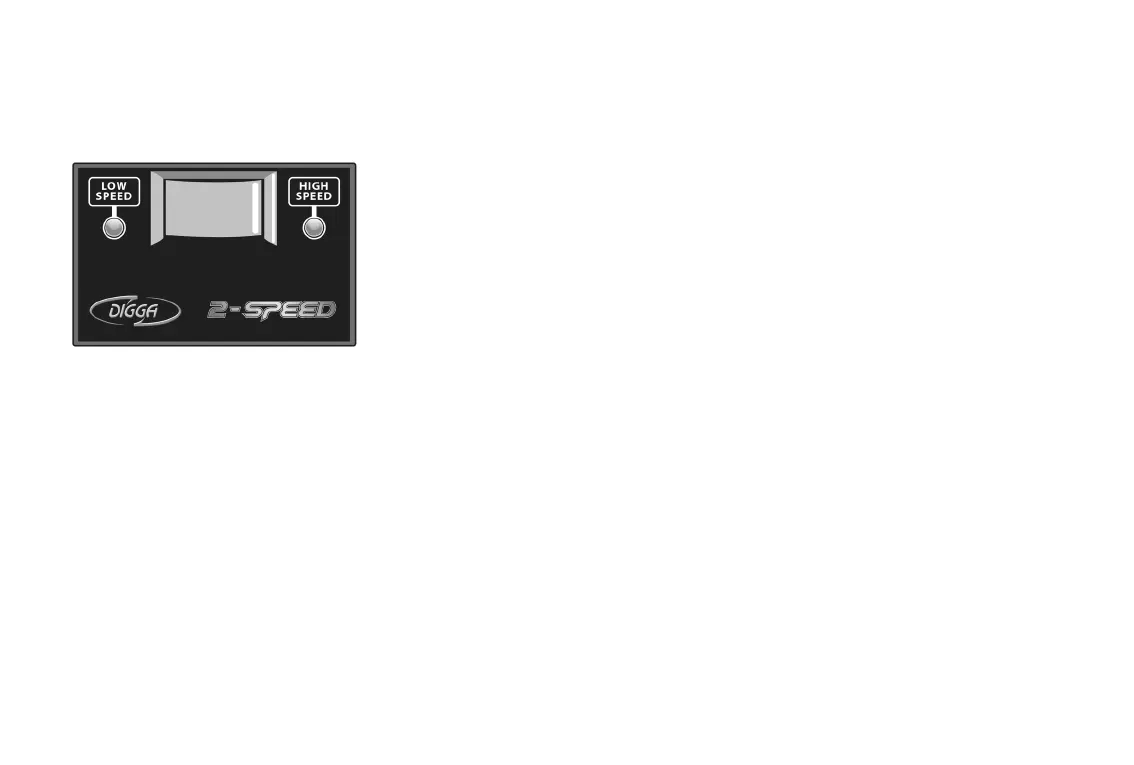
1. The 2 Speed controller runs on 2 set speeds, high and low.
2. When power is connected to the 2-pin plug on the controller harness
one of the LEDs will illuminate dependant on which position the
rocker switch is in, thus indicating that there is power getting to the
controller.
3. When the rocker switch is set in the low speed position the LED
adjacent will illuminate.
4. When the rocker switch is set in the high speed position the LED
adjacent will illuminate.
5. The 2 Speed switch can also operate with a remote joystick-mounted
toggle switch part number DM-000026 or oor mounted remote dip
switch part number DM-000030.
6. To determine the output shaft rotational speeds when in low speed &
high speed refer to the torque chart for your drive unit.
7. If using a remote joystick mounted toggle switch part number DM-
000026 or a oor mounted switch part number DM-000030 to select
the two speed, then the rocker switch on the 2 Speed controller, must
be positioned in the low speed position.
How to Operate the Speed Controllers
Digga 2 Speed Controller (For 2 Speed Drive Unit)
PART NO. DM-000013
13 2 Speed Operating Instructions



 To Next Page