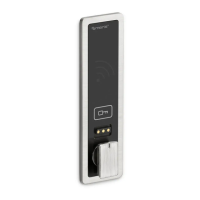
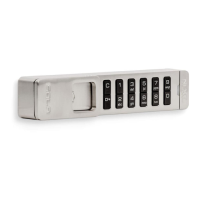
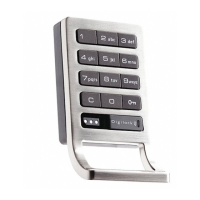
Assigned use locks have the default user code of 1 2 3 4 once initialized.
49
To Change the User Code
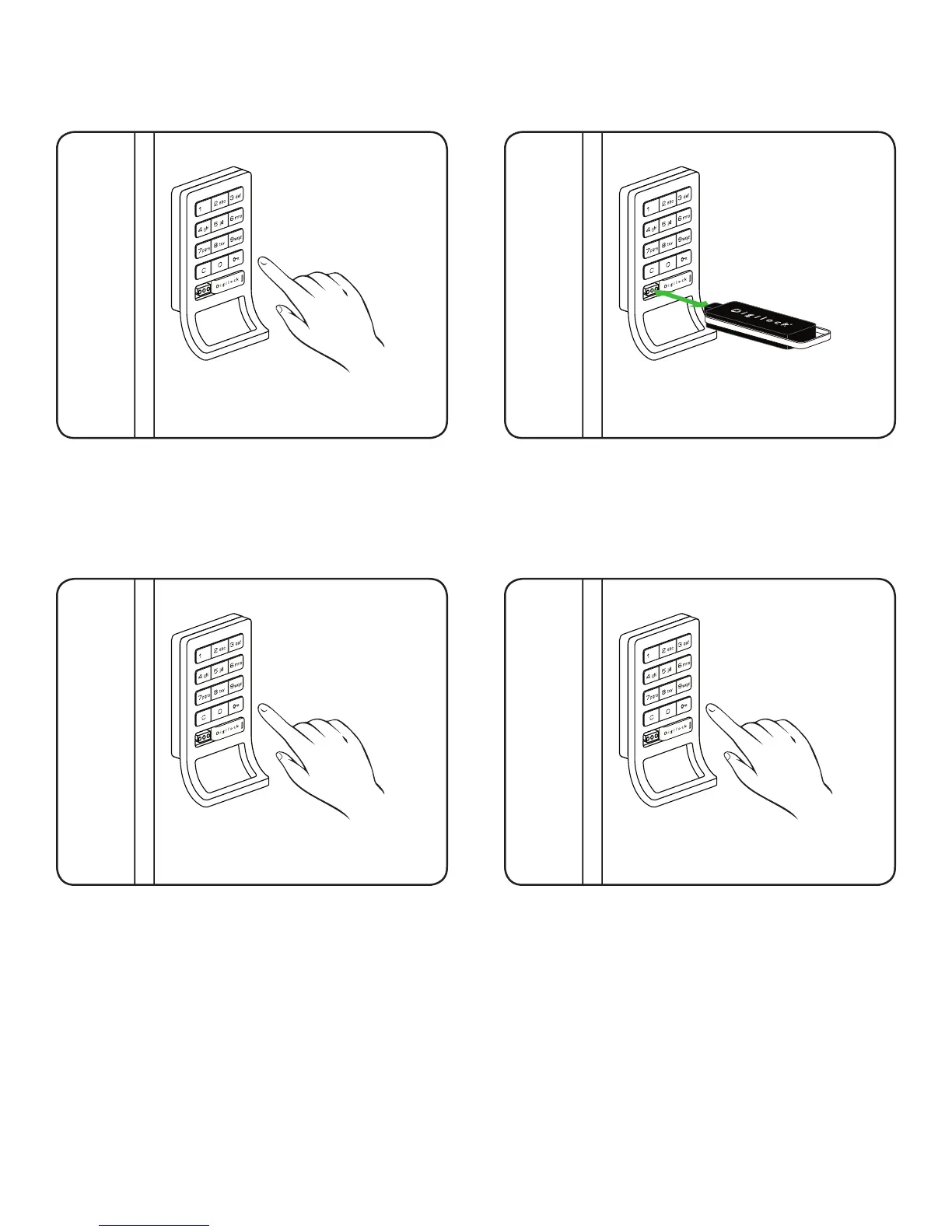
Press: = then `
1
Press: = _ _ _ _ `
(key in any four-digit code)
Lock will emit two tone beep and the LED light will
remain solid.
3
Repeat: = _ _ _ _ `
(key in the same four-digit code)
Lock will emit two tone beep and the LED light will
turn off.
4
Insert a registered Manager Bypass Key (black) to
key slot.
The LED light will turn solid.
2
Note: The lock will accept only one 4-digit code or one ADA User Key (blue) at a time.


 To Next Page