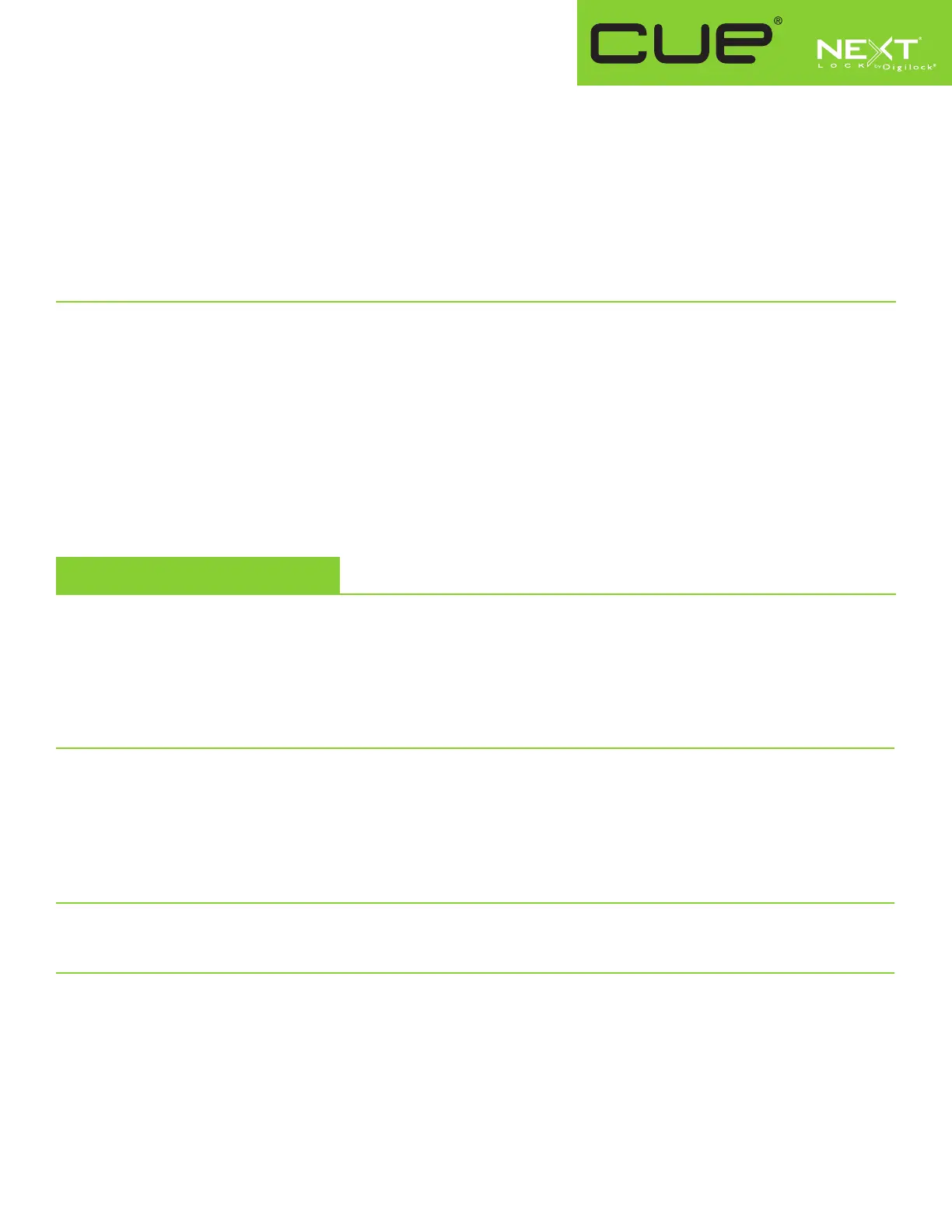
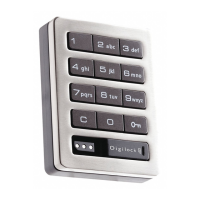
Key Managed
Bolt Mechanism
Product Guide
LED Usage Indicator (for shared use functionality only)
When in shared use functionality, each lock can be programmed to have the LED flash or not flash while the lock is in use. The default
setting is ON (red LED flashes while lock is in use).
To turn off the LED Usage Indicator:
a. Press =` 92 `. The LED will start to flash.
b. Touch the Programming Key to the key slot until a two-tone beep is heard and the LED turns off.
To turn on the LED Usage Indicator:
a. Press =` 91 `. The LED will start to flash.
b. Touch the Programming Key to the key slot until a two-tone beep is heard and the LED turns off.
Assign User Credential (for assigned use functionality only)
Make sure that the lock is set for assigned use functionality. Once a user credential is assigned, the previously assigned user credential will
no longer operate the lock.
Assign a User Code (default user code = 1234):
a. Press =` then touch a registered Manager Key to the key slot until the LED turns on.
b. Press = [new 4-digit code] `. A two-tone beep will be heard.
c. To confirm, press = [the same 4-digit code] `. Two sets of two-tone beeps will be heard and the LED will turn off.
Assign a User Key:
a. Press =` then touch a registered Manager Key to the key slot until the LED turns on.
b. Touch a User Key to the key slot until a two-tone beep is heard and the LED turns off.
Operating Instructions
Operate with a User Code
For assigned use functionality:
▪▪ To▪unlock:▪Press▪= [assigned▪4-digit▪code] `*.
▪▪ To▪relock:▪Press▪=``.
For shared use functionality:
▪▪ To▪lock:▪Press▪= [any▪4-digit▪code] `.
▪▪ To▪unlock:▪Press▪= [the▪same▪4-digit▪code] `*.
Operate with a User Key
For assigned use functionality:
▪▪ To▪unlock:▪Touch▪the▪assigned▪User▪Key▪to▪the▪key▪slot.
▪▪ To▪relock:▪Touch▪the▪assigned▪User▪Key▪to▪the▪key▪slot.
For shared use functionality:
▪▪ To▪lock:▪Touch▪any▪User▪Key▪to▪the▪key▪slot.
▪▪ To▪unlock:▪Touch▪the▪same▪User▪Key▪to▪the▪key▪slot.
Operate with a Registered Manager Key
▪▪ To▪unlock▪and▪lock:▪Touch▪a▪registered▪Manager▪Key.**
Operate with a Registered Programming Key
▪▪ To▪unlock▪and▪lock:▪Press▪=`▪then▪touch▪the▪Programming▪Key▪to▪the▪key▪slot.**
* The lock will go into “Sleep Mode” (keypad is disabled) after 3 consecutive incorrect user code entries.
** If a registered Manager Key or the Programming Key is used to unlock and then relock, the previous user credential will continue to operate the lock.



 To Next Page