EDGEVIS HD-IP150 HARDWARE INSTALLATION GUIDE
ISSUED: 10 NOVEMBER 2020 PAGE 2
Introduction
Before proceeding with the installation and setup of your HD-IP150 unit, please ensure that you check the package
contents listed below, refer to the installation notes on the next page and consult the Quick Start Guide that was
supplied with your unit for step-by-step instructions on preparing hardware and software components.
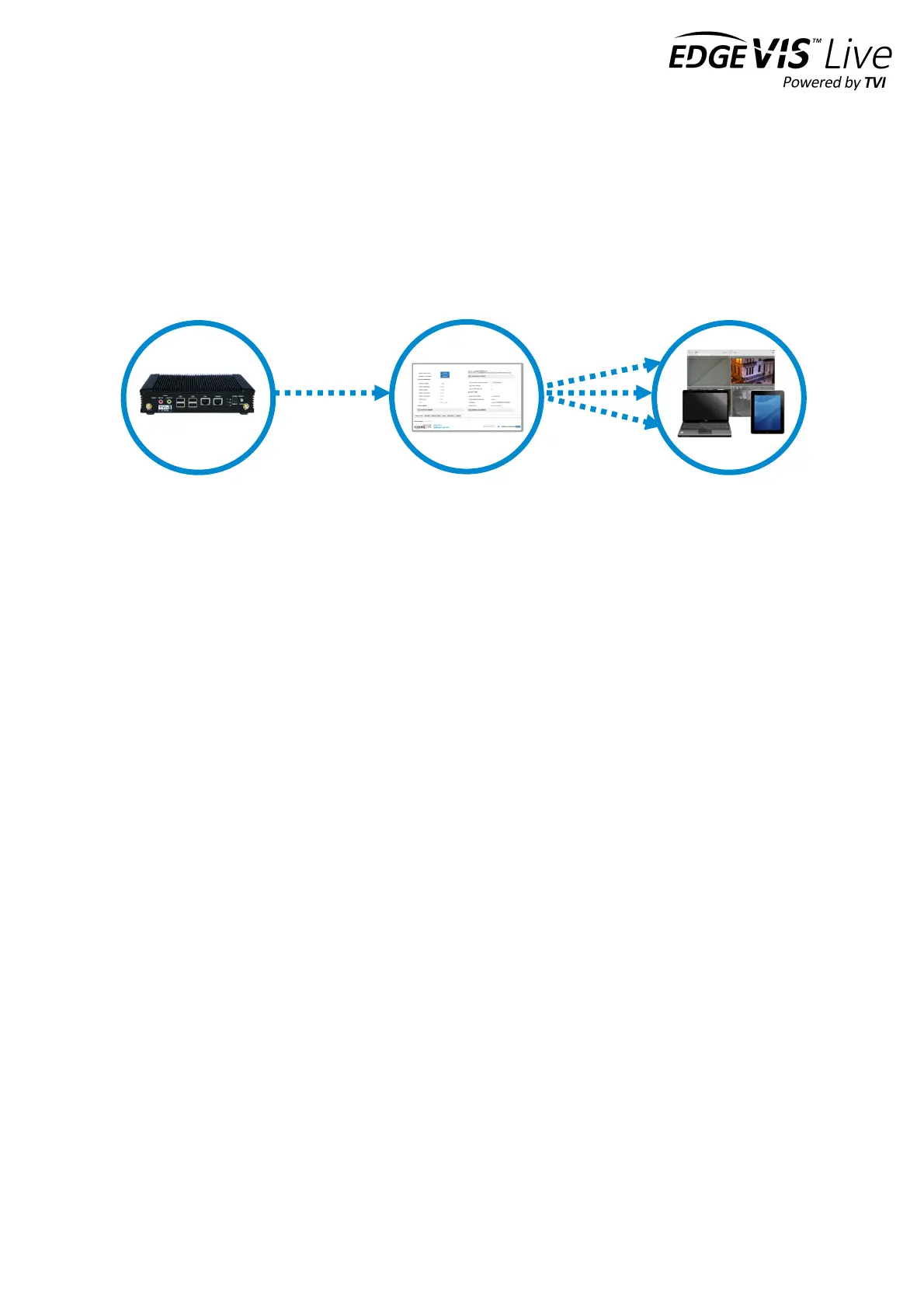
To operate this device you will need to setup, or have access to, the following architecture:
To proceed you must have access to an EdgeVis Server, with an account created for the encoder to use. If you do not
have an EdgeVis Server available refer to EdgeVis Server Setup Guide which will walk through the steps required to
install the server and create the necessary accounts required to proceed.
What is in the box?
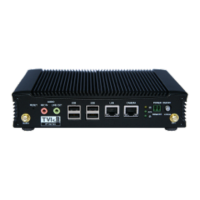
EdgeVis encoder EdgeVis HD-IP150
Accessories AC/DC 12V power supply, mains power lead, 2 x 3G/4G antenna, GPS antenna, USB
Wi-Fi adapter
Printed materials Quick Start Guide
How do I configure the HD-IP150 unit?
After the introduction, there are three sections in this document that help you to configure your HD-IP150 unit:
Section 1 Basic operations of the unit
Powering the unit and connecting devices or drives to the HD-IP150
Section 2 Configuring communications on the HD-IP150
Connecting to wired, Wi-Fi and cellular networks (including SIM card insertion)
Section 3 Next steps…
With the HD-IP150 unpacked and wired, what are the steps required to set up the encoder?
Appendix A Troubleshooting and frequently asked questions
Potential hardware issues that may be encountered with an HD-IP150


 To Next Page