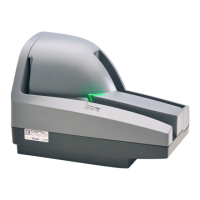
CheXpress® CX30 User’s Manual_Rev 020309
Opening the CX30
Fig. 9
Gently pull out the tabs on the top scanner cover. Lift up on the cover to open.
Opening the Camera Door
Outer camera door. Pinch latch to
ivot door o
en.
Fig.10
The internal path offers a straight through or ‘U’ path and has several doors to provide easy
access for removing stuck or damaged documents. The cameras can be easily cleaned by
opening the outer camera door. The cameras are recessed to minimize getting any dirt or
debris on them, but the CX30 has been designed to make it easy to access both cameras.
12



 To Next Page
 Loading...