EasyManua.ls Logo

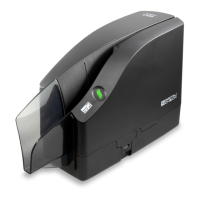
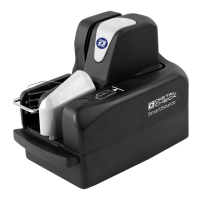
Digital Check SmartSource Elite Series - User Manual

Digital Check SmartSource Elite Series
32 pages
Print Icon
To Next Page IconTo Next Page
Loading...
Installation and Operations Guide
SmartSource
®
Elite Series
Professional Elite
Merchant Elite
Ultraviolet Elite
January 2017 8227 4907-003

Questions and Answers

Digital Check SmartSource Elite Series Specifications

General IconGeneral
Document FeedingAutomatic Document Feeder (ADF)
InterfaceUSB 2.0
MICR ReadYes
Scanning TechnologyContact Image Sensor (CIS)
SpeedUp to 155 documents per minute
Image TypeGrayscale, Black and White, Color
MICR CapabilityE13B & CMC7
Barcode RecognitionYes
Operating System CompatibilityWindows

Summary

Section 1: Setting Up the SmartSource Elite Unit

Section 2: Operating the SmartSource Elite

Powering On and Status Lights

Steps to power on the unit and understand the status light indications.

Processing Documents Through the Scanner

How the unit feeds and stacks documents, including automatic and manual start.

Clearing Stopped Documents

Methods for clearing documents that have stopped in the scanner's track.

Section 3: Cleaning the SmartSource Elite Unit

Cleaning the Document Transport Track

Detailed steps for cleaning the document track to prevent jams and image issues.

Cleaning the Image Camera Lenses

How to clean the delicate image camera lenses to maintain image quality.

Section 4: Troubleshooting SmartSource Elite Issues

Resolving Document Jams in the Track

Common causes and solutions for documents jamming within the scanner track.

Troubleshooting Poor Feeding and Double Feeds

Troubleshooting steps for issues like no-feeds, double-feeds, and skewed documents.

Comprehensive Troubleshooting Chart

A detailed chart listing problems, causes, and corrective actions for scanner operation.

Related product manuals