EasyManua.ls Logo

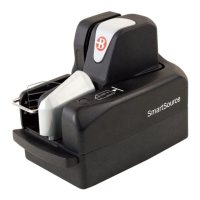
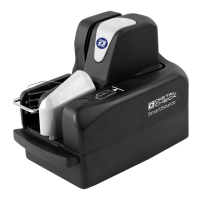
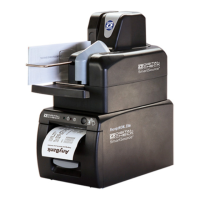
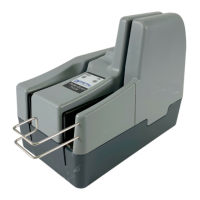
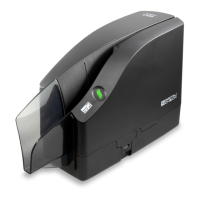
Digital Check SmartSource Professional Elite - User Manual

Default Icon
32 pages
Print Icon
To Next Page IconTo Next Page
Loading...
Installation and Operations Guide
SmartSource
®
Elite Series
Professional Elite
Merchant Elite
Ultraviolet Elite
January 2017 8227 4907-003

Questions and Answers

Digital Check SmartSource Professional Elite Specifications

General IconGeneral
TypeDocument Scanner
Image Resolution600 dpi
ConnectivityUSB 2.0
Feeder Capacity100 sheets
MICR ReadYes
CompatibilityWindows, Mac
MICR CapabilityYes
Warranty1 year limited warranty
Document SizeUp to 8.5 x 14 inches
Image TypeColor, Grayscale, Black & White
Scanning MethodDuplex
Image FormatPDF, JPEG, TIFF

Summary

Product Overview and Setup

Unit Setup and Requirements

Covers location selection, power supply needs, and help desk contact information.

Connecting Cables and Initial Power-Up

Provides instructions for connecting power and USB cables correctly.

Operating the SmartSource Elite

Document Preparation and Feeding

Guides on preparing documents, cards, and aligning them for optimal scanning.

Processing Documents

Details how the unit processes documents and handles automatic/manual start.

Handling Stopped Documents

Procedures for clearing documents that have stopped in the track using SmartClear or manually.

Troubleshooting and Parts

Detailed Troubleshooting Guide

A comprehensive chart of problems, causes, and corrective actions for various issues.

Related product manuals