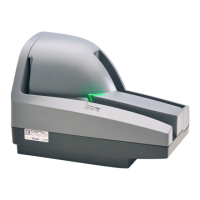
CheXpress® CX30 User’s Manual_Rev 020309
Cleaning Steps
1. You should remove the center cover to blow out the path. Lift up on the top-
center cover.
2. Blow out the entire path, including the dust collection bin under the front
scanhead.
Insert a new CheXpress® cleaning card in the entry pocket.
3. Open the imaging application or ScanLite and initiate feeding.
You may need to nudge the card to get it to grab
1. Remove the top-center cover
Opening & Cleaning Scan-Head Steps
Note: This is only performed when document images are unclear, distorted
or have a dark line laterally through every image.
2. See (figure 10) for opening the Scanhead outer door.
3. The glass area can be wiped with an alcohol swab, or damp cloth to remove
any residue on the camera area.
4. Do not use any sharp, metal objects or you could scratch the glass.
5. Close the scanner door and replace the top-center cover.
17



 To Next Page
 Loading...