Dimension One Spas – Reflections Owner’s Manual
25
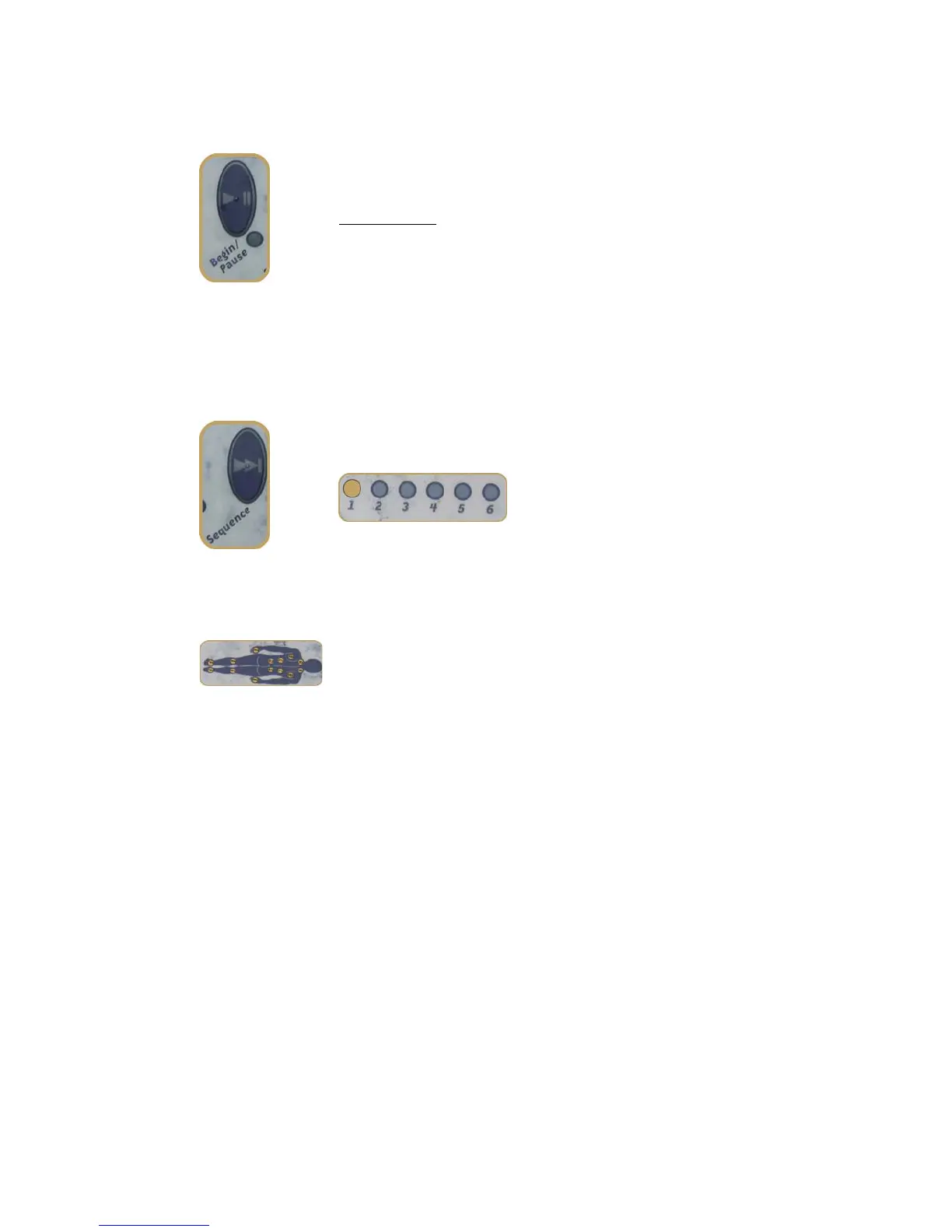
BEGIN/PAUSE Button
Press the BEGIN/PAUSE Button to start a massage sequence or pause
one already underway. Pause does not stop the massage, it holds it
in one place for as long as you like.
UFor example:U If you want to massage any particular zone for a long
time, press the BEGIN/PAUSE Button when the massage is working on
that zone, and the system will remain there until the button is pushed
again.
While paused, the lights on the human figure show the current
massage pattern. You can preview other patterns while in pause
mode by pressing the SEQUENCE Button .
SEQUENCE Button
The SEQUENCE Button allows you to choose between the six different
massage sequences. The light glows to indicate the current
sequence.
When all jets are operating at once (the default mode) none of the
sequence lights will glow.
Massage Zones
The lights in the Massage Zone Indicator (Human Figure) show which
zone is currently selected. When you find the sequence you want by
pressing the Sequence Button, press the BEGIN/PAUSE Button to start
your massage.



 To Next Page