Dimension One Spas – Reflections Owner’s Manual
27
SoftTouch™ Lighting Package (On Certain Models)
SoftTouch Lighting
If your spa is equipped
with the optional
SoftTouch Lighting
Package, you can use
your topside controls to
choose from three
different ambient settings.
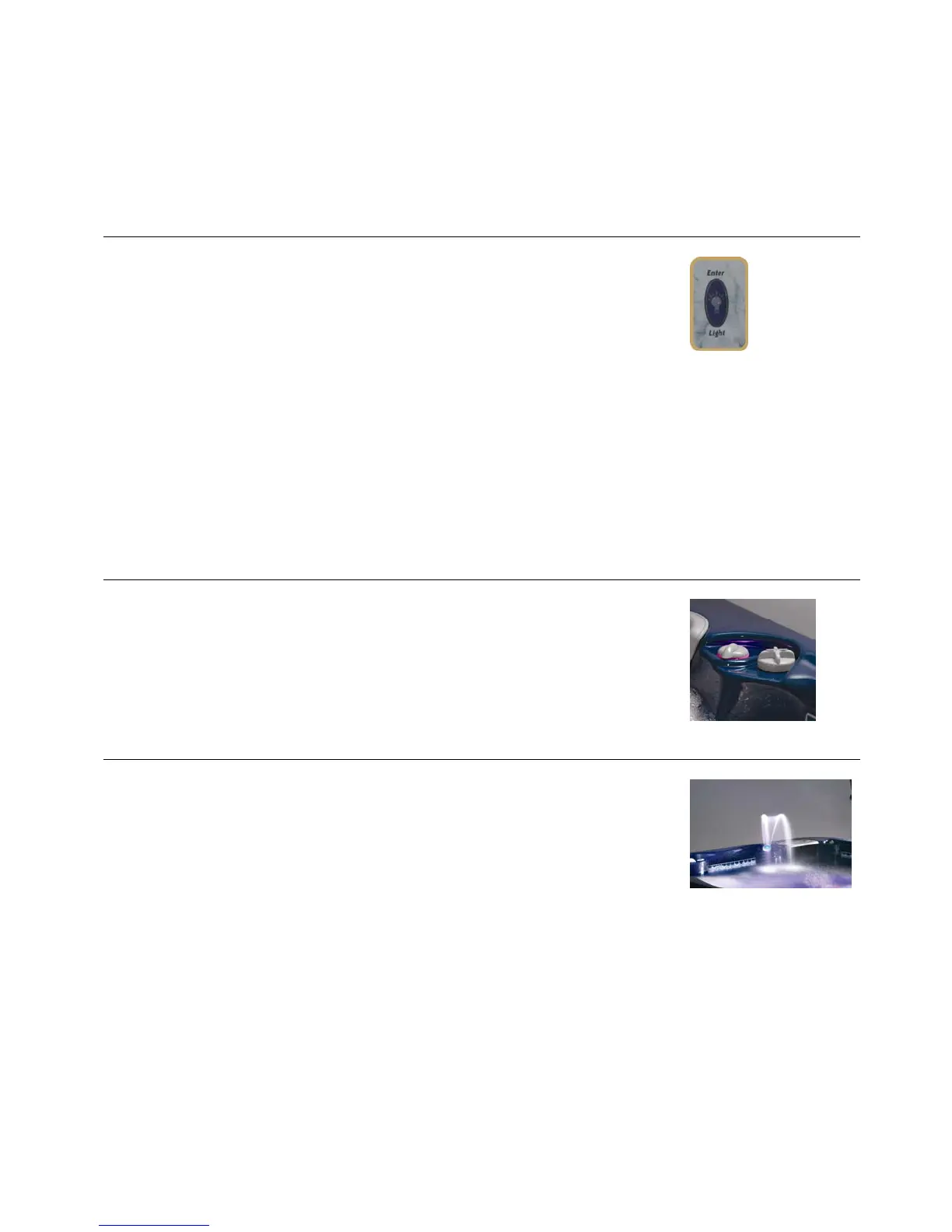
Press the light button once to enter Mode 1:
Brilliant Mode. All lights are turned ON in the
spa.
To switch to Mode 2: Candle Mode press the
light button once, and then again just after
“LIGHT OFF” disappears from the Display
Screen. The lights in the air valves, tile line,
and fountain are ON, and the spa light is OFF.
To switch to Mode 3: Fountain Mode, press
the light button once, and then again just
after “LIGHT OFF” disappears from the
Display Screen. The fountain light is ON, and
all other spa lights are OFF. Changing mode
again returns you to Mode 1.
In any mode, to change the color wheel
speed push the Light button twice quickly.
SoftTouch Air
You can adjust the amount of air in the jets
by turning the valve on the topside of the spa
towards the plus (+) or minus (-) sign.
Liquid FX Fountain
The Liquid FX fountain (also called the Water
Feature) works with the SoftTouch Lighting.
You can customize the fountain with
additional, interchangeable fountainheads
available from your spa dealer. To remove a
fountainhead, twist the retainer cap, remove
the inner acrylic fountainhead and replace
with another. Note: Make sure that the
rubber “O” ring is properly in place.



 To Next Page