8
© 2004 directed electronics, inc.
programming touch-keys
Use the procedure below to program touch-keys into the system. A
maximum of 3 touch-keys can be programmed into the system.
1. Turn the ignition On then Off 12 times.
2. The LED will illuminate continuously.
3. Insert the touch-key to be programmed into the touch-key
receptor.
4. The LED will turn Off for 1-second and then back On contin-
uously. The touch-key is now programmed.
5. After 15 seconds of no activity the LED will extinguish and
the system will exit the programming routine.
glossary of terms
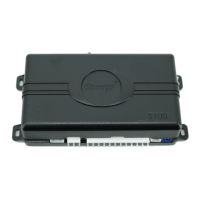
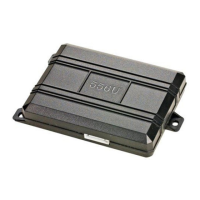
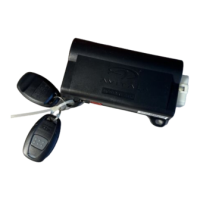
Control Unit:
The "brain" of your system. Usually hidden underneath
the dash area of the vehicle. It houses the microprocessor which moni-
tors your vehicle and controls all of the system's functions.
LED
: Light mounted on the touch-key receptacle in the vehicle. It is
used to indicate the status of your system. It is also used for status
reporting, programming, and disarming without a touch-key.
nnoottee::
If more than one touch-key is required to be programmed, then
repeat steps 3 and 4 after the first touch-key is programmed.
nnoottee::
In order to program touch-keys into the system, the system must
be
ddiissaarrmmeedd
.



 To Next Page