Cleaning hard oors
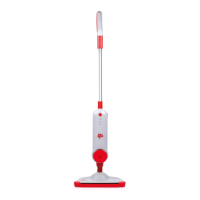
Your steam mop is designed to clean hard ooring such as ceramic
tile, vinyl, laminate, marble, stone and sealed hard wood oors. Use
of your steam mop on waxed or some unwaxed oors may result in a
diminished glossiness. The steam mop is not for inconspicuous area
and check the care instructions from your ooring manufacturer.
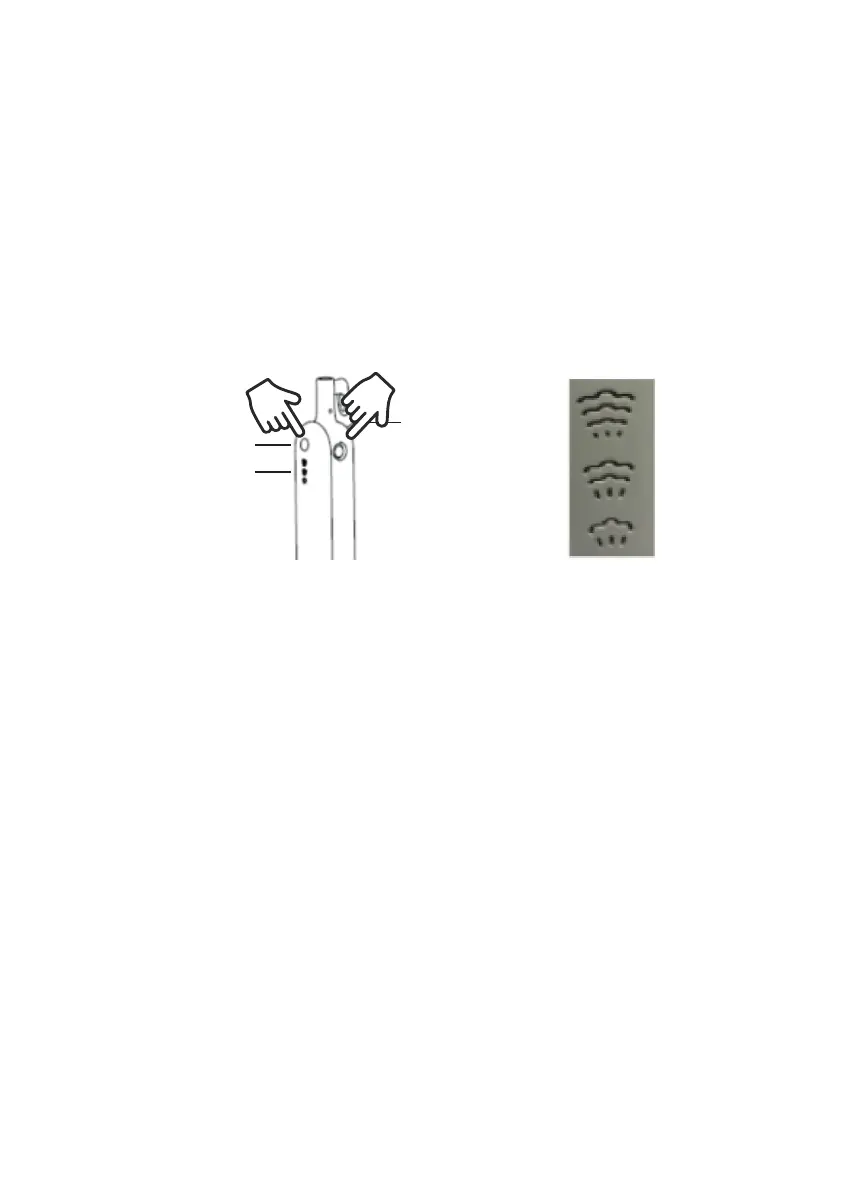
1. Plug the unit in and wait 30 seconds for it to heat up. Choose the
level of steam to clean your oor: Low(delicate oors). Medium(regular
cleaning). High(durable oors or sticky messes). Begin cleaning by
slowly passing the unit over the oor surface.
Steam control
Power switch
1
2
High
Medium
Low
Note:
Press power switch before you press steam control. When you rst
press the steam level button, the steam is at its maximum level.
Please adjust desired level by pressing the button.
2. To turn off the steam mop, continue to press the steam level button
until the blue light is illuminated above the steam level button.
3. When the steam mop stops emitting steam, unplug the unit. Simply
remove the water tank, rell and continue steaming.
Note: Be sure to disinfect the oor, use a microber mat and wipe it
back and forth at least three times with continuous steam. For best
results, remove the liner and clean it after.
Carpet Gilder
This accessory is used to attach the steam mop to allow the steam
mop to slide over the carpet, thus cleaning the carpet.
Note: Please make sure that carpet gilder has been buckled on the
oor head. If it is not in the correct position, it will cause carpet gilder


 To Next Page