16
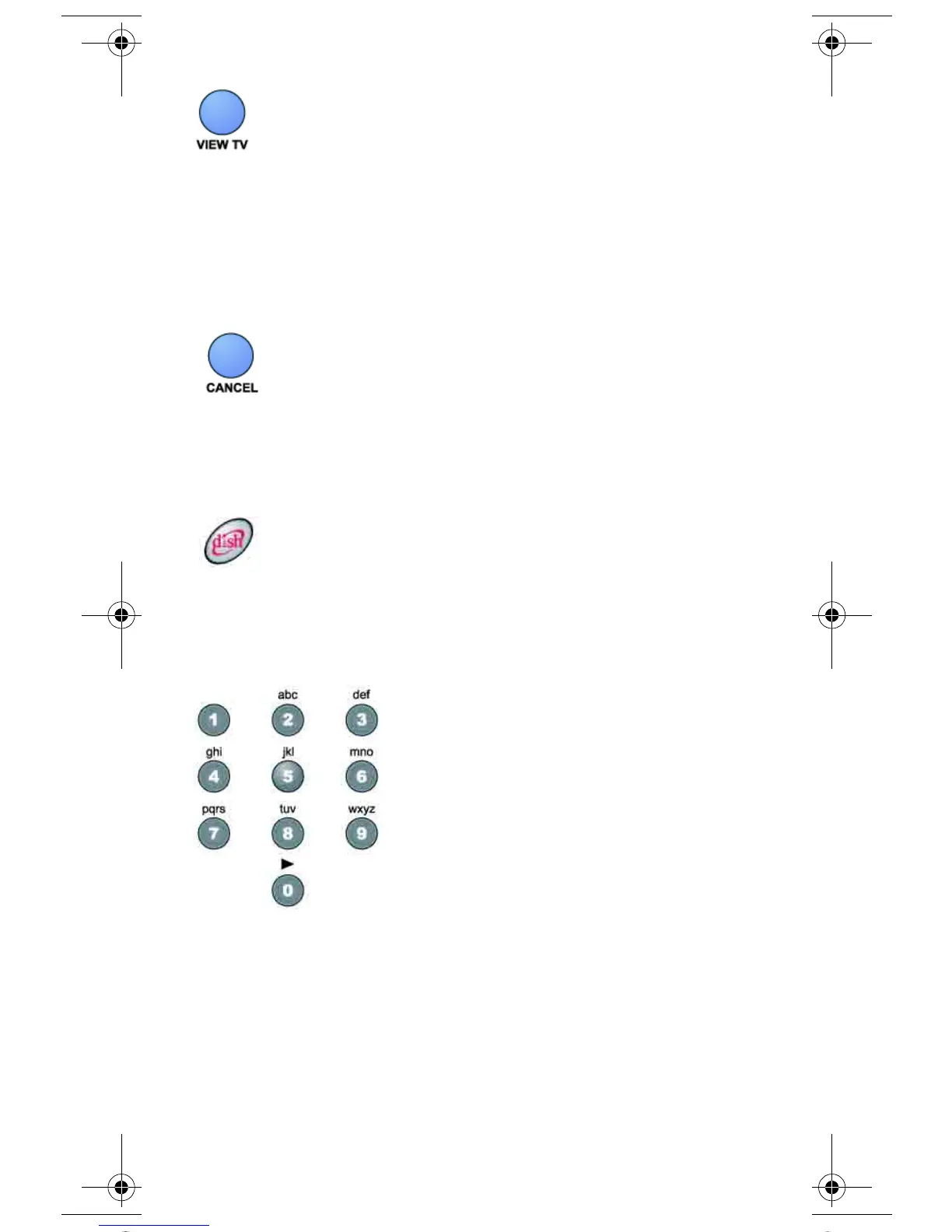
VIEW TV BUTTON
• When you watch a program, press this button to briefly display
the Program Banner.
• When you use a menu, press this button to cancel
and go back to watch a program.
CANCEL BUTTON
Press this button to cancel and go back to the previous menu or to
watch a program.
DISH BUTTON
Press the dish button to go to Dish Home for receivers that support
Dish Home.
NUMBER BUTTONS
• Change the channel - Use the NUMBER buttons to enter a
channel number to change the channel. If you have the Program
Guide open, use the NUMBER buttons to jump to the channel
listing on the Program Guide.
• Scroll through the Program Guide by time - When you have
the Program Guide open, enter a number of hours using these
buttons, and then press the RIGHT or LEFT arrow button to skip
the Program Guide forward or backward that many hours.
text_dishnondvr.fm Page 16 Monday, November 7, 2005 12:03 PM













 To Next Page