Chapter 1
Page 8
Introduction
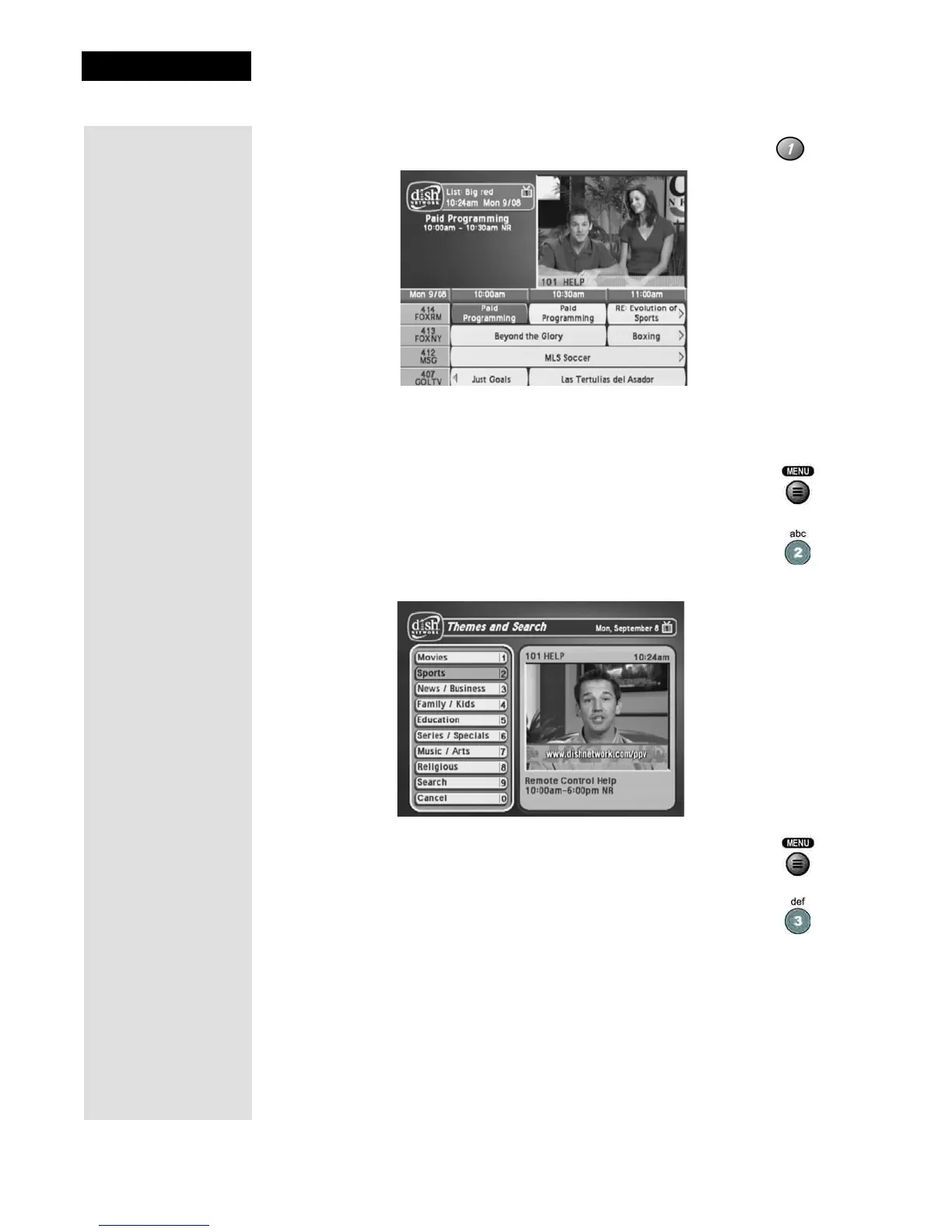
2. Press the 1 button to select the Program Guide option on the
Main Menu. This opens the Program Guide on the TV screen.
You can use the
Program Guide to find and select a program to watch.
For now, though, go on with this tour.
3. Press the MENU button to go back to the
Main Menu.
4. Press the 2 button to select the
Themes and Search option on
the
Main Menu. This menu allows you to search for
programming by themes (movies, sports, etc.) or by key words
used in the program information.
5. Press the MENU button to go back to the
Main Menu.
6. Press the 3 button to select the
Customer option. This menu
provides convenient access to your DISH Network account to
review your statement, pay your bill, upgrade programming, and
more.










 To Next Page