Page 9
Quick Tour of the Menus
7. Press the 0 button to go back to the Main Menu.
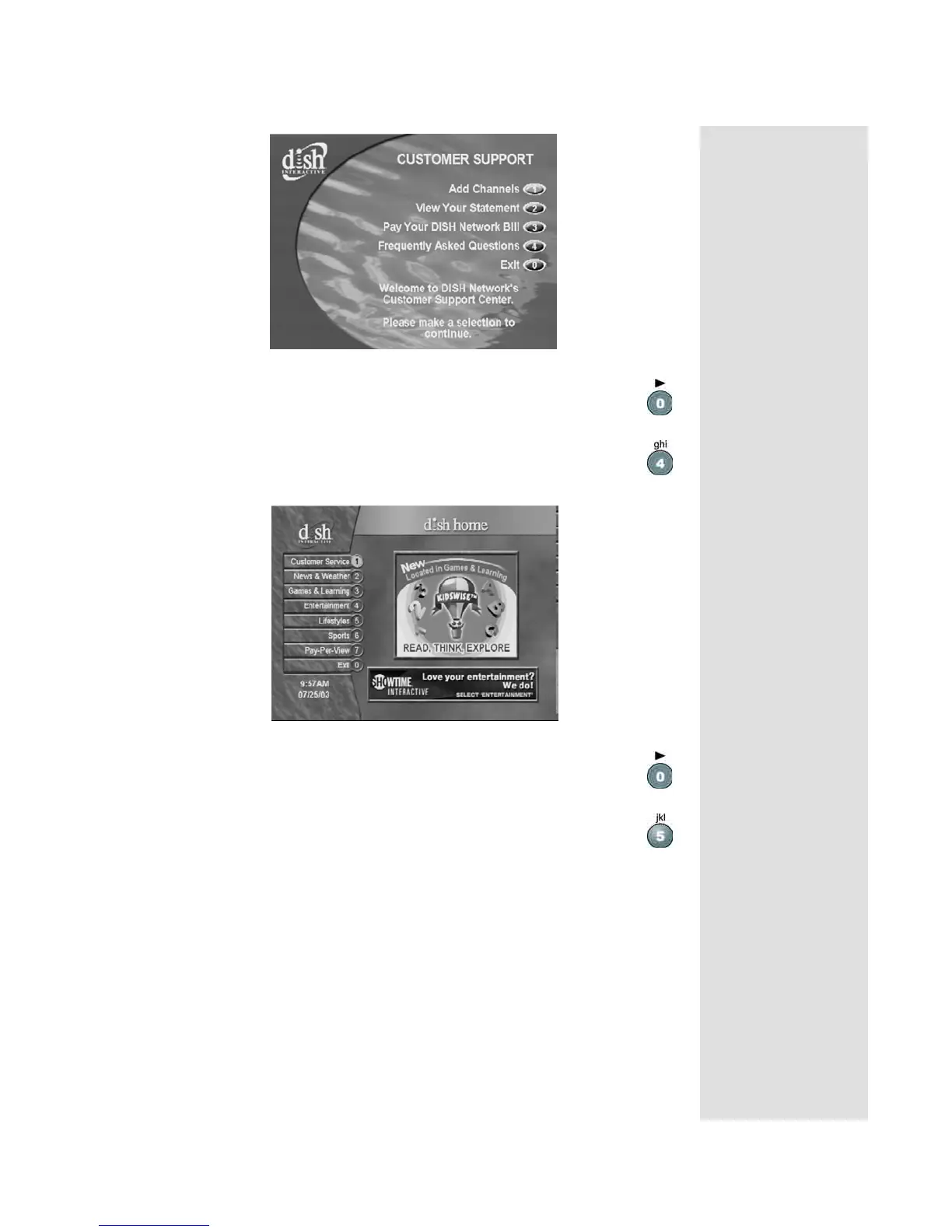
8. Press the 4 button to select the
Dish Home option. You can
order channels, check the news and weather, and even play
games.
9. Press the 0 button to go back to the
Main Menu.
10. Press the 5 button to select the
Locks option on the Main
Menu
. This menu allows you to apply password-protected
locks on programming based on rating, or even on a channel-
by-channel basis.










 To Next Page