EasyManua.ls Logo

Dish Network 52.0 - Pair Your Remote

Dish Network 52.0
16 pages
Print Icon
To Next Page IconTo Next Page
To Previous Page IconTo Previous Page
Loading...
2
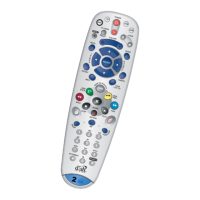
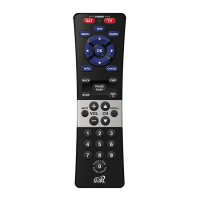
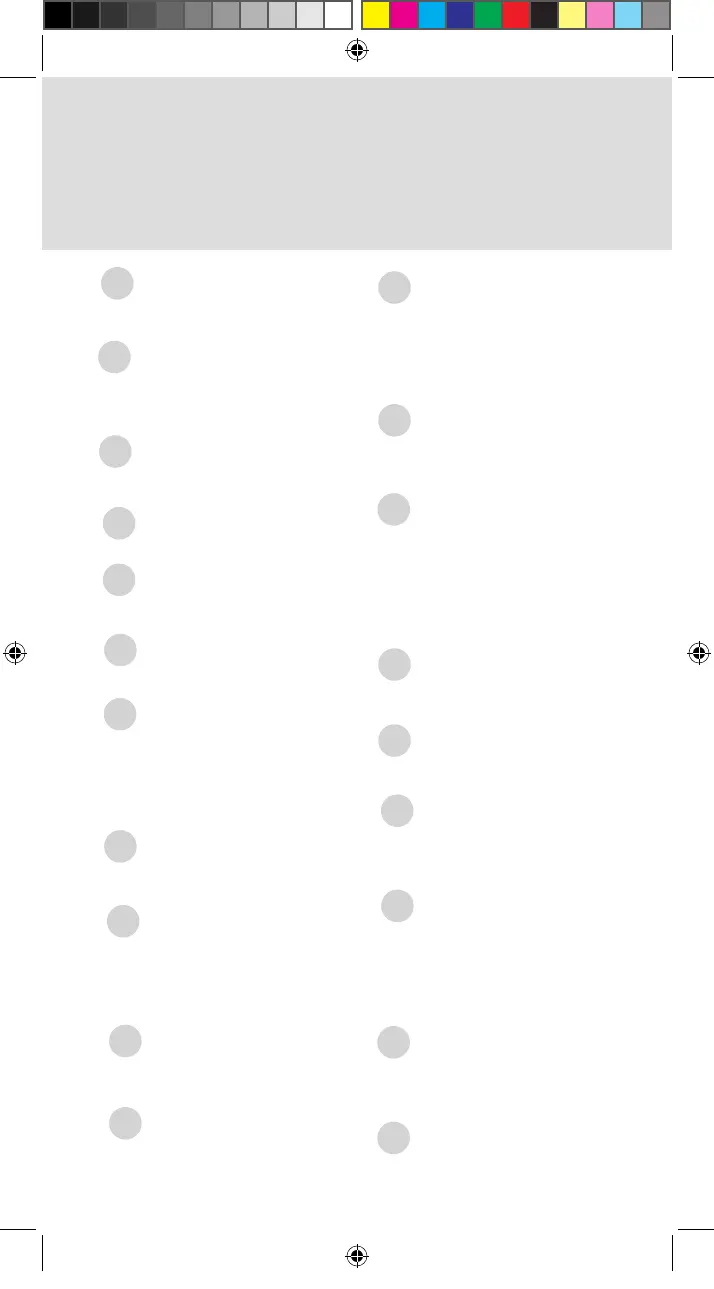
Arrow/Select Buttons
Navigates you
through your
Hopper experience
SAT/TV/AUX
Mode indicator lights
up when in that
mode
CH
Channels up/down
Navigates one full
page in menus
Skip Forward/Forward
Press to skip
forward 30 seconds
in a program
Press and hold to
forward through the
program
Skip Back/Back
Press to skip back
10 seconds in a
program
Press and hold to
reverse the program
Back/Live TV
Returns to previous
menu
Press and hold to
return to viewing
live TV
Pause/Play
Pauses or plays
a live or recorded
program
Power
Turns the receiver
on/off
Vol and Mute Buttons
Controls TV volume
Programming required
Recall
Returns to previously
viewed channel(s)
Number Buttons
Enters a channel
number
Navigates through
menus and program
guide
Home
Displays Home
menu
Options
Opens Options
menu
Apps
Displays Apps menu
DVR
Displays recorded
programs
Guide
Displays the Guide
Search
Searches for
programs
1
8
9
3
10
11
12
18
13
4
14
5
16
6
15
7
17
Info/Help
Retrieves info on
programs
Press and hold for
help
Input
Swaps the tuner
19
20
SAT/TV/AUX Mode
Changes which
device the remote
controls
2
Standard_Remote_QSG.indd 3 9/2/2015 4:16:15 PM
Swaps the input in
TV mode

Other manuals for Dish Network 52.0

Related product manuals