Back
Backup
26
Backing Up Settings
After setting up the remote and the Joey, you can back up your
settings. If you back up your settings, you can easily restore your
settings.
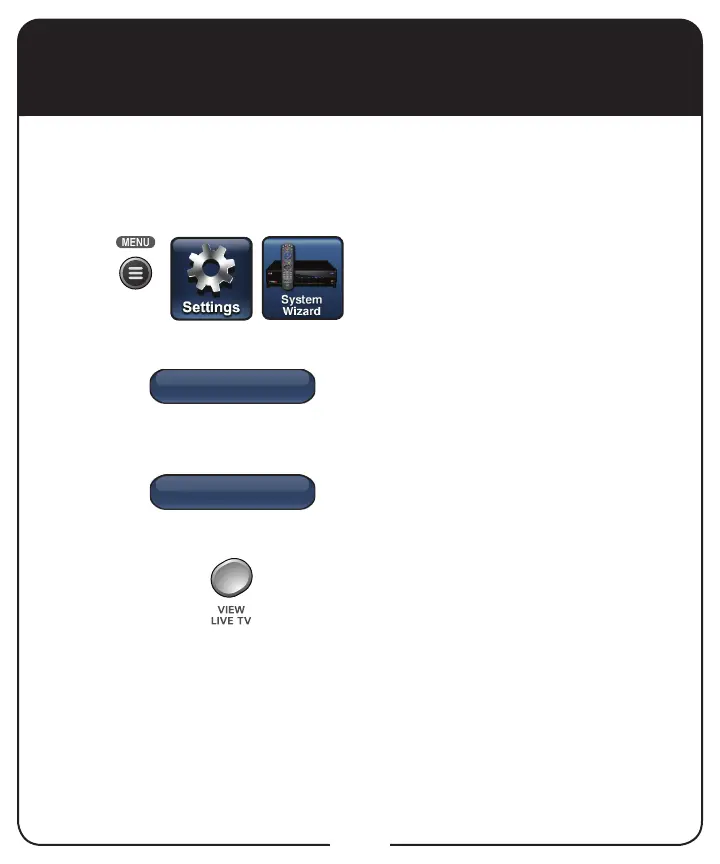
Press MENU, select Settings,
and then select System Wizard.
If you have nished setting up a
new remote and receiver, select
Backup. Backup saves your
receiver and remote settings.
When Backup is complete,
select Back to return to System
Wizard.
Press VIEW LIVE TV to return to
your satellite programming.
1
2
3
4



 To Next Page