36 JT920/JT920L - CONTROLS
SUBSITE 750 DISPLAY DESCRIPTIONS
36 JT920/JT920L - CONTROLS
SUBSITE 750 DISPLAY DESCRIPTIONS
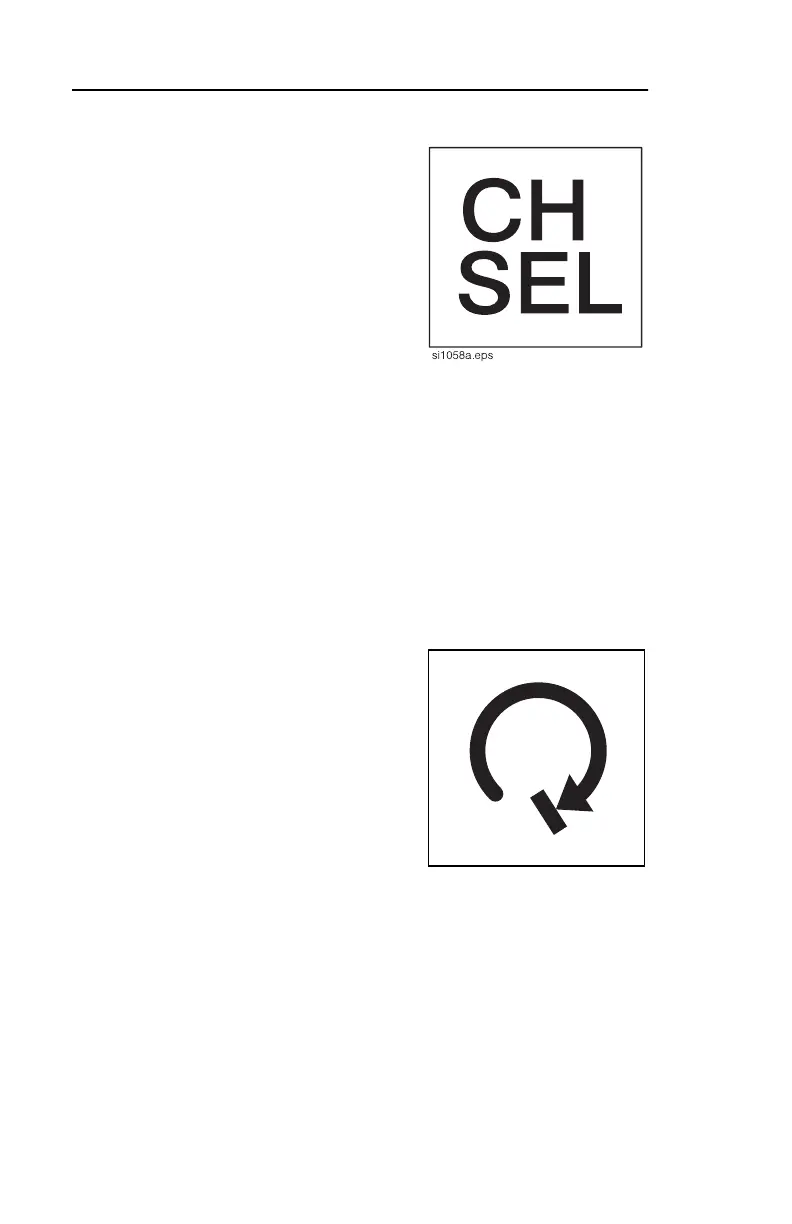
Channel Select Button
This button selects between two
radio channels.
• Press and release to display
current channel.
• Press and hold to switch
channels.
• Unit defaults to channel one
each time unit is turned on.
IMPORTANT: Make sure display and tracker are set to the same
channel.
Second function: Press with Recall button to select job to open.
“Init” and job number will be displayed.
Roll Stop Button
This feature is not yet available.
si1069a.eps
Channel Select Button
This button selects between two
radio channels.
• Press and release to display
current channel.
• Press and hold to switch
channels.
• Unit defaults to channel one
each time unit is turned on.
IMPORTANT: Make sure display and tracker are set to the same
channel.
Second function: Press with Recall button to select job to open.
“Init” and job number will be displayed.
Roll Stop Button
This feature is not yet available.
si1069a.eps


 To Next Page