36 37
Using Sounds options
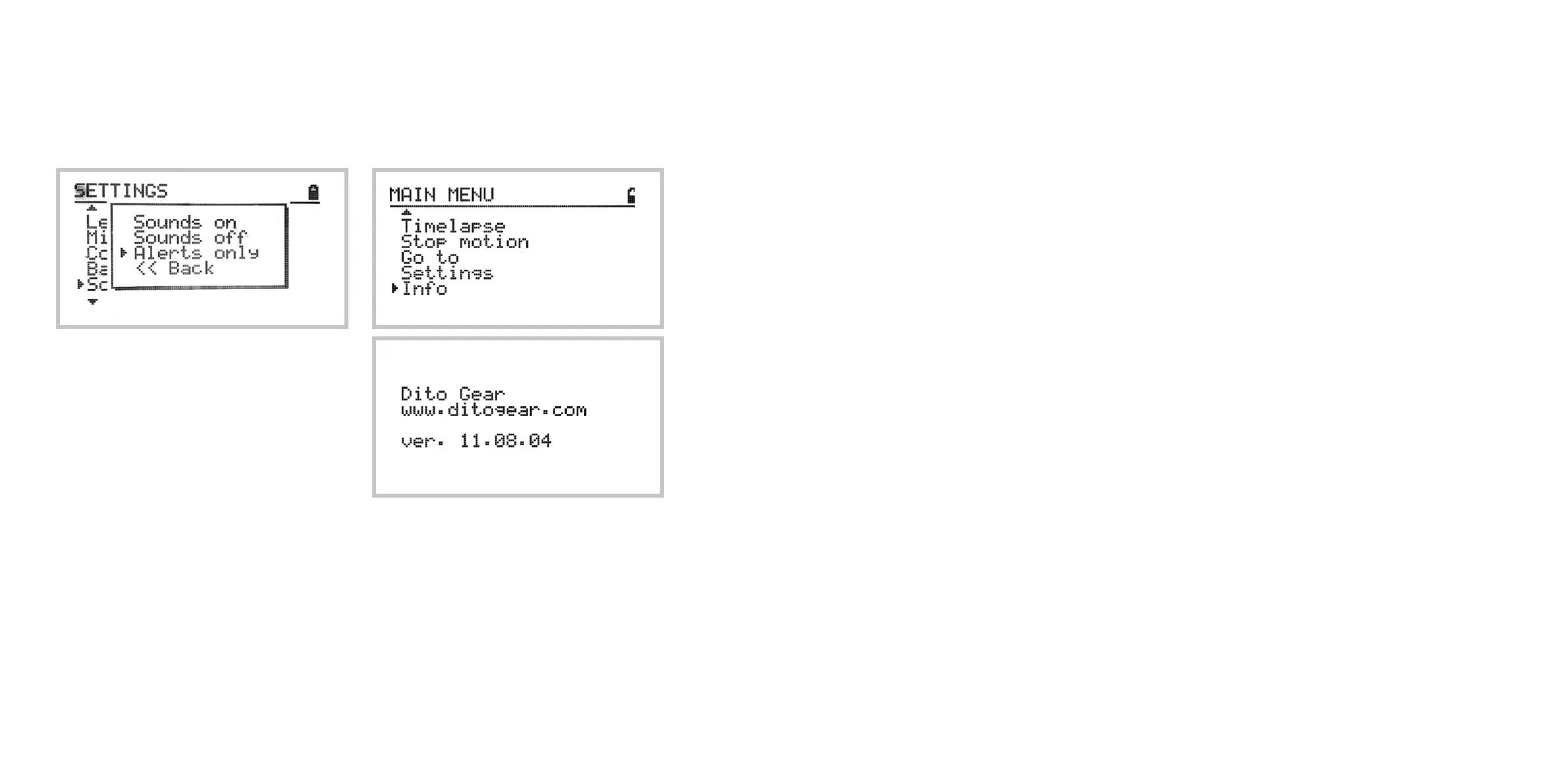
The sounds menu allows you to set the sound
preferences.
In the Sounds On mode all controller commands will
be associated with audible sounds.
In the Sounds O mode no sounds will be used.
In the Alerts Only mode the controller will emit
sounds only for critical events such as confirma-
tions or reaching limits.
Note: regardless of the sound setting in the control-
ler, the DitoGear™ OmniSlider Servo main circuit
board, located in the motor box, will emit sound sig-
nals in case of motor overheating or stalls.
Checking the firmware version
In order to check the firmware version and build,
navigate to: Home » Info
Motor warning signals and
behaviors.
The DitoGear™ OmniSlider Servo is equipped with
an internal controller protecting the motor from
damage in result of excessive load.
When the motor approaches the performance limit
you will hear a short repeating beep from the motor
box. It indicates that the motor is working under high
payload and is close to its limits.
When an excessive load is put on the slider or the
slider is not properly calibrated and the motor tries
to move against the track end, the motor control-
ler will prevent the damage to the motor by cutting
the power o. You will hear the continuous beep
sound coming from the motor box. It indicates the
motor stall.
In this situation you need to disconnect power, wait
10 seconds and restart the device.
Taking the above into account, calibrate the device
carefully.
Resetting factory defaults
In case of any abnormal operation of the DitoGear™
OmniSlider, you may try to reset the factory defaults
of the controller.
Some issues may arise due to damaged, faulty or
corrupted settings records present in the memory.
In order to reset to the factory defaults do the
following:
1 Power off the device
2 Wait 15 seconds
3 Connect the controller to the slider
4 Press and hold joystick
5 Turn on the power while the joystick is still
pressed.
This procedure will reset the factory defaults.



 To Next Page