Page 7
6.3 Quick Adjustment of Grinding Time (= amount of coffee)
The factory settings for the grinding times are 2 seconds for the single
shot and 4 seconds for the double shot.
In order to adjust the amount of ground espresso coffee individually
follow the steps below:
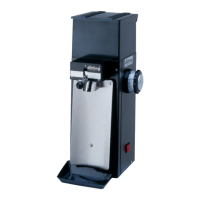
6.3.1 Adjustment of single shot: Press and hold the single button (pos.
8). While holding use the the left potentiometer (pos.9) to adjust the
grinding time of the single shot. (rule of thumb: 1,5 - 3,0 seconds)
The change is saved by letting go the single button.
6.3.2 Adjustment of double shot: Press and hold the double button (pos.
10). While holding use the the right potentiometer (pos.1) to adjust the
grinding time of the double shot. (rule of thumb: 3,0 - 5,0 seconds)
The change is saved by letting go the double button.
6.3.3 Barista-Mode: Shortly press both buttons (pos.8+10). The display
shows BARISTA. The timer is disabled and the grinder will grind as
long as the portafilter is inserted in the mounting.
Dosing has to be done manually.
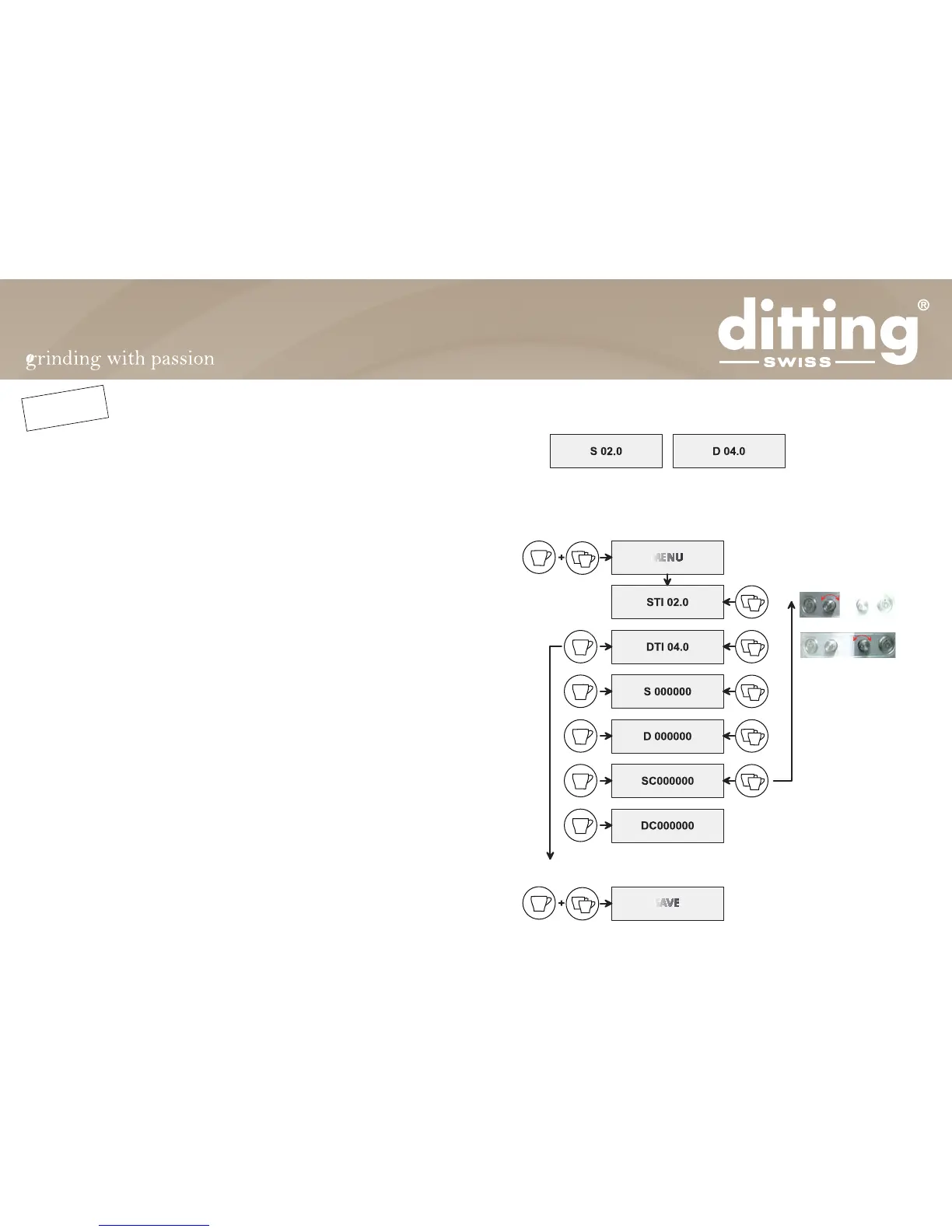
6.4 Software menu
Display
To enter the menu:
Save the changes
Press and hold for 3 sec:
Press and hold for 3 sec:
Press:
Adjust single shot time
Adjust double shot time
Double counter continuous
Single counter continuous
0,1 - 9,9 s
0,1 - 9,9 s
Single counter (resettable)
Press:
CONTINUE
BACK
* *
MENU
* *
SAVE
Double counter (resettable)
NEW


 To Next Page