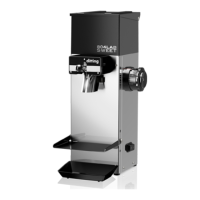
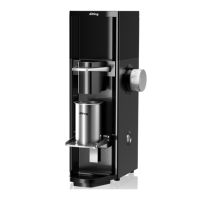
Page 6
6.1.1 Actuate the main switch on the rear of the grinder (pos. 19).
6.1.2 Open the hopper. Pour whole roasted espresso beans into the
hopper from above. Never pour in coffee powder. Close the hopper.
6.1.3 Check whether the hopper slide (pos.18) is open.
6.1.4 Choose the pre-selection button for a single or double shot of
espresso (pos. 8+10).
6.1.5 Push the port-a-filter of your espresso machine into the rest.
Grinding starts and ends automatically.
6.1.6 Break function: If you pull out the port-a-filter while grinding the
process will be interrupted. The LED of the active pre-selection button
blinks. The process can be continued by pushing the port-a-filter back
onto the start-button. The saved, missing amount will be ground.
For stopping the grinder and deleting the remaining time simply push
the blinking pre-selection button. The entire set grinding quantity or
grinding time is available once again.
6.2 Grind adjustment (grinding fineness)
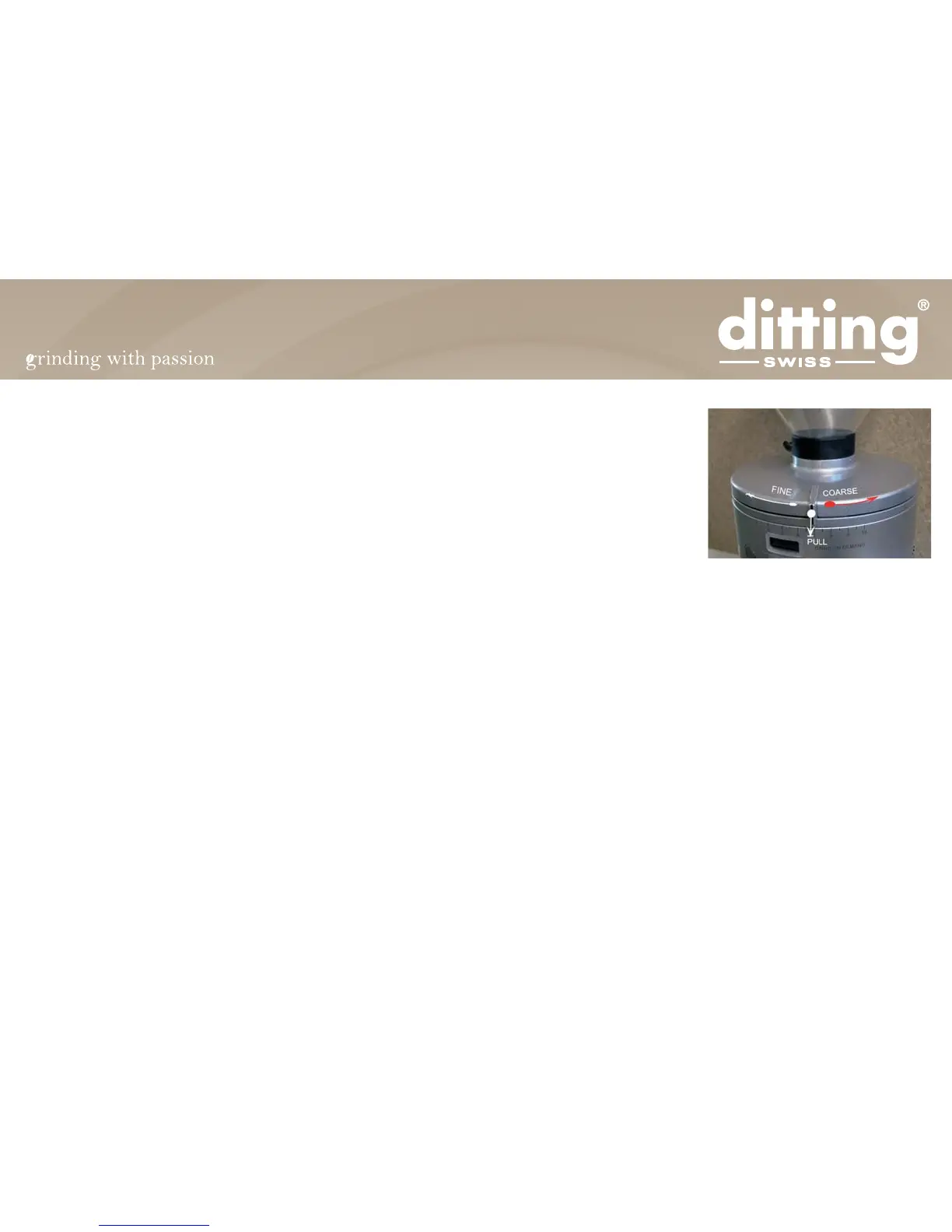
Adjust the grinding fineness by pulling the sliding detent out to the
front* and turning the lid / grinding fineness adjustment to the mark 2.
Note that “0” is the finest setting and “10” is the coarsest setting.
Rotation to the left = fine
Rotation to the right = coarse
*respectively for KE640 Vario: loosen the adjustment screw and refasten it after the adjustment


 To Next Page