48
Chapter 2: Camera Configuration
Object Detection Cont.
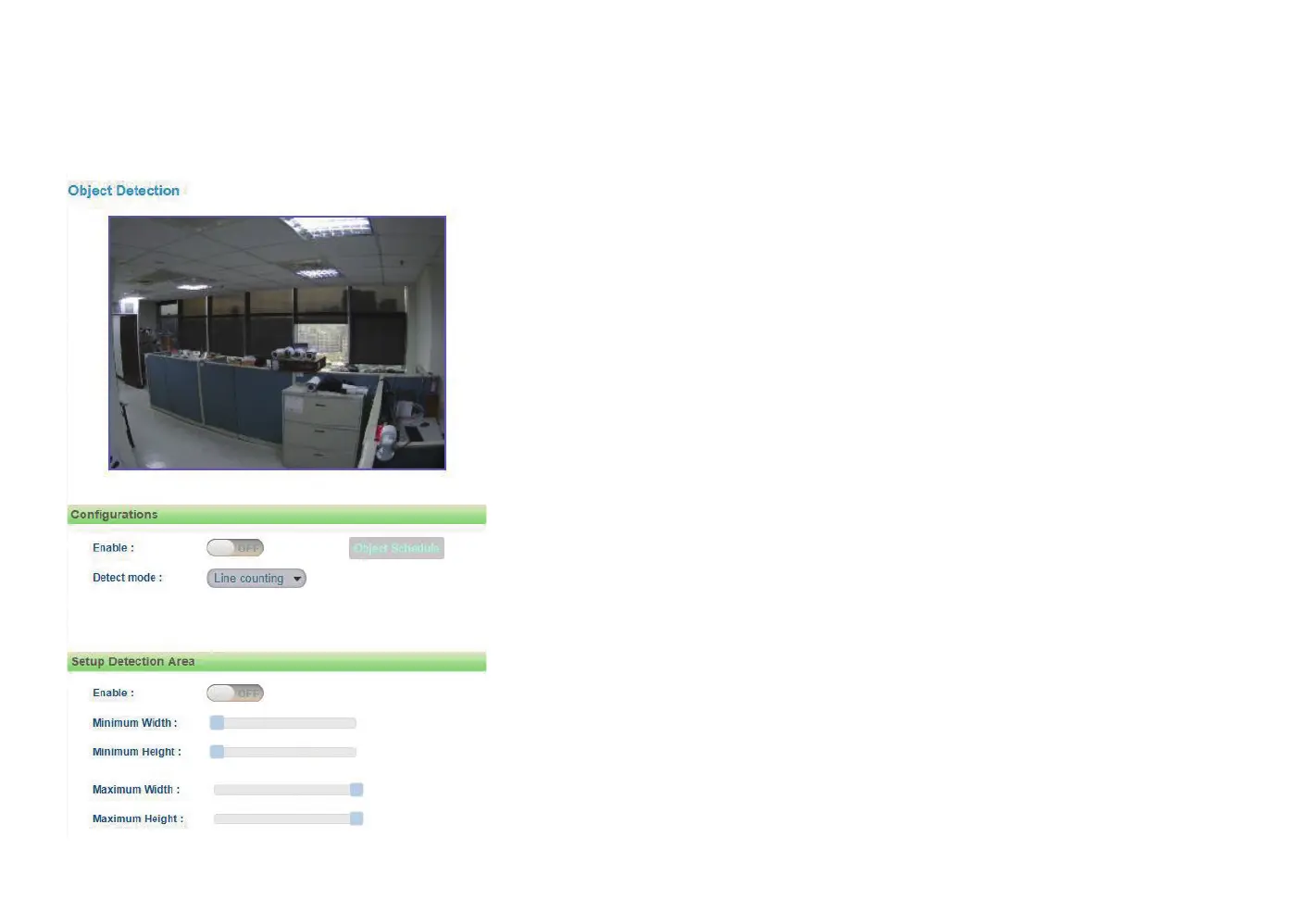
Zone intrusion: To create a Zone intrusion area for triggering events, on
the live video screen, select the area by clicking the mouse button to specify
the first anchor point, then draw a line to place the second anchor point.
Continue to draw lines for the third and fourth anchor points, then finish
off the selection by clicking the first anchor point. A total of 4 anchor points
can be created. Select the Inside or Outside option (trigger method) from
the Direction drop-down menu. (Note: Object detection function must be
enabled in the Network Storage menu to enable event triggers.)
Direction
Configures the direction of counting method.
Count
Displays the counting result.
One way for Line Counting: There will be two parallel lines (red and green).
Only objects passing the green line first will be calculated and counted. If
the green line is on the right, it will be counted as Right in Count; if the
green line is on the left, it will be counted as Left in Count.
Two way for Line Counting: There will be two parallel lines (both green).
Only objects passing the green line first will be calculated and counted. If
the object passes the right green line first, it will be counted as Right in
Count; if the object passes the left green line first, it will be counted as Left
in Count.
Inside for Zone Counting: Objects leaving from inside the zone area to the
outside will be calculated as Inside. Objects entering from outside the zone
area to the inside will not be counted as Inside or Outside.



 To Next Page