18
RUNNING THE MACHINE
Setting the Number of Strokes
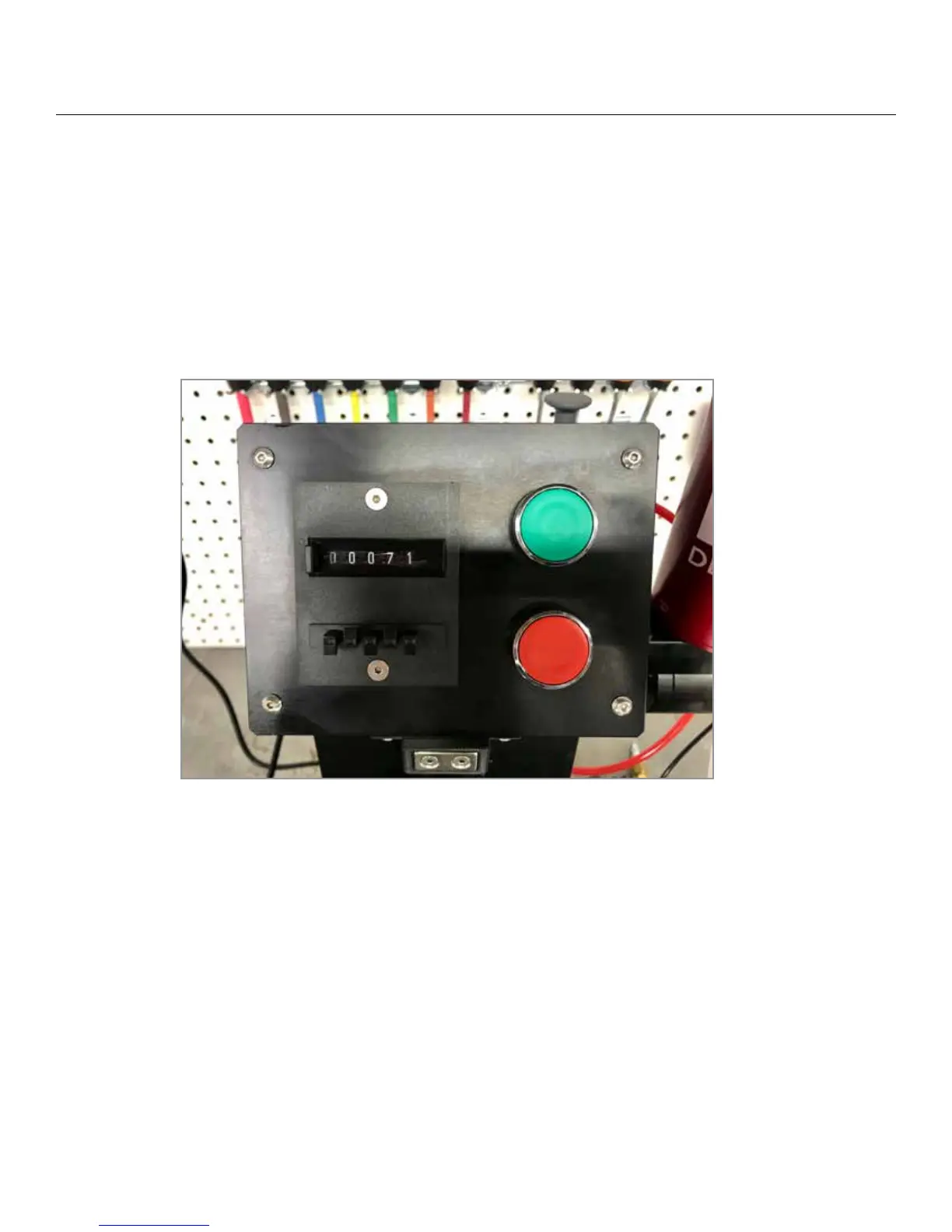
Preset the number of strokes (forward and back, a “double rub” counts as one stroke) press the button to the le of
the digital counter display and hold it down. Press the buttons under each digit (ones, tens, hundreds, thousands)
to select the number of strokes on the display. e counter will count down as the machine runs its test. To reset
the counter to your original preset number of strokes simply press the button to le of the display again, only this
time just press and release the button, the counter will return to the preset number of strokes.


 To Next Page