Digital Monitoring Products | XTLtouch Installation Guide 13
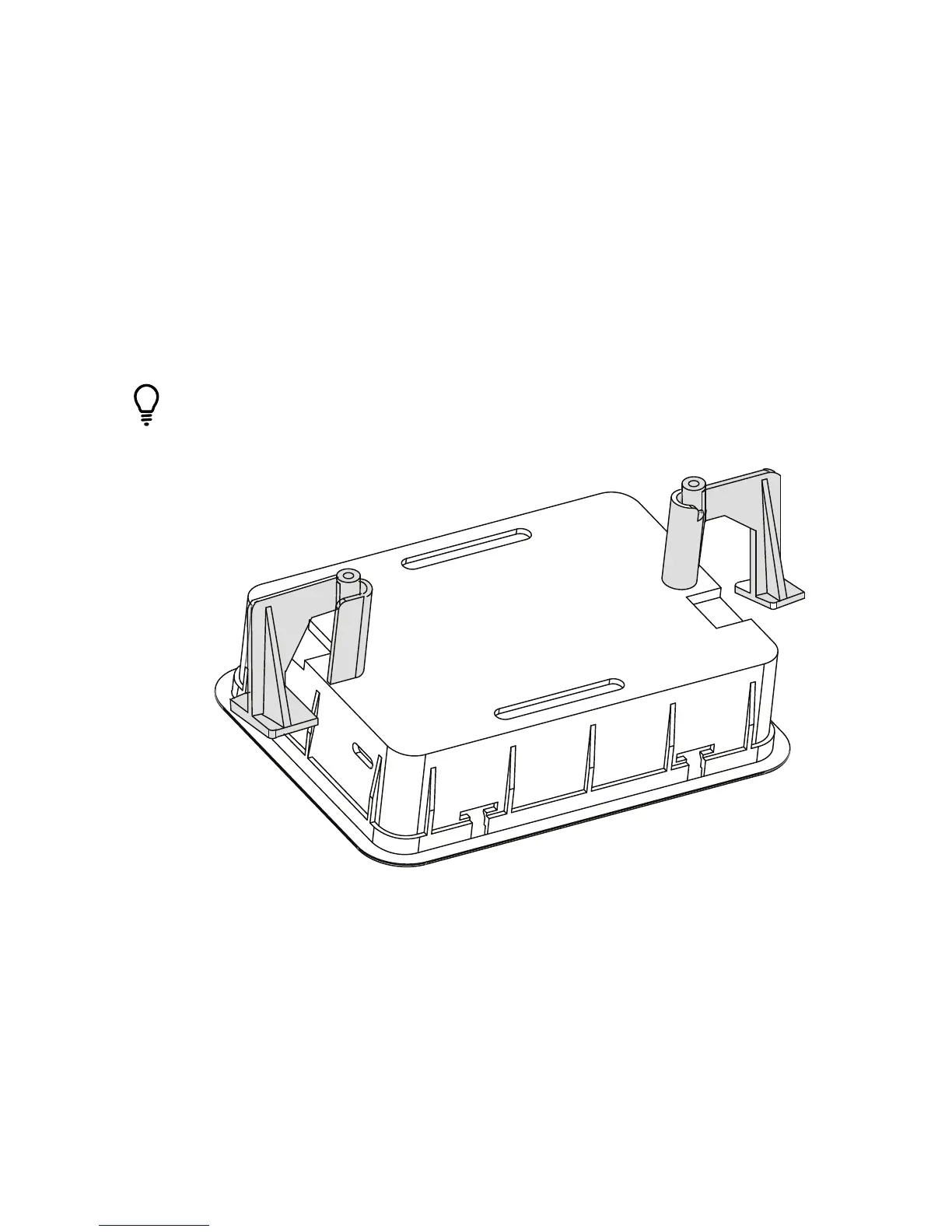
3. Once in place, use a Number 2 Phillips screwdriver to tighten the #6
screws that are already in place. This allows the locking tabs to swing into
a horizontal position on both sides of the backbox.
Pro Tip: In some installations, it may be necessary to secure the
backbox to a wall stud. To do this, place the backbox in the wall
space you created and secure it to the wall stud by using the side
mounting holes. See Figure 10.
Figure 10: Securing the Backbox



 To Next Page