Ź
Ź
17
Application
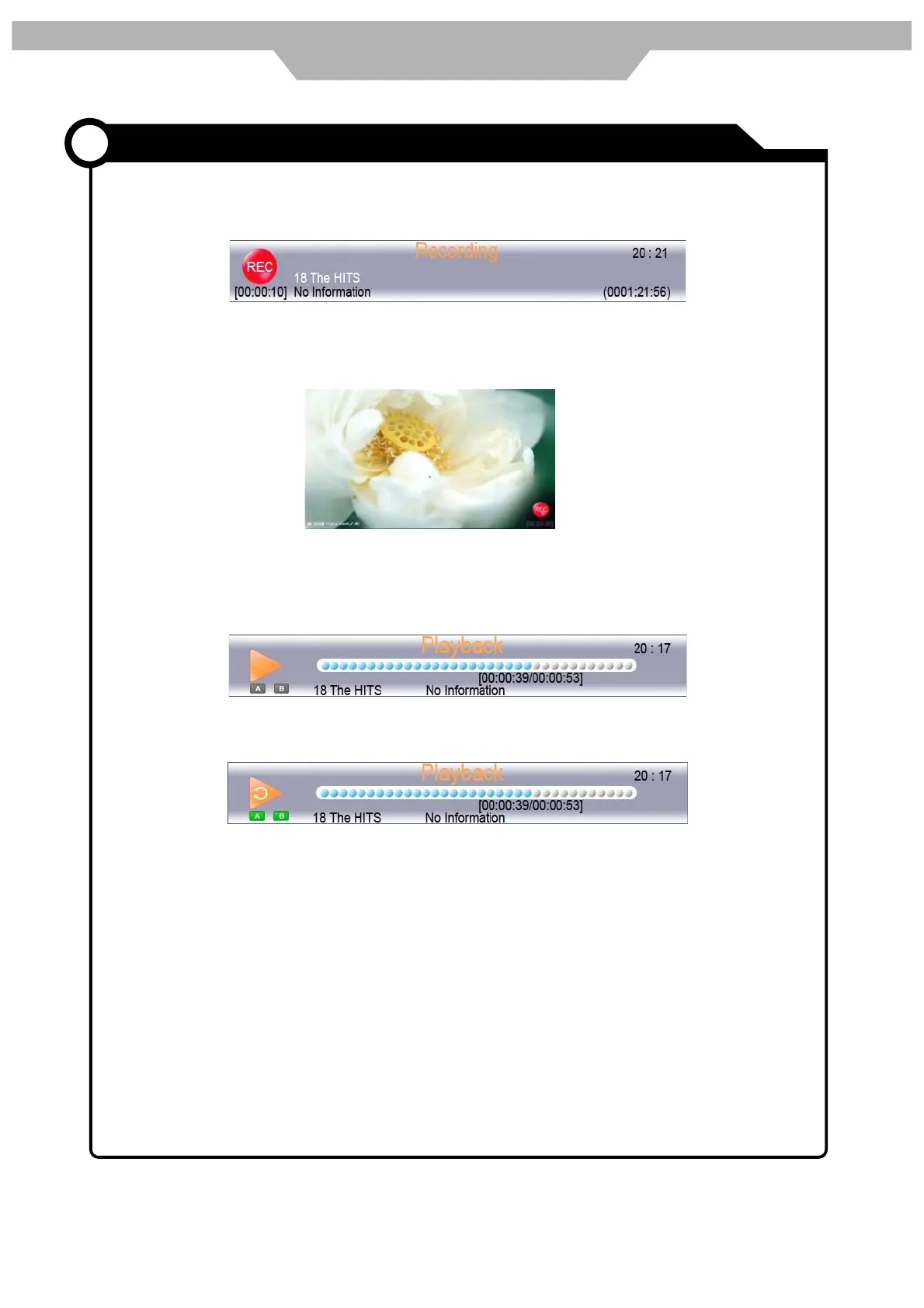
During the DTV playback , press <Record> button to start the recording. Below Menu
would appear:
Press <Record> button, switch to simple REC menu, press <Stop> button to exit
recording :
press < > button to play the file recorded:
press again the < > button to start AB repeat playback , press <stop> button
to exit playback
press <list> button to open the <Recorded list> menu:
PVR function


 To Next Page