23
Customizing the OPTION Settings
Application
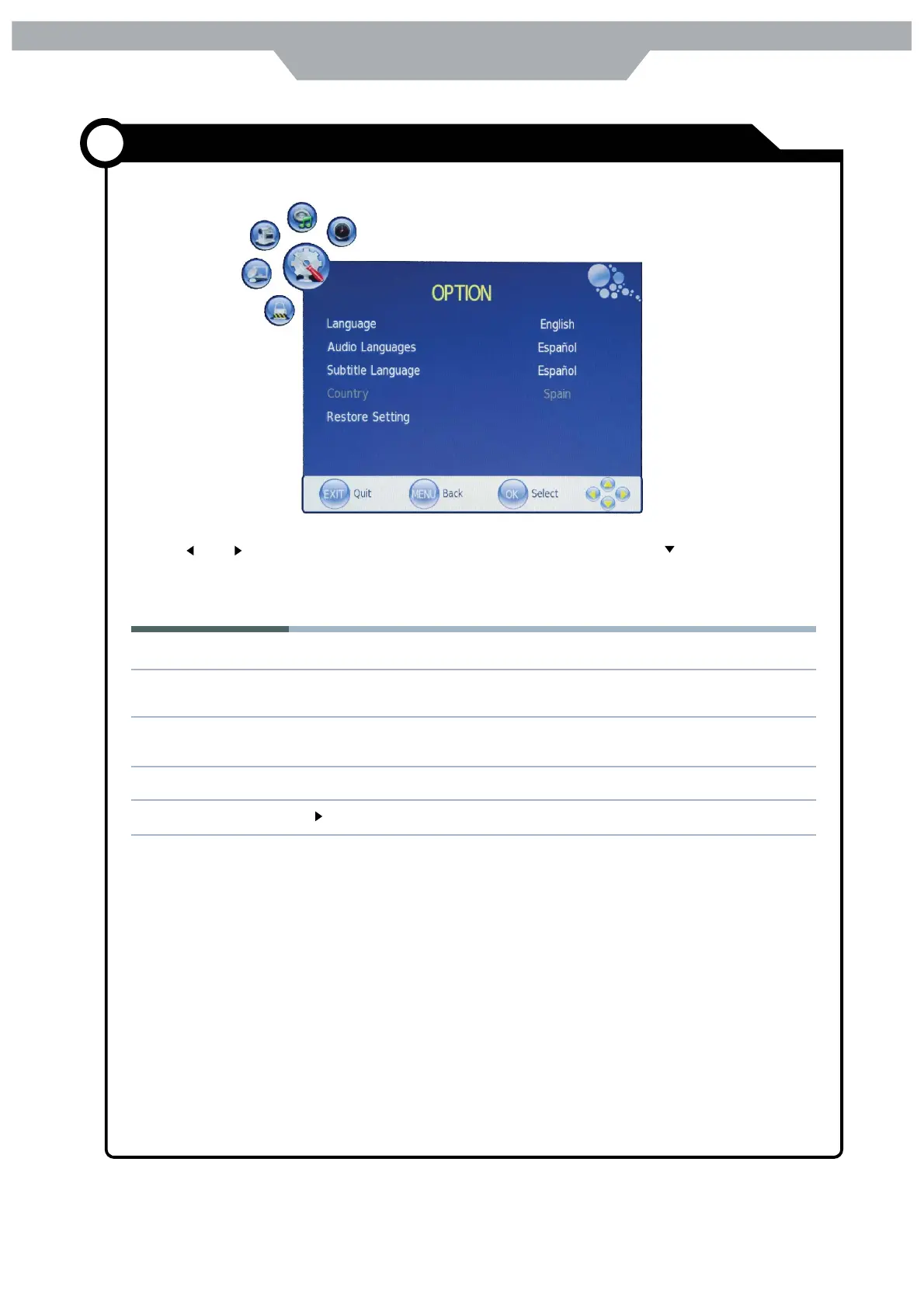
Use and buttons to select the OPTION menu( as the picture above ) , press button to enter
the menu .
The OPTION menu includes the following options :
Language : Allow you to select menu language.
Audio Languages ( Could be selected in TV mode )
Allow you to select audio language
Subtitle Language(Could be selected in TV mode)
Allow you to select subtitle language.
Country : Display the current Country , and you should select the Country when you want to auto tuning .
Restore Setting : Press button to restore factory default



 To Next Page